Need help?
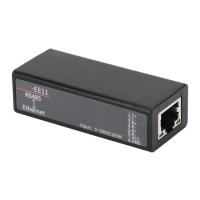
Do you have a question about the Hi-flying Elfin-EE11 and is the answer not in the manual?
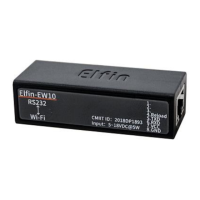
Describes the 8-pin connector for the Elfin-EE10 model.
Describes the 8-pin connector for the Elfin-EE11 model.
Details the RJ45 cable and its connection diagram.
Introduces SecureCRT as the serial tool and provides download information.
Explains how to configure serial port parameters like baud rate and parity.
Explains direct Ethernet connection using Auto-IP for local networks.
Details testing TCP server functionality in Auto IP mode.
Illustrates connecting the device via a router to the network.
Guides on performing a TCP server test with specific IP and port settings.
Provides a download link for the IOTService configuration software.
Offers links to application notes and manuals for additional information.


 To Next Page
 General