Need help?
Do you have a question about the Hi-flying Elfin-EW11 and is the answer not in the manual?
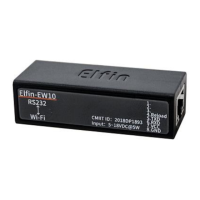
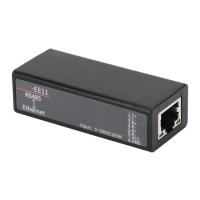
Details the 4-pin, 8-pin connectors for EW10/EW11, and the RJ45 cable included with the EVK.
Guide to downloading and using SecureCRT for serial communication setup.
Instructions for configuring serial port parameters like baud rate, data bits, and parity.
Steps to connect devices to the product's AP and establish network communication.
Procedure for testing the TCP server functionality when the device is in AP mode.
Steps to configure the device to connect to a router in STA mode.
Procedure for testing TCP server functionality in STA mode.
Lists IOTService configuration software and download links.
Provides information and download link for the Smartlink V8 mobile application.
Offers links to further application notes and industry product documentation.
 General
| Model | Elfin-EW11 |
|---|---|
| Wi-Fi Standard | 802.11b/g/n |
| Maximum Speed | 150Mbps |
| Wireless Protocol | 802.11 b/g/n |
| Frequency Range | 2.412GHz to 2.484GHz |
| Category | WiFi Module/Adapter |


 To Next Page