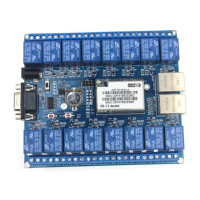
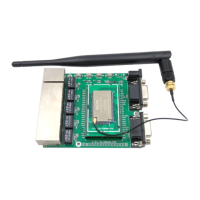
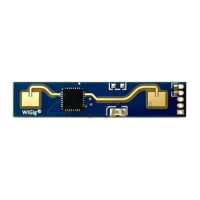
. Shenzhen Hi-Link Electronic Co., Ltd. Manual
Command list as below:
Serial port configuration
Submit configuration parameters
Restart the serial port service
Bluetooth connection status
8.1.1. Ver
8.1.2. Uart
Serial port configuration settings
at+uart=<baud>, <data>, <parity>, <stop>\r
Baud: Baud rate
Data: Data bit
Parity: Check Digit
Stop: Stop bit length
8.1.3. net_commit
at+net_commit=< Net_commit >\r
8.1.4. Reconn
Restart the serial port conversion service
0: invalid
1: Restart the serial port conversion service


 To Next Page
 Loading...