11
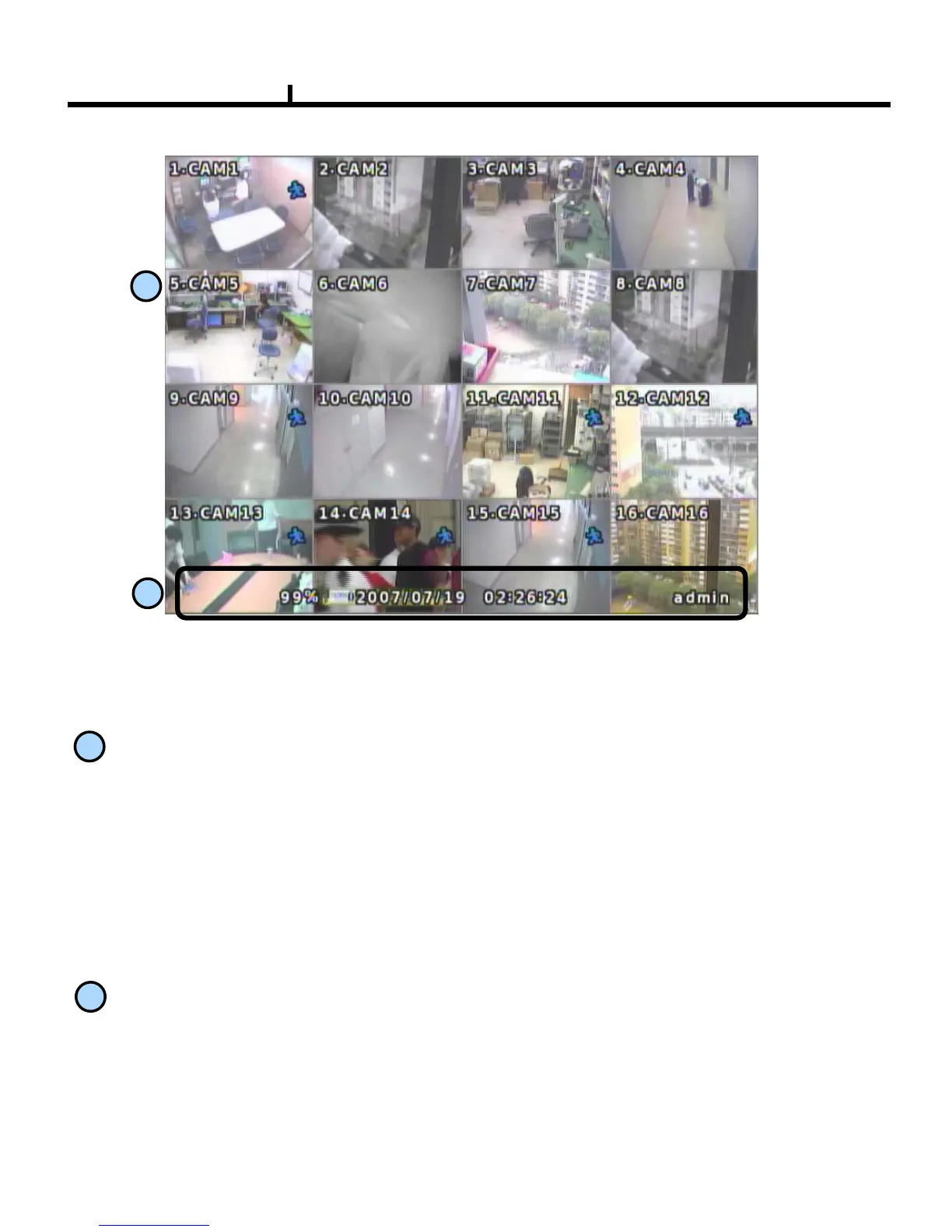
Monitoring screen : it monitors each channel.
<Screen Indication>
Upper-Left : Camera Name
P – Pan/tilt (PTZ dome control)
A – Audio
Upper-Right : Record mode (Blue-Normal, Red-Event)
Motion status
Central : Video Loss, Hidden Camera
Status Bar : DVR status Indication
(Backup, HDD usage, Current Time, SEQUENCE, FREEZE, Login info. etc)
1
2
1
2
Monitoring Screen



 To Next Page