75
8
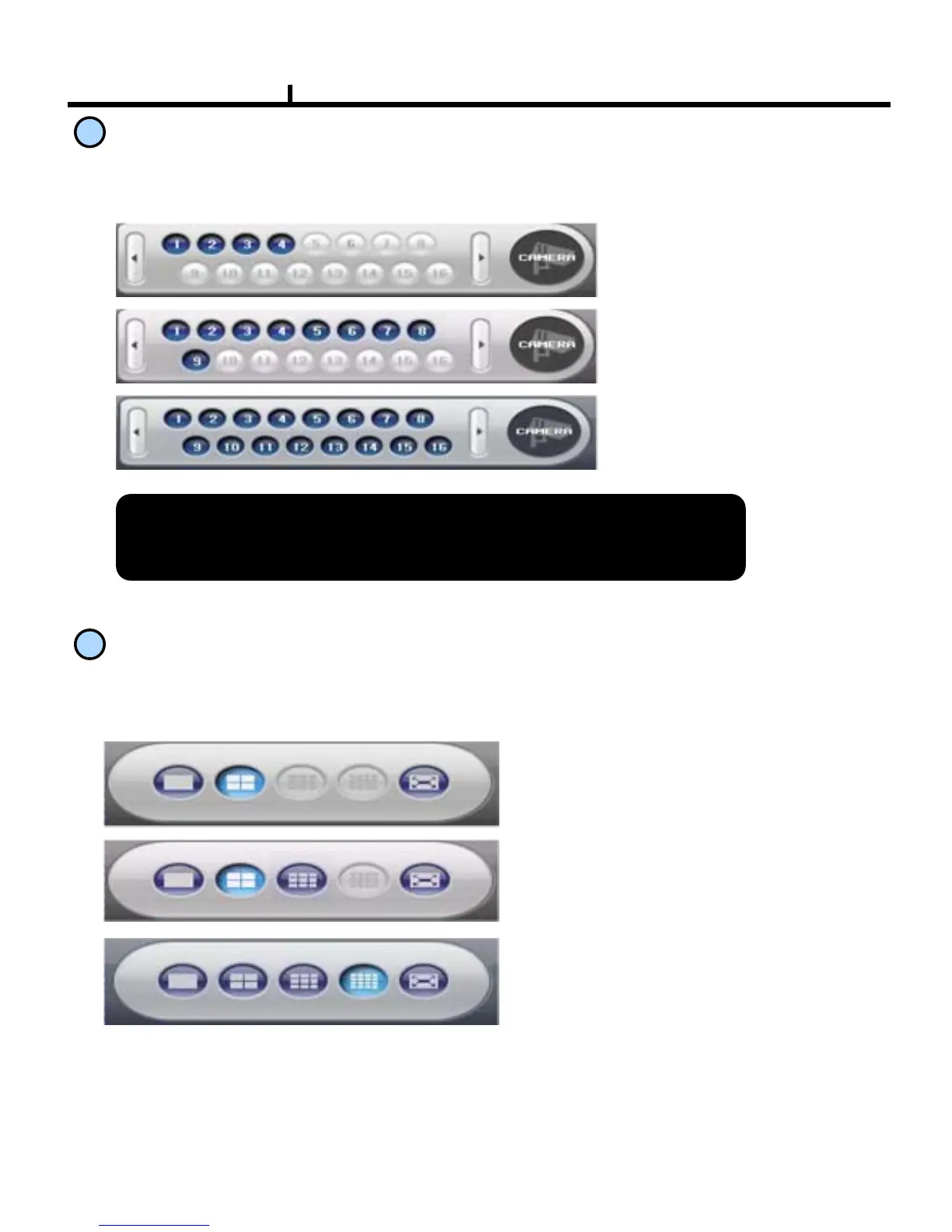
Channel Button
9
Selected channel with full screen display , it has the same function as double click the left
mouse button on the selected channel.
Layout Modify Button
Screen Division Button : Selects desirable screen division.
Full Screen : All buttons are hidden and the screen displays full.
※ Left double click of mouse returns to the previous screen from whole screen.
Type A -> CH 1~ 4 , other channels are not available
Type B -> CH 1~ 9 , other channels are not available
Type C -> CH 1~ 16 , all channels are available
<Type A >
<Type C >
<Type A : CH 1 ~ 4 >
<Type C : CH 1 ~ 16 >
<Type B : CH 1 ~ 9 >
<Type B >



 To Next Page