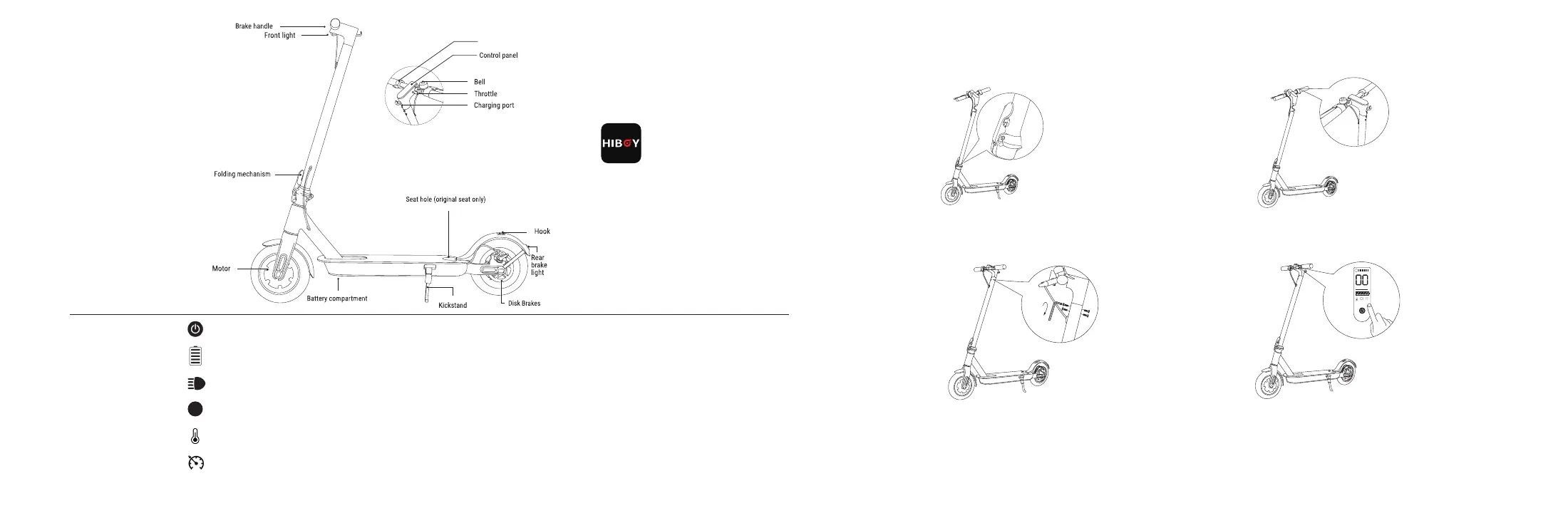
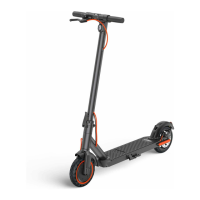
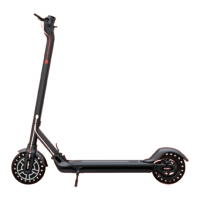
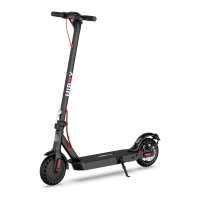
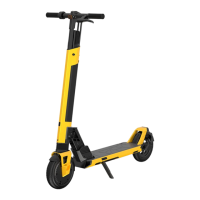
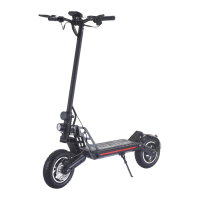
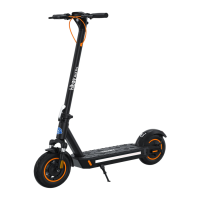
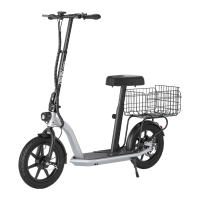
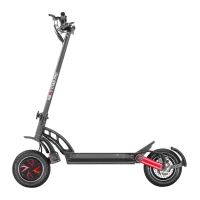
2. Product Overview
1. Unfold the stem and push it until you hear a click.
Then unfold the kickstand to support the scooter.
3. Screw four of the screws provided(two on each side)
with the provided Allen wrench.
4. Ensure your scooter powers on and off.
2. Slide the handlebar onto the stem.
Make sure it's right way round.
3. Assembly
Control Panel
Power Button
Battery Indicator
Light
Mode
Temperature
When the scooter is off, press the button to turn on the scooter; When the scooter is on, press and hold for five seconds to
turn off the scooter.
Download "Hiboy S2" form "App store"(iPhone) or
"Google Play"(Android), then connect to your scooter.
The power level is indicated by five power lights on the control panel.
When the scooter is on, one-tap will turn on/off the front light and side LED lights.
When the icon lights up, please pull over to the side of the road to cool down the scooter.
Double-tap to change the riding mode. Red indicates sports mode, and green light indicates comfort mode.
32
S
S
Mph Km/h
Cruise Control
When the icon lights up, you have activated cruise control.
Electric brake


 To Next Page