• Before operating your new oven make sure you read
and understand this Use and Care Guide completely.
• The clock can be disabled when the microwave is first
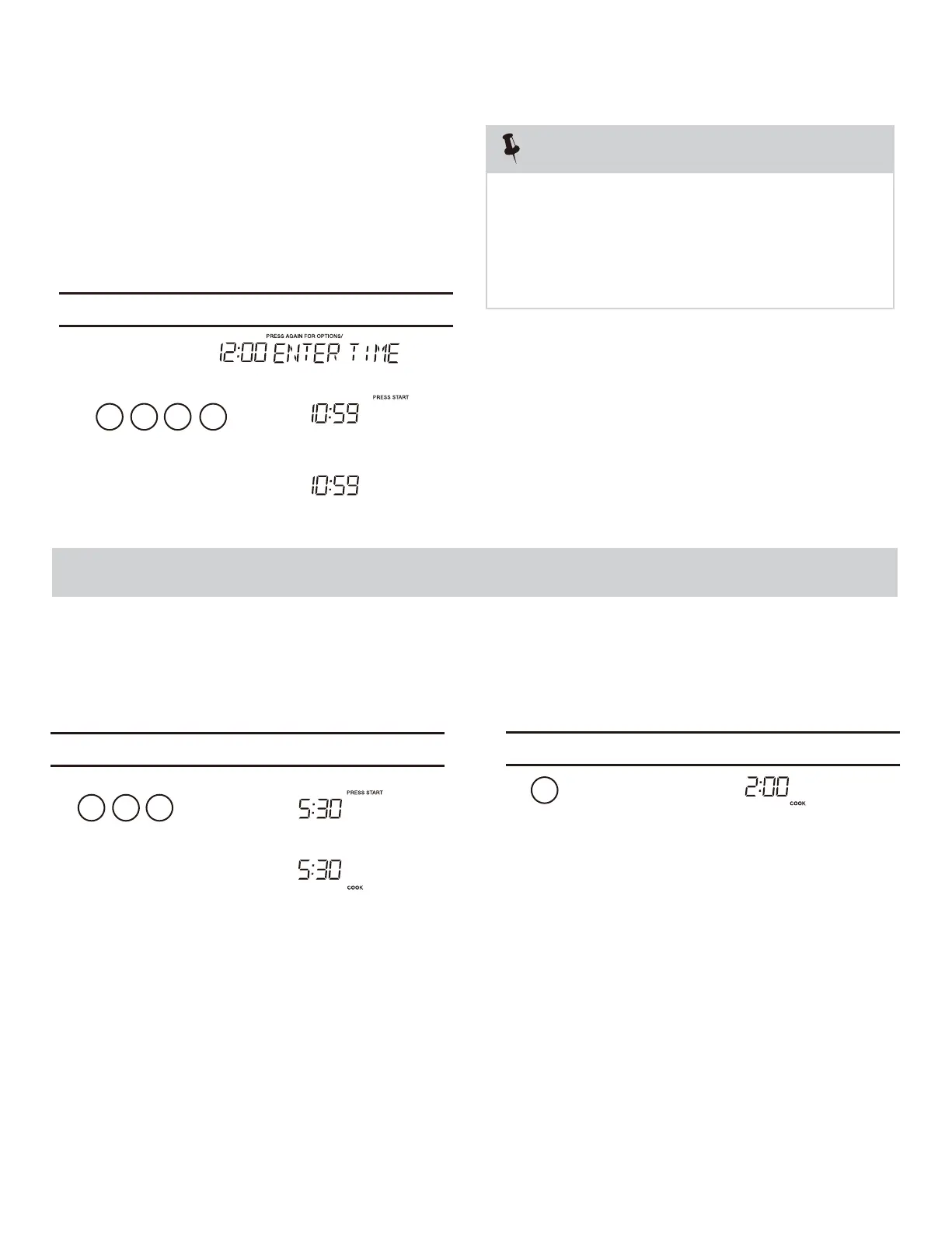
To Set the Clock
• Suppose you want to enter the correct time of day 10:59
NOTE
STOP clear
Press the to:
1. Erase if you make a mistake during programming.
Time Cooking
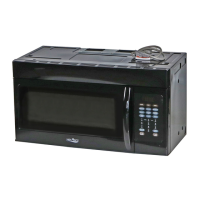
Your Over the Range Microwave Oven can be programmed
after the minutes, even if they are both zeros.
• Suppose you want to cook for 5 minutes, 30
MANUAL COOKING
for 99 minutes 99 seconds (99 :99). Always enter the seconds
4. Return the time of day to the display.
3. Stop the oven temporarily during cooking.
5. Cancel a program during cooking, press twice.
2. Cancel timer setting and the signal after cooking.
1 0
1.
2.
3.
5 9
k, the
display will show the last time of day set or a
correct time.
blank display if no time of day has been set.
the 8 is an invalid digit and cannot be entered.
Enter the
2. If you touch while setting the cloc
1. If you begin to enter in an incorrect time (e.g. 2:89)
Touch: Display Shows:
Time counting down
05 3
Time counting down
This is a time saving pad that will automatically
2
start cooking 2 seconds after selected. Numeric key
1, 2, or 3 can be touched for a 1 minute, 2 minute
You can stop the oven during a cycle by opening
the door. The oven stops heating and the fan turns
o
To restart cooking, close the door and Touch.
If you do not want to continue cooking, open the
door and touch
ff, but the light stays on.
or 3 minute automatic start cooking feature.
1.
seconds at 100% power,
Interrupting Cooking
Using One Touch Start
Touch: Display Shows:
Touch: Display Shows:
plugged in and the STOP key is selected.
To re-enable the clock foll w clock instructions.
1.
2.
o
START
+30Sec
STOP
Clear
STOP
Clear
STOP
Clear
User pref
enter
START
+30Sec
enter
START
+30Sec
enter



 To Next Page