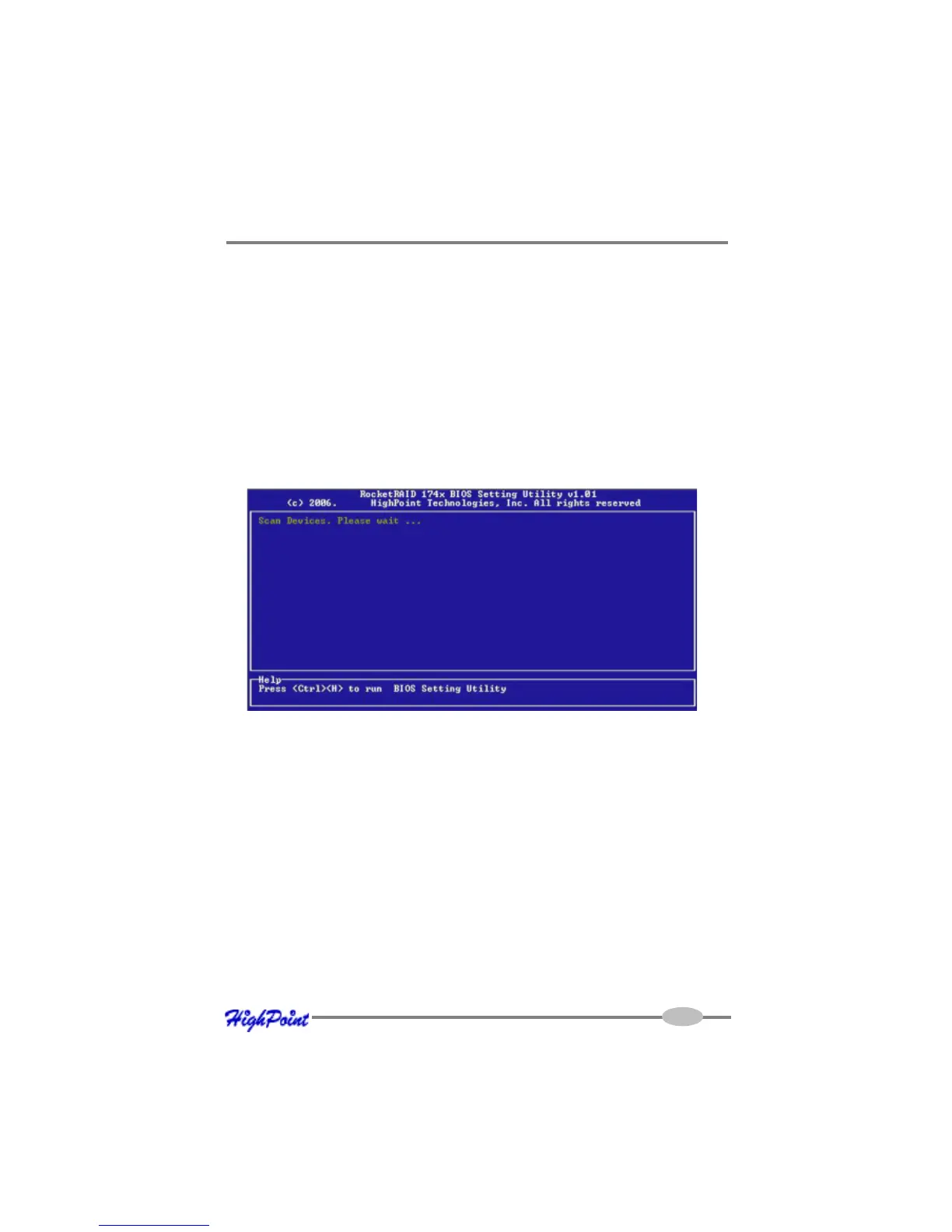
RocketRAID 174x BIOS Utility
The RocketRAID 174x’s BIOS Utility can be accessed using the “Ctrl+H” command.
This command should be displayed automatically when the RocketRAID 174x’s BIOS
screen appears during the system’s boot up procedure.
1 - BIOS Command Overview
The RocketRAID 174x BIOS Utility provides a wide selection of RAID related
commands. These commands are displayed towards the top of the utility’s interface.
Use the ← →arrow keys to scroll through the various commands, and the ↑ ↓
arrows to browse through the corresponding command menus. Use the ENTER key
to execute the selected command.
The ESC button can be used to cancel the selected command, or return to the previ-
ous command menu.
Create - this command is used to create RAID arrays. Section 2 discusses this
command in detail.
Delete - this command will delete the selected RAID array.
Warning: This command may result in permanent data loss - it should only be used
if data stored on the target array is no longer relevant, or has been backed up to an
alternate storage device.
RocketRAID 174x BIOS Utility
3-1



 To Next Page