RocketRAID 174x Driver and Software Installation
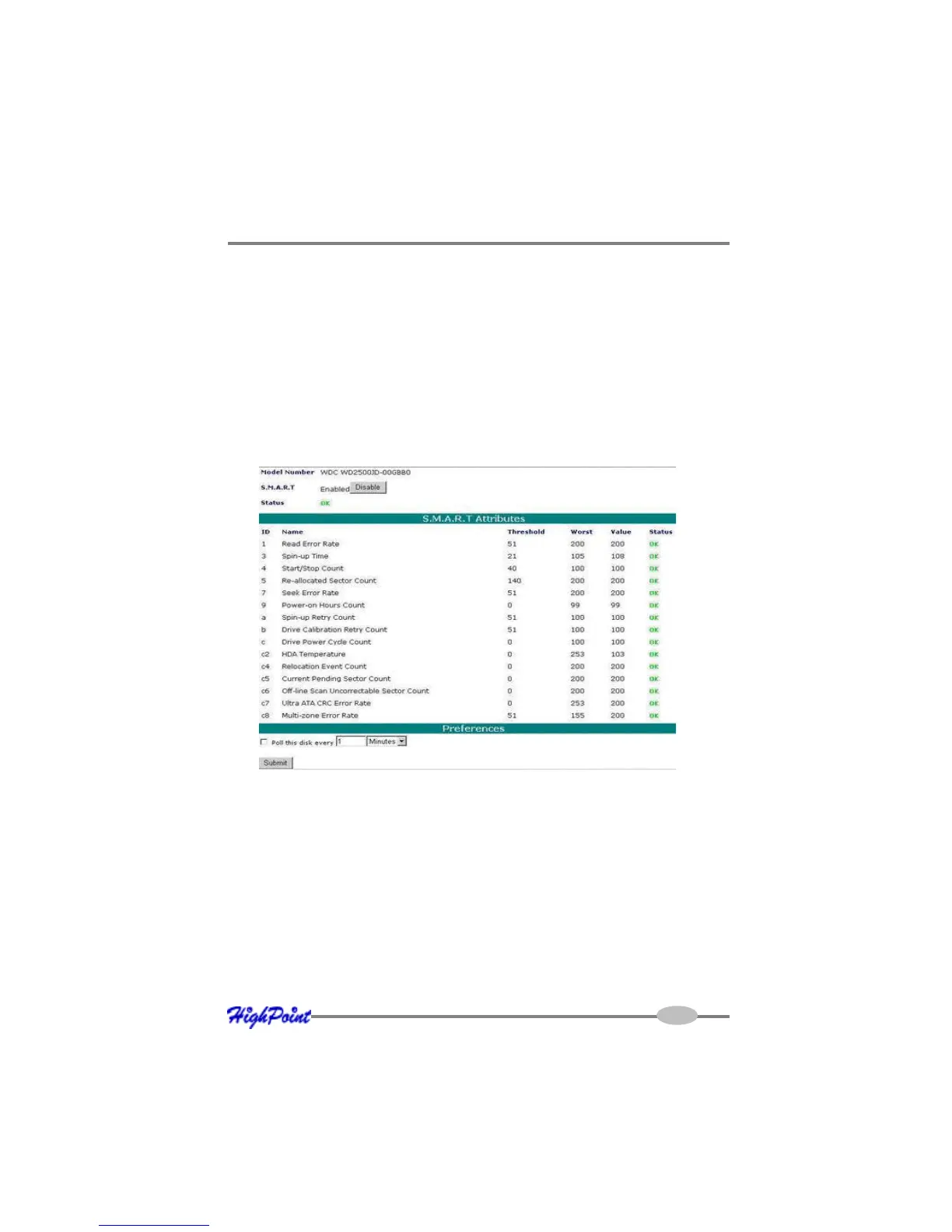
S.M.A.R.T Status
You can view S.M.A.R.T. (Self-Monitoring, Analysis, and Reporting Technology)
data about a particular hard disk to help troubleshoot problems that occur. You can
also setup periodically S.M.A.R.T. status checking to send notification messages
when S.M.A.R.T. thresholds are exceeded.
To view the S.M.A.R.T status of a hard disk:
1) Select “Manage | Device” from the menu.
2) Click the “SMART” link to display the S.M.A.R.T information page.
Note: S.M.A.R.T attribute data is drive-specific. The software includes a list of
definitions for popular drive models/manufacturers. Unknown S.M.A.R.T. attributes
will be shown as “unknown”. You can add the attribute definitions for your drive in
the file smart.def (which resides in the software installation directory).
Rescan Devices
When you physically add drives to the controller while the system is running, you
can rescan the controller to reflect the change.
4-11



 To Next Page