RocketRAID 174x Driver and Software Installation
Scheduling a Task
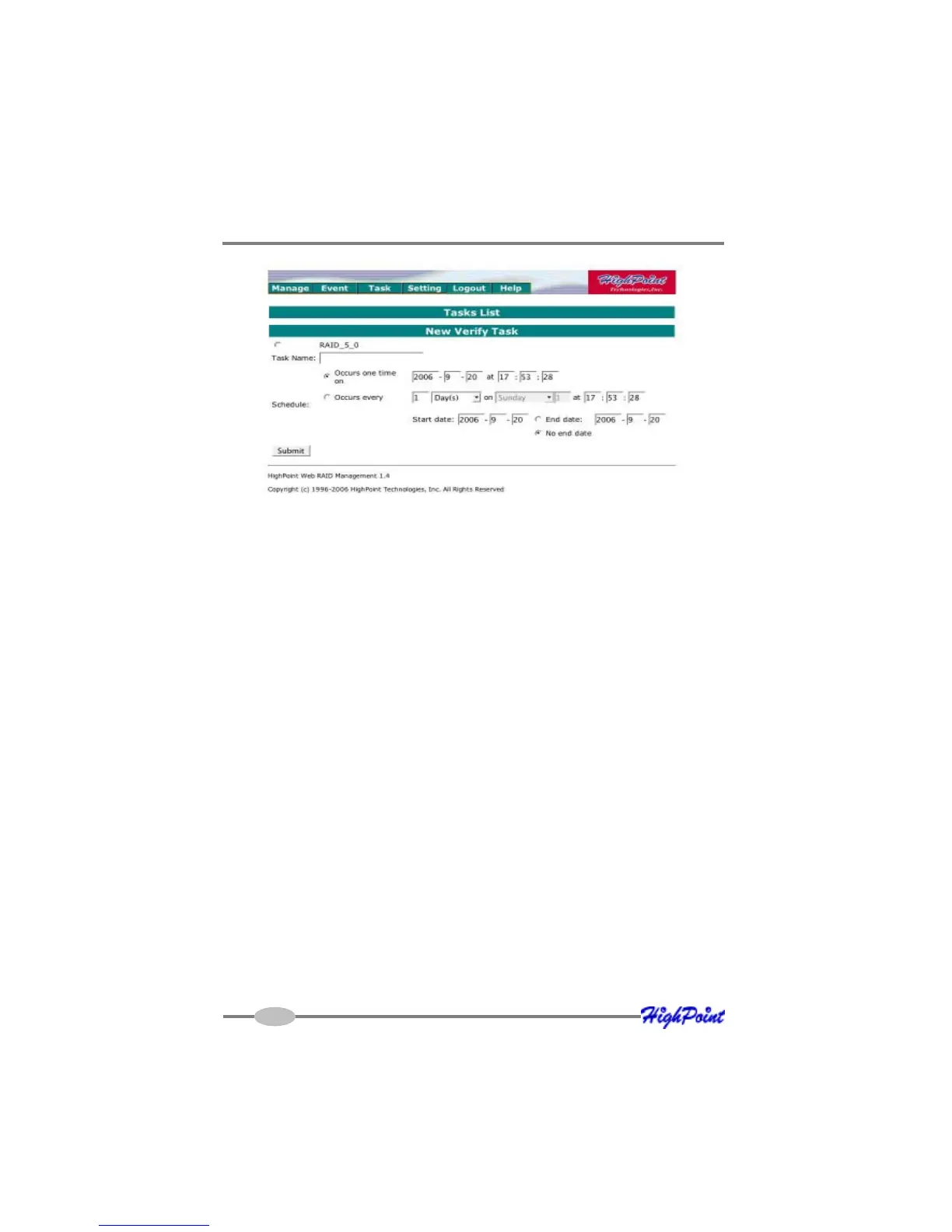
To add a task schedule:
1) Select the array that you want to verify or rebuild.
2) Enter a name for the task.
3) Configure the frequency for the task.
4) Check the Submit button.
Delete a Scheduled Task
To delete a task schedule:
1) Select a task from the Tasks List.
2) Click the Delete button.
4-14



 To Next Page