Linux Debian on RR640L/620L Installation Guide
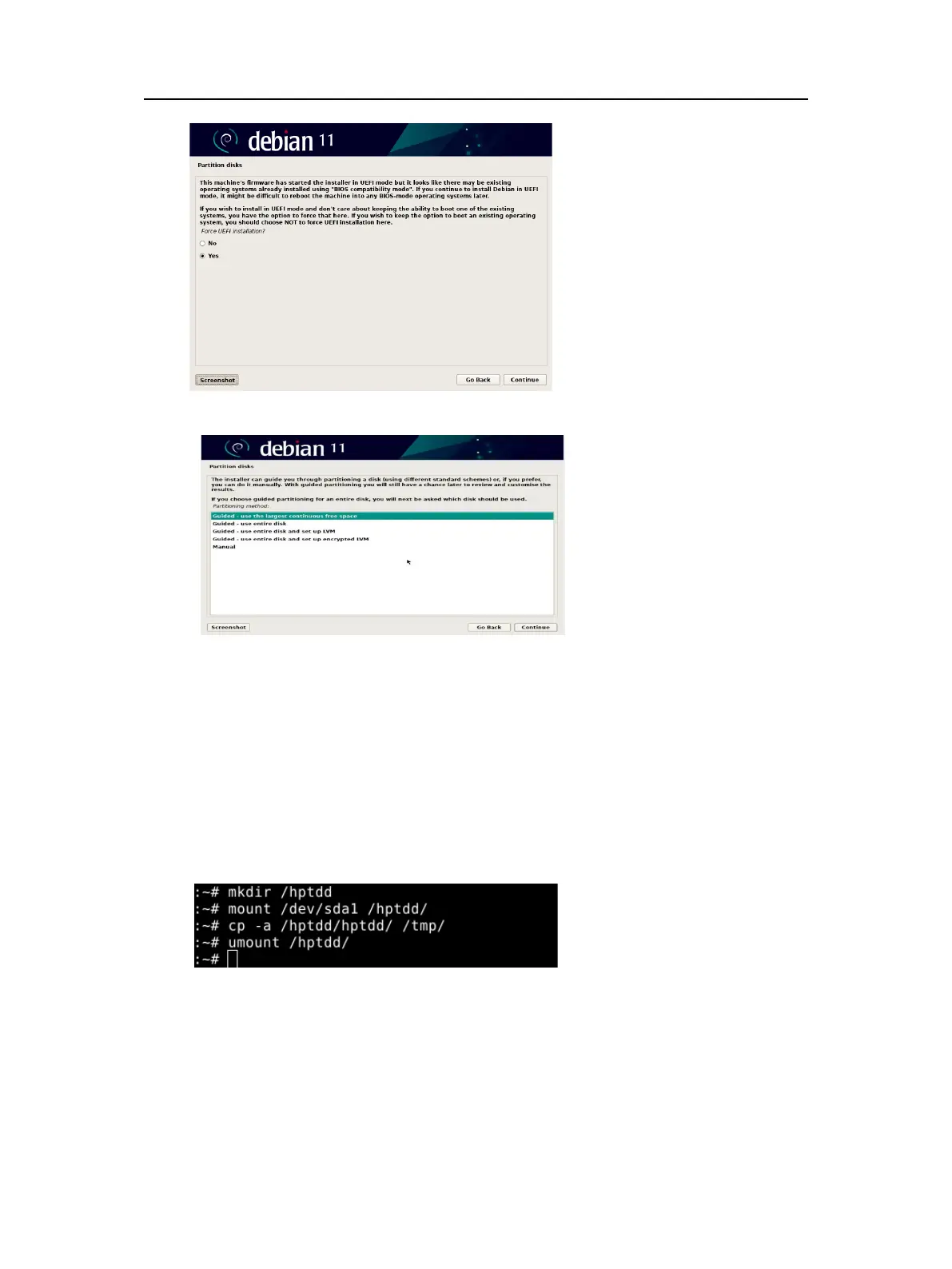
f. When the following window appears during the installation process,
Press "Ctrl+ALT+F2" to switch to the shell on console 2, and the then execute following
commands to copy the driver contents:
# mkdir /hptdd ← Create mount point for USB flash drive
# mount /dev/sda1 /hptdd/ ← Mount the USB flash drive to /hptdd
# cp -a /hptdd /tmp/ ← Copy driver installation file to system temporary
directory
# umount /hptdd ← Unmount the USB flash drive
When the USB flash drive is unmounted, please unplug the USB flash drive from the
mainboard. And then execute following command to install driver to install the Linux
Debian.
# sh /tmp/hptdd/preinst.sh ← Load driver.
- 6 -


 To Next Page