Linux Debian on RR640L/620L Installation Guide
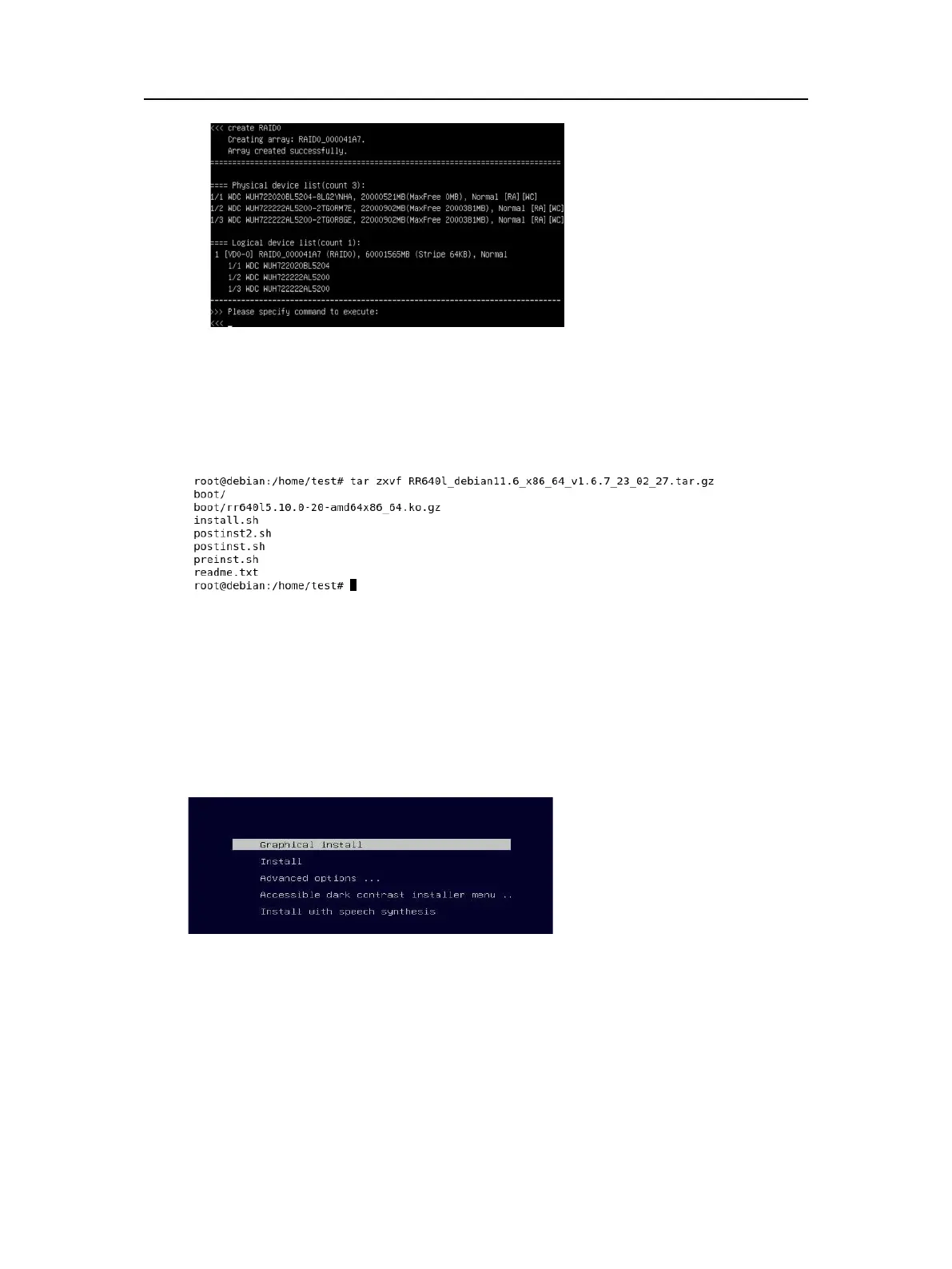
e. Command “exit”;
f. For more command usages, refer to Appendix A.
Step 5 Prepare the Driver Diskette
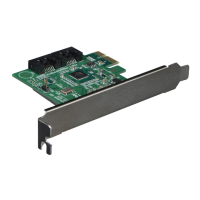
Extract RR640l_debian_11.6.0_x86_64_vx.x.x_xx_xx_xx.tar.gz to top (/) directory of an
USB flash drive. It will look like:
Step 6 Install Linux Debian
a. Before you do the following, verify the status of your network environment. To
ensure a proper installation, it is recommended to disconnect the network and install
the system in a network less environment.
b. Insert the Bootable USB drive to the target system.
c. Booting from Bootable USB drive (EFI mode).
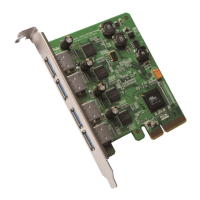
d. When the Installation screen appears, press ‘Graphical Install’ to start.
e. When the following window appears, if your motherboard is in UEFI mode, click YES
- 5 -


 To Next Page