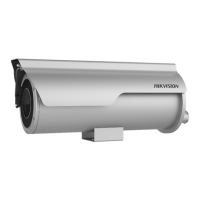
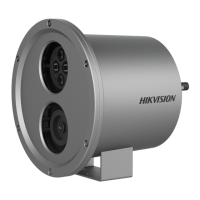
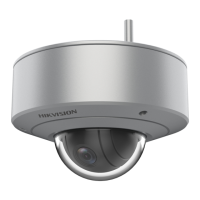
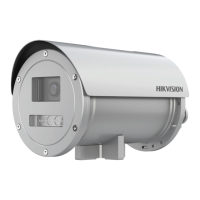
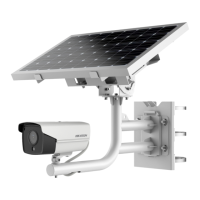
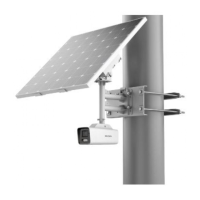
Network Mobile Camera·Quick Start Guide
Steps:
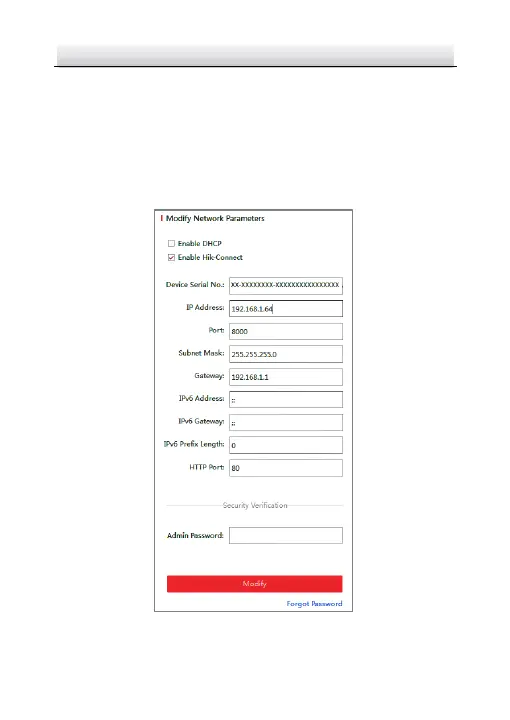
1. Run the SADP software.
2. Select an active device.
3. Change the device IP address to the same subnet with your
computer by either modifying the IP address manually or checking
the checkbox of Enable DHCP.
Modify the IP Address Figure 3-5



 To Next Page
 Loading...