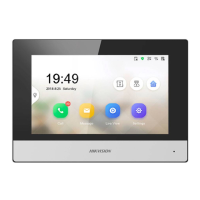
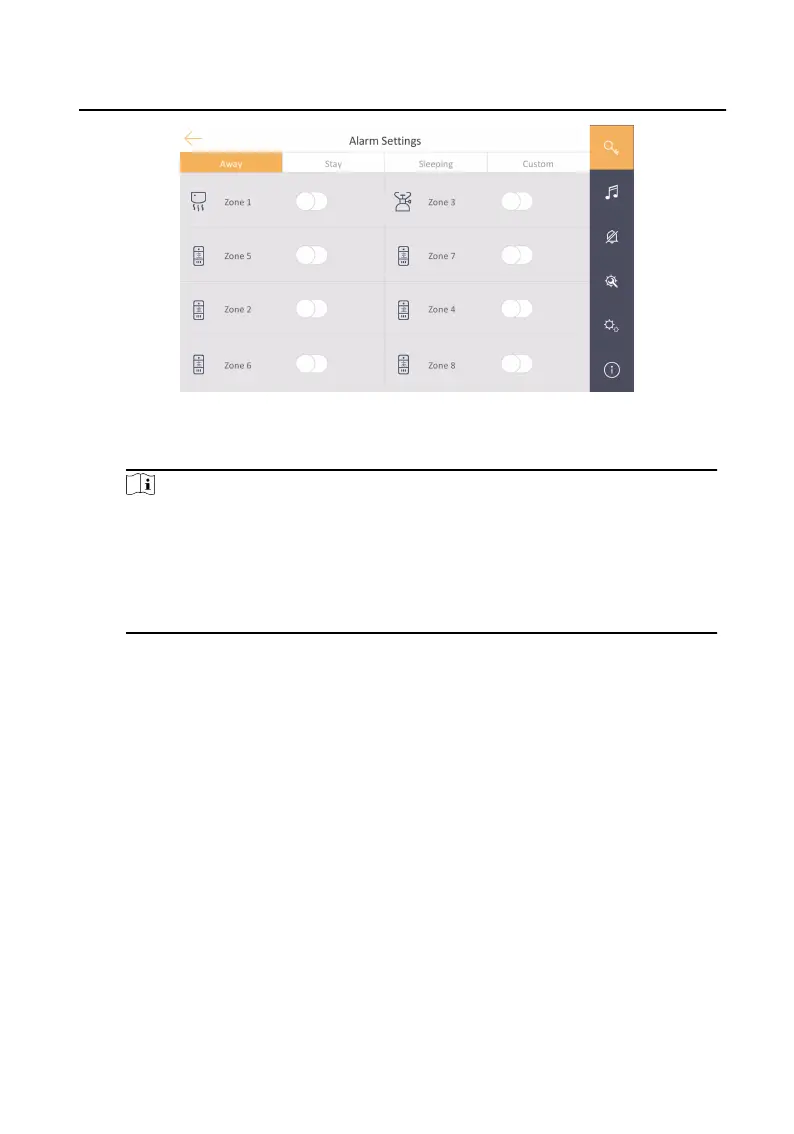
Figure 3-5 Arming Mode Sengs
3.
Arm the selected zone.
Note
•
Zones are congurable on the arming mode page.
•
24H alarm zone including smoke detector zone and gas detector zone will be
triggered even if they are disabled.
•
Arming mode sengs should be congured with the sengs of arming
status on the user page of the device.
3.5 Informaon Management
You can view public noce, visitor message, and alarm log on informaon
management page.
Tap Message to enter the
informaon management page. You can view the message
locally or that from mobile client. (Here takes the alarm log page as an example.)
Network Indoor
Staon Operaon Guide
10


 To Next Page
 Loading...