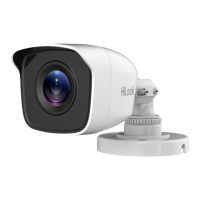
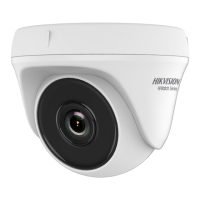
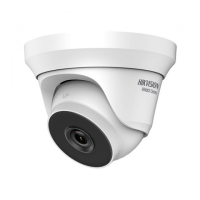
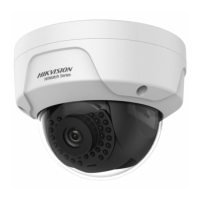
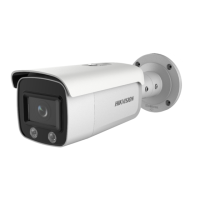
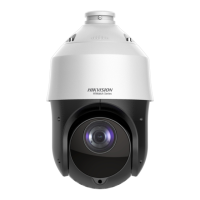
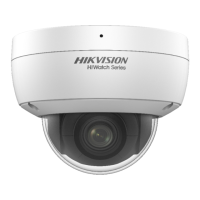
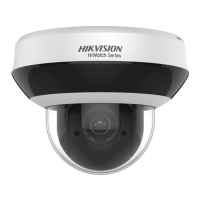
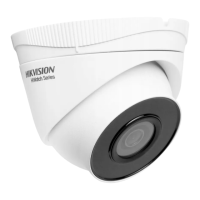
Figure 2-8 3-axis Adjustment
1). Rotate the enclosure to adjust the pan position
[0° to 360°].
2). Move the camera body up and down to adjust
the tilt position [0° to 75°].
3). Rotate the camera body to adjust the rotation
position [0° to 360°].
2.3 Installation of Type III Camera
Before you start:
Both wall mounting and ceiling mounting are suitable
for the dome camera. Ceiling mounting will be taken as
an example in this section. You can take steps of ceiling
mounting as a reference for wall mounting.
Steps:
1. Paste the drill template to the celling.
2. Drill screw holes and the cable hole (optional) on
the ceiling according to the supplied drill template.
Figure 2-9 The Drill Template
Note:
Drill the cable hole, when adopting the ceiling outlet
to route the cable.
3. Loosen the screws on the bubble of the dome
camera to remove the bubble and the black liner.
Figure 2-10 Disassemble the Camera
4. Attach the mounting base to the ceiling, and secure
them with supplied screws.



 To Next Page
 Loading...