UM DS-2CCx2D9T-xxxx 022520NA (UD02874B-A) 27
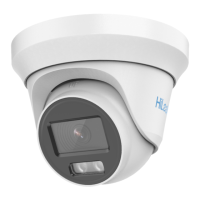
Figure 13, In-Ceiling Mounting Bracket
5. Route the cables through the cable hole.
6. Attach the type I camera back box/type II camera base plate to
the in-ceiling mounting bracket with the supplied screws.
The supplied screw package contains both self-tapping
screws and expansion bolts.
If the wall is concrete, expansion bolts are required to fix
the camera. If the wall is wood, self-tapping screws are
required.
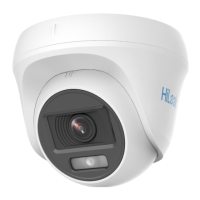
Figure 14, Affix Camera to Mount
7. Repeat steps 6 to 9 of
2.1.1 Ceiling Mounting
section to complete
the installation.


 To Next Page
 Loading...