UM DS-2CCx2D9T-xxxx 022520NA (UD02874B-A) 36
2.4. Type V Camera Installation
2.4.1. Ceiling Mounting
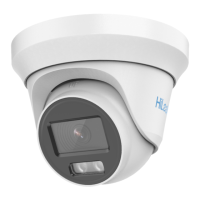
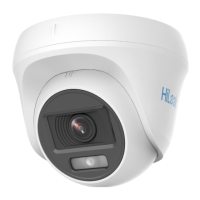
1. Disassemble the turret camera by rotating the camera to align
the notch to one of the marks, as shown below.
Figure 25, Disassemble the Camera
2. Remove the mounting base from the camera body with a flat
object, e.g., a coin.
3. Attach the drill template (supplied) where you want to install the
camera, and then drill the screw holes and the cable hole
(optional) on the ceiling according to the drill template.
Cable hole is required if using ceiling outlet to route the
cable.


 To Next Page
 Loading...