UM DS-2CCx2D9T-xxxx 022520NA (UD02874B-A) 38
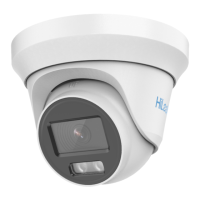
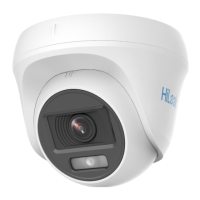
Figure 28, Secure Camera with Mounting Base
7. Power on the camera to check that the image on the monitor is
at an optimum angle. If not, adjust the camera according to the
figure below to get an optimum angle.
1). Hold the camera body and rotate the enclosure to adjust the
pan position [0° to 360°].
2). Move the camera body up and down to adjust the tilt
position [0° to 75°].
3). Rotate the camera body to adjust the rotation position [0° to
360°].
Figure 29, 3-Axis Adjustment


 To Next Page
 Loading...