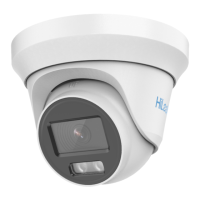
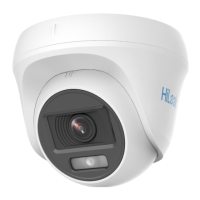
UM DS-2CCx2D9T-xxxx 022520NA (UD02874B-A) 40
camera to the junction box.
2.4.3. Wall Mounting
You need to purchase a wall mounting bracket
separately if you use wall mounting.
1. Drill four screw holes in the wall according to the bracket holes.
2. Attach the bracket to the wall by aligning the bracket’s four
screw holes with expansion screws on the wall.
3. Secure the bracket with four hex nuts and washers.
Figure 32, Install Wall Mounting Bracket
4. Refer to step 2 of the
2.3.1 Ceiling Mounting
section to remove
the turret camera’s mounting base.
5. Install the mounting base of the turret camera to the wall
mounting bracket, and secure it with supplied screws.


 To Next Page
 Loading...