- 13 -
10 CN6 IR&KEY
11 AV2 AV
12 CNA3 LVDS
13 CNB801 SPEAKER
14 CNB1 Power input
15 XL MiniLvds1 TCON on board
16 XR MiniLvds2 TCON on board
Board Boards function difference(modify) Suitable TV
PB732
complex board(main board part、 power board )
Side terminals and back terminals
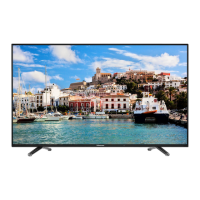
32E5606EX TCON part not integrated
in main board
PB753
complex board(main board part、 power
board,TCON board ) Side terminals and
back terminals
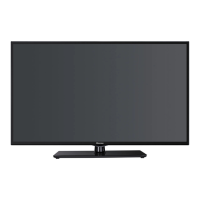
40E5606EX TCON part not integrated
in main board
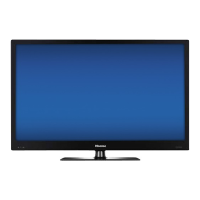
43E5606EX TCON part integrated in
main board.
3. Factory/Service OSD Menu and Adjustment
3.1 How to get into the Factory OSD Menu
. With user’s remote control
1. TV Power on,choose input and into CHAANLE, HDMI or AV.
2. call out “Setting menu” with “menu function ” button on remote control
3. Select—TV options> Advanced options ,input 1->9->6->9 in sequence. Note: If
necessary, re-enter number keys.
4. Factory OSD appears.


 To Next Page