10
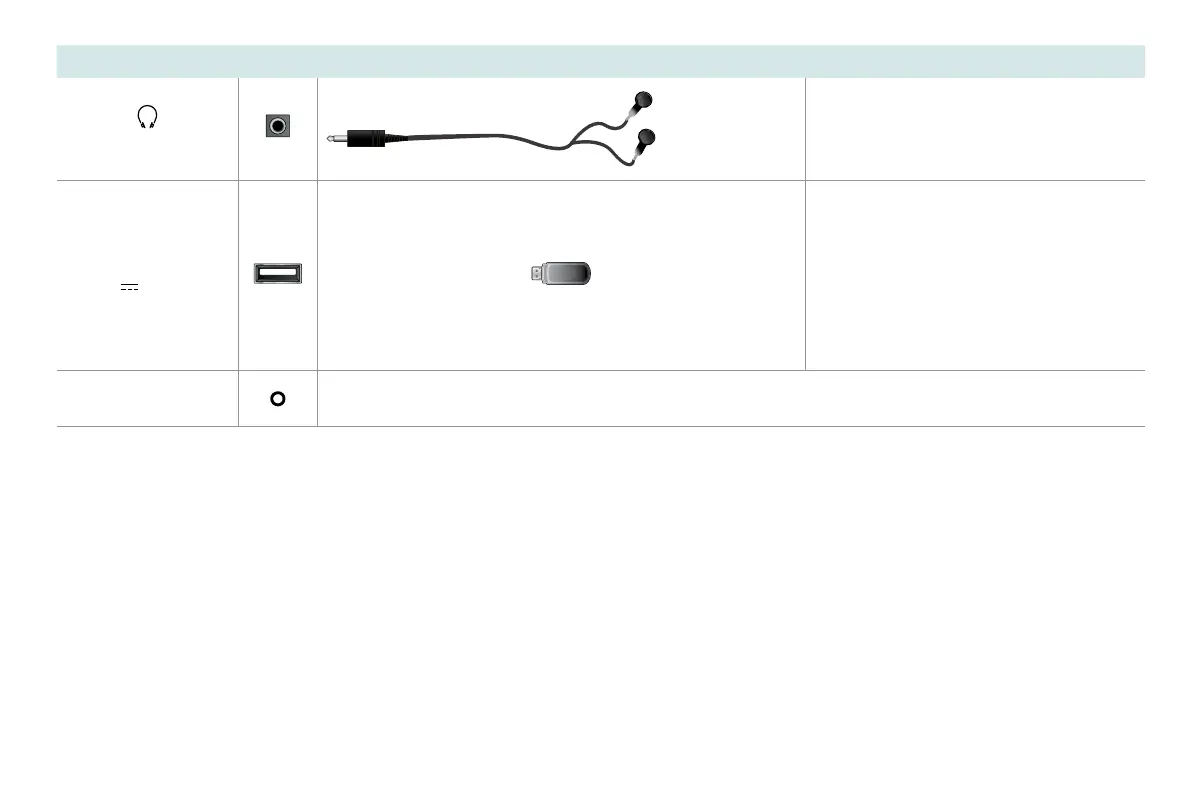
TV label Port Cable External Equipment Brief Description
HEADPHONE
Connect headphone (sold separately) for
audio out of the TV.
USB
DC 5V
0.5A(MAX)
Connect a USB memory stick to enjoy its
photos, music, and movies, or to enable
Live TV Pause. Live TV Pause is only
available on the Antenna input of your
Roku TV and requires a dedicated USB
2.0 compatible ash drive with at least
16GB of storage. Live TV Pause requires
connecting to the Roku service.
RESET
Restart or factory reset your TV.


 To Next Page