5
Buttons of remote control
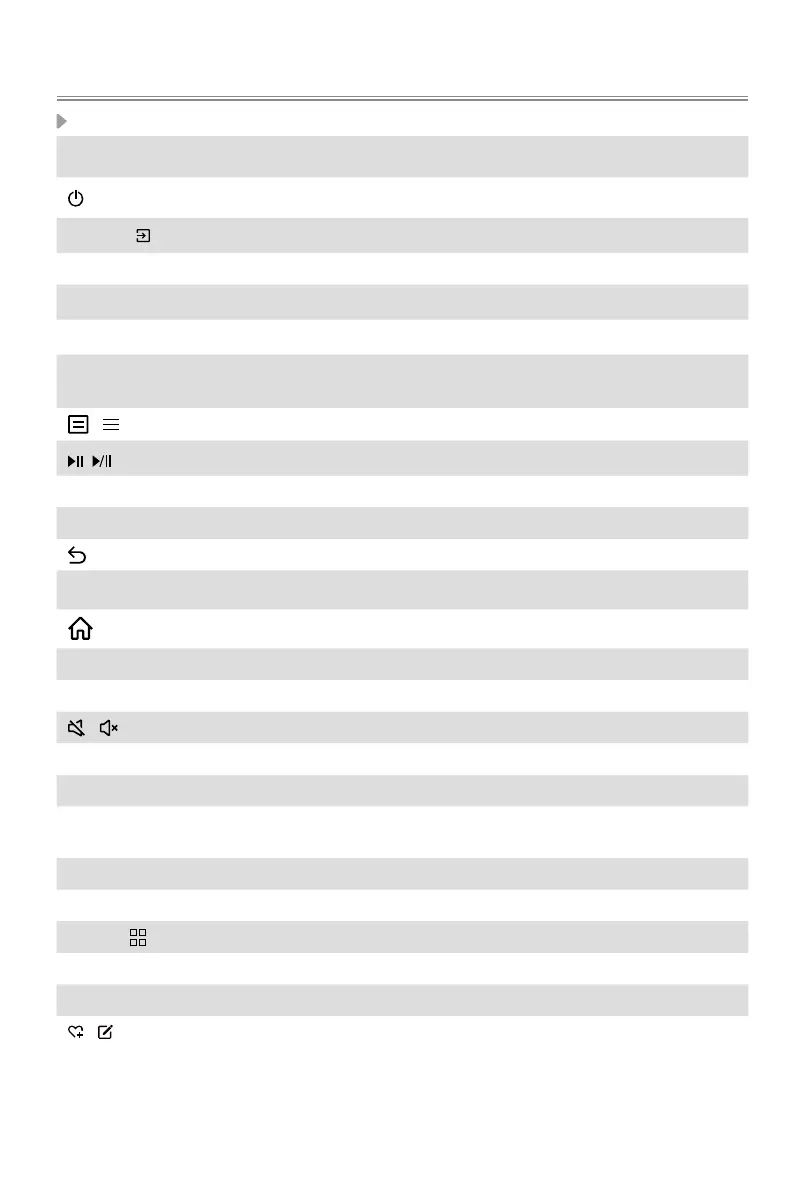
BUTTON DESCRIPTION
Power on/ Standby
INPUT /
Select input sources
Number button Select a channel or input numbers
GUIDE
Display the Electronic Program Guide (DTV mode)
CH.LIST Display the Channel List on the screen
Red/Green/
Yellow/Blue buttons
Special function buttons
/ Press to enter Menu
Playpad keys
˄
/
˅
/
˂
/
˃ D-pad (up/down/left/right navigation buttons)
OK Conrmation button
Under the Menu or App, return to the previous place
EXIT Exit the menu or exit the application
Display the Home screen
VOL Volume (up/down)
CH Channel (up/down)
/ Mute and restore sound
TXT/TEXT Turn on/off the teletext function
INFO Display the current program information
AUDIO ONLY
When you select this option, the screen will not display the
picture
SUBTITLE Activate or deactivate the subtitle mode
MEDIA Enter the MEDIA
APPS
/
Fast access to app store
APP Quick access buttons to APP
BROWSER Enter into BROWSER
/ Custom button to launch input or apps quickly
NOTE: Buttons listed here are for reference only. Actual remote control may vary
depending on model, country/region.
Remote Control



 To Next Page