10
Basic Features
8. Input Source.
Press [▲/
▲
] to select the TV signal source.
Input Source
Next
6. Input Source
1. Press the [CH
V
/V] (or [CH +/-]) on the TV/remote control
to change the channel.
2. Press the [VOL
V
/V] (or [VOL +/-]) on the TV/remote
control to adjust the volume.
3. Press the numeric buttons on the remote control to
display the corresponding channels.
Changing Channels / Volume
NOTE
Changing the channels can also be achieved by directly
entering the channel number using the numeric keys on
the remote control. If you are entering a two or three digit
channel number, the time between key presses should be
less than 3 seconds.
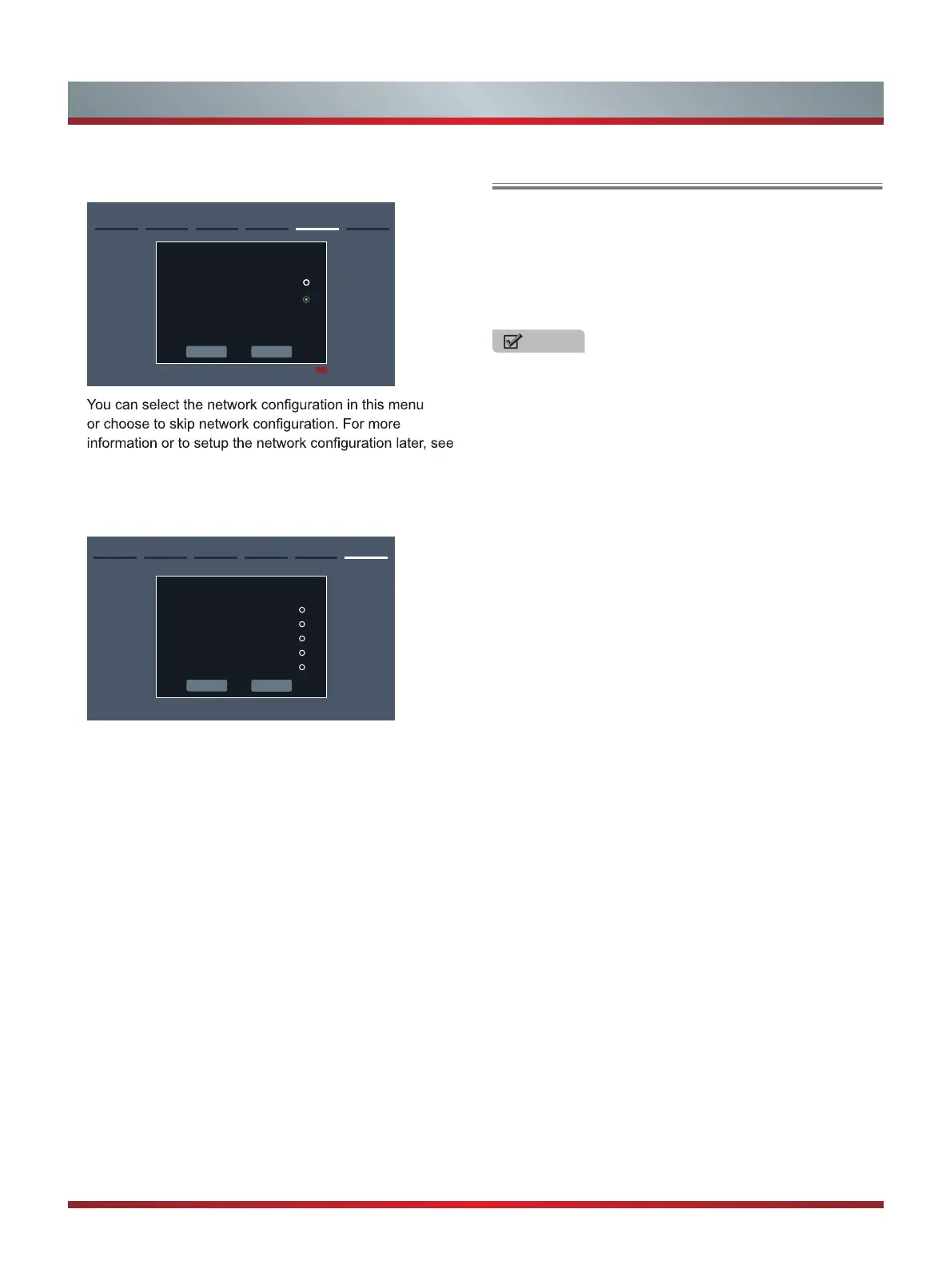
7. Select Network : Connect your TV to access the
network.
Previous Next
5.Network Next: Channel Search
Select Access Point
Auto Scan
Manual Input
Manually input the configurations of
Access Point in your wireless network
Press [RED] to skip
“Network Connection” and “Network Setup”.
AV
Component
HDMI1
HDMI2
TV
Previous
Note: If you use an antenna to receive channels, then
you must complete the first-time setup menu in order to
run a channel scan.
Choose from one of the following sources below and then
move to the next screen.
• TV
• AV
• Component
• HDMI1
• HDMI2
• HiMedia
Congratulations! You have completed the setup menu.
Press the [OK] on your remote to select [GO] if you are
okay with the selections that appear on the screen.
Otherwise, navigate to the [Previous] button on the screen to
change your selection.



 To Next Page