9
Making Connections
Wireless setup
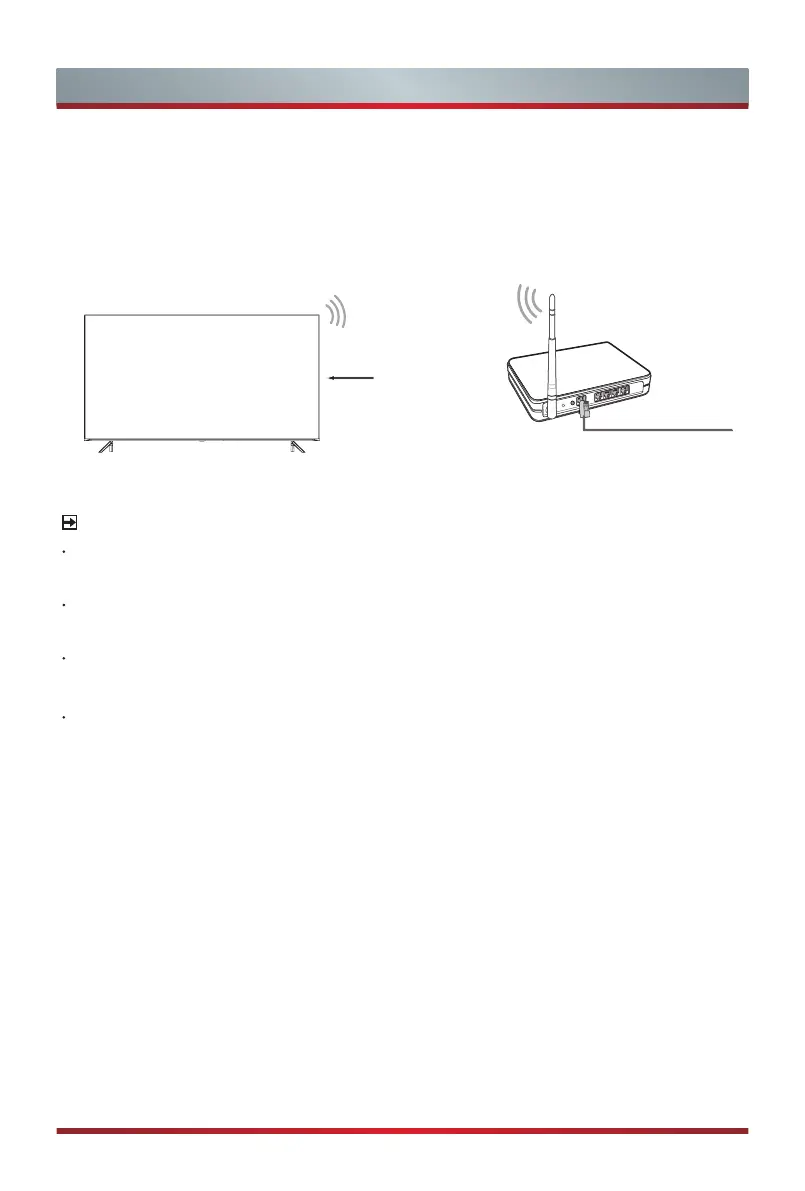
Connect your TV to your wireless network, you need a wireless router or modem.
See the illustration below.
·
The TV’s built-in Wireless LAN Adapter supports the IEEE 802.11 b/g/n
communication protocols.
Wireless router with DHCP
LAN Cable
Wireless LAN Adapter
built-in TV set
NOTES
You must use the built-in Wireless LAN Adapter to use a wireless network because
the set doesn’t support external USB network adapter.
If the wireless router supports DHCP, your TV can connect more easily to the
wireless network.
If you apply a security system which is not listed below, it will not work with the TV.
Security system : WPA, WEP, WPA2.
In order to guarantee smooth network, the distance between router and TV should be
less than 10 meters.



 To Next Page