- 12 -
English
Android Pairing
(Please make sure that the smartphone has been connected to the Internet through
a wireless router)
After logging in the account,
the user can click “Add device”
or click the upper right corner
“+” to add smart home
appliances. Then select the
appliance type you want to pair.
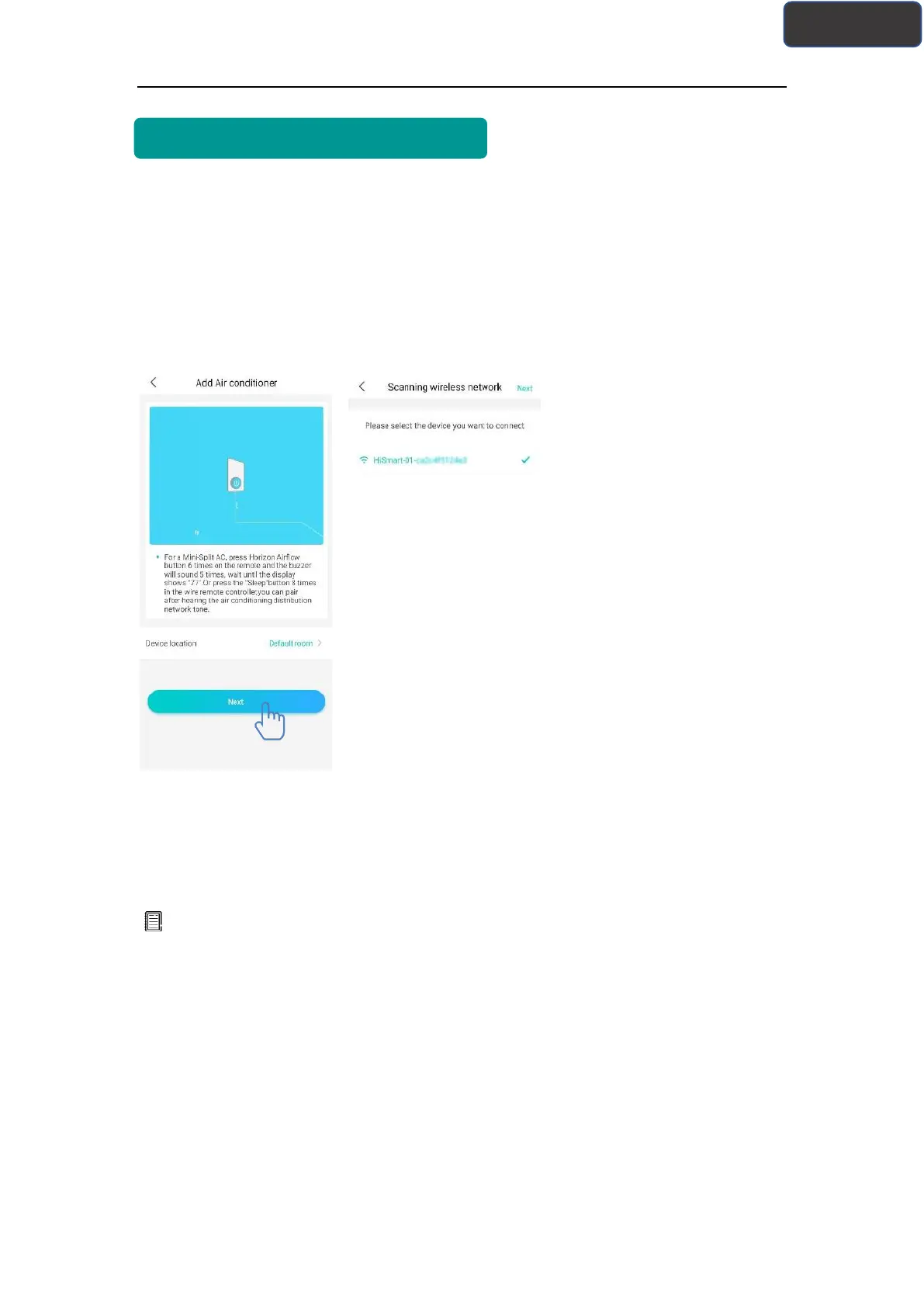
The left picture is preparation
interface, user follows the tips
to make settings. Then select
“Next”. Step 1: in the right
picture select the network
which contain "HiSmart-xx-
xxxx" in the name, then click
Next in the upper right corner.
Tips:
The app will ask you “Apply for permission HiSmart Life?” Please select “OK”. And also
ask you “Allow HiSmart Life to access this device’s location?” Please select “Allow”.



 To Next Page