- 14 -
English
Instructions for General Functions
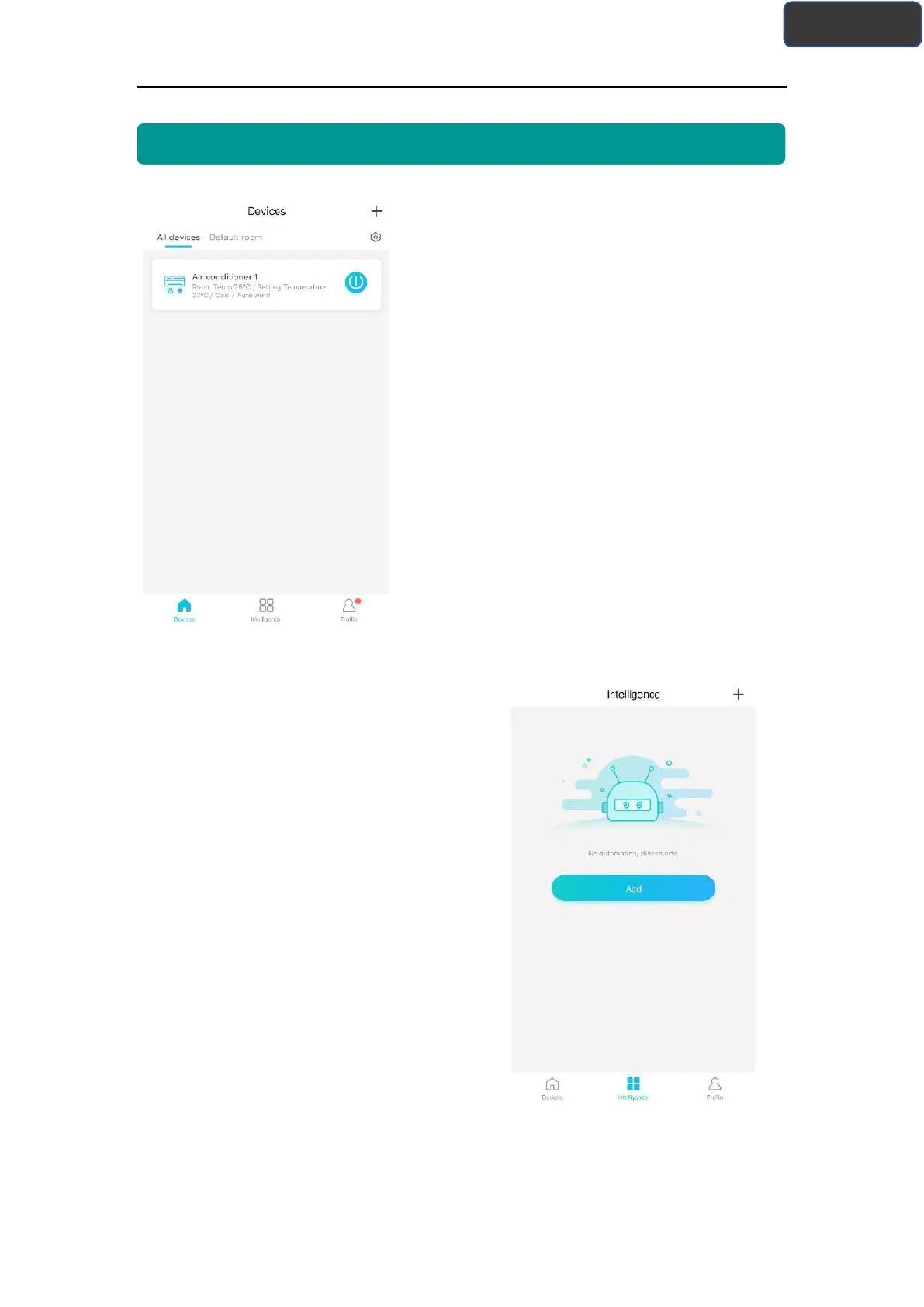
There are three parts in the bottom of main interface.
The first one is “Device”, in this part, it shows all
devices and the device is in which room. User can
click the device into the device control interface.
Users can also manage rooms, including creating
rooms and managing rooms.
The second one is “Intelligence”, in this part,
users can make some advanced settings, such as
favorite settings, timer and scene linkage.
Users can click “Add” or the upper right corner “+” to create Intelligence settings. In
the below, firstly, users need to give the intelligence setting a name and select an icon
for it. Secondly, set conditions and results separately. There are three conditions:



 To Next Page