5
Phone Basics
Use the information in this section to get to know your phone better
Your phone at a glance
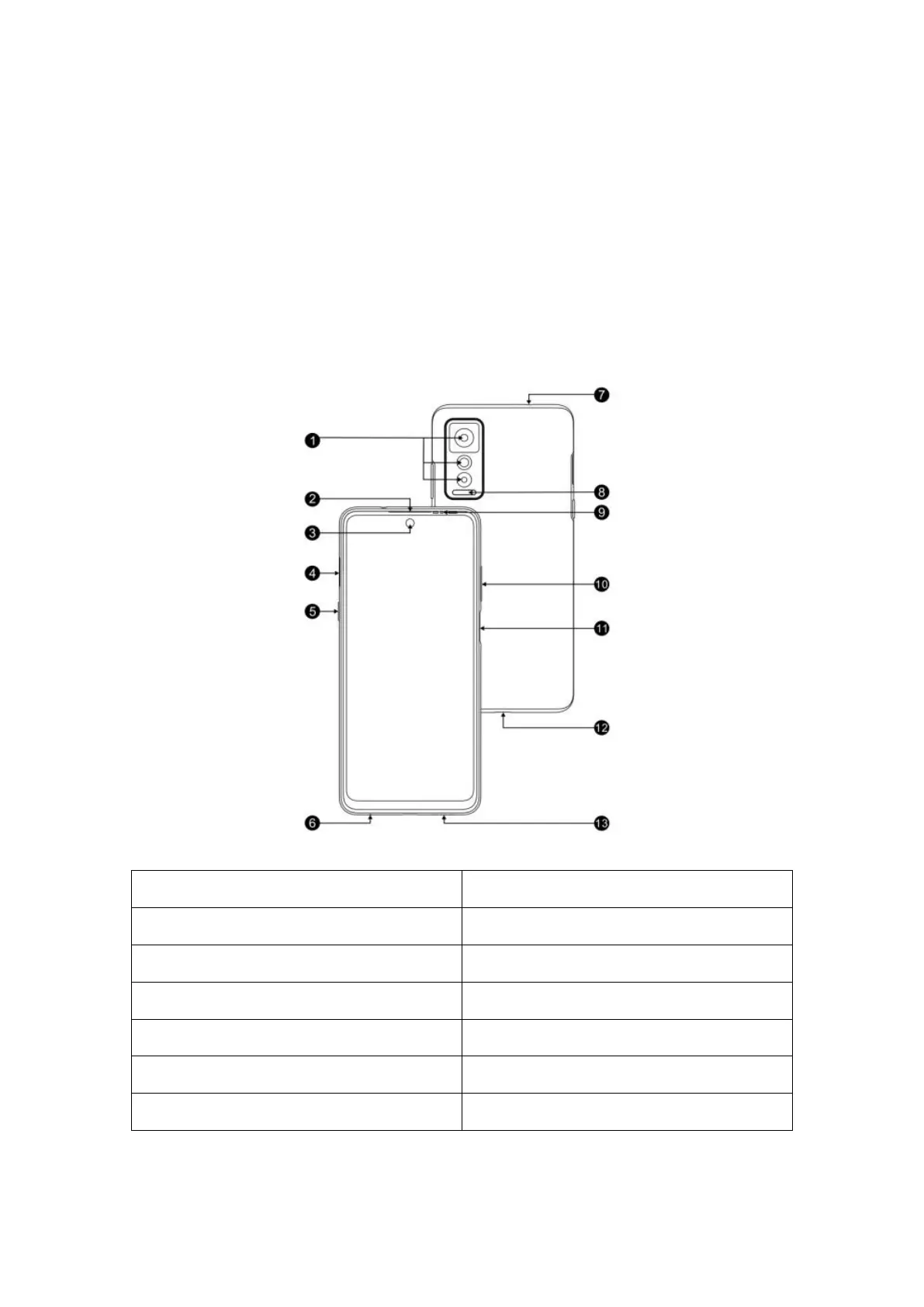
Get to know your phone with the following figure and legend.
1.Rear camera 8.Flash lamp
2.Receiver 9.Ambient light
3.Front camera 10.Volume button
4.Card slot 11.Power button/Fingerprint
5.AI button 12.USB port
6.Microphone 13.Loudspeaker
7.Headset socket
FCCID:2ADOBHLTE236E



 To Next Page