2
WELCOME TO THE HISENSE FAMILY!
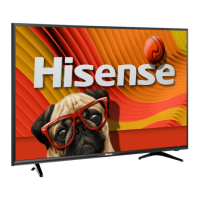
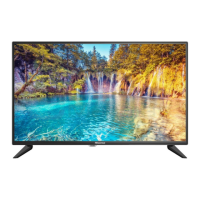
Congratulations on the purchase of your new Hisense Roku TV H4 Series! This Quick Start Guide will walk you
through a few easy steps to set up your TV.
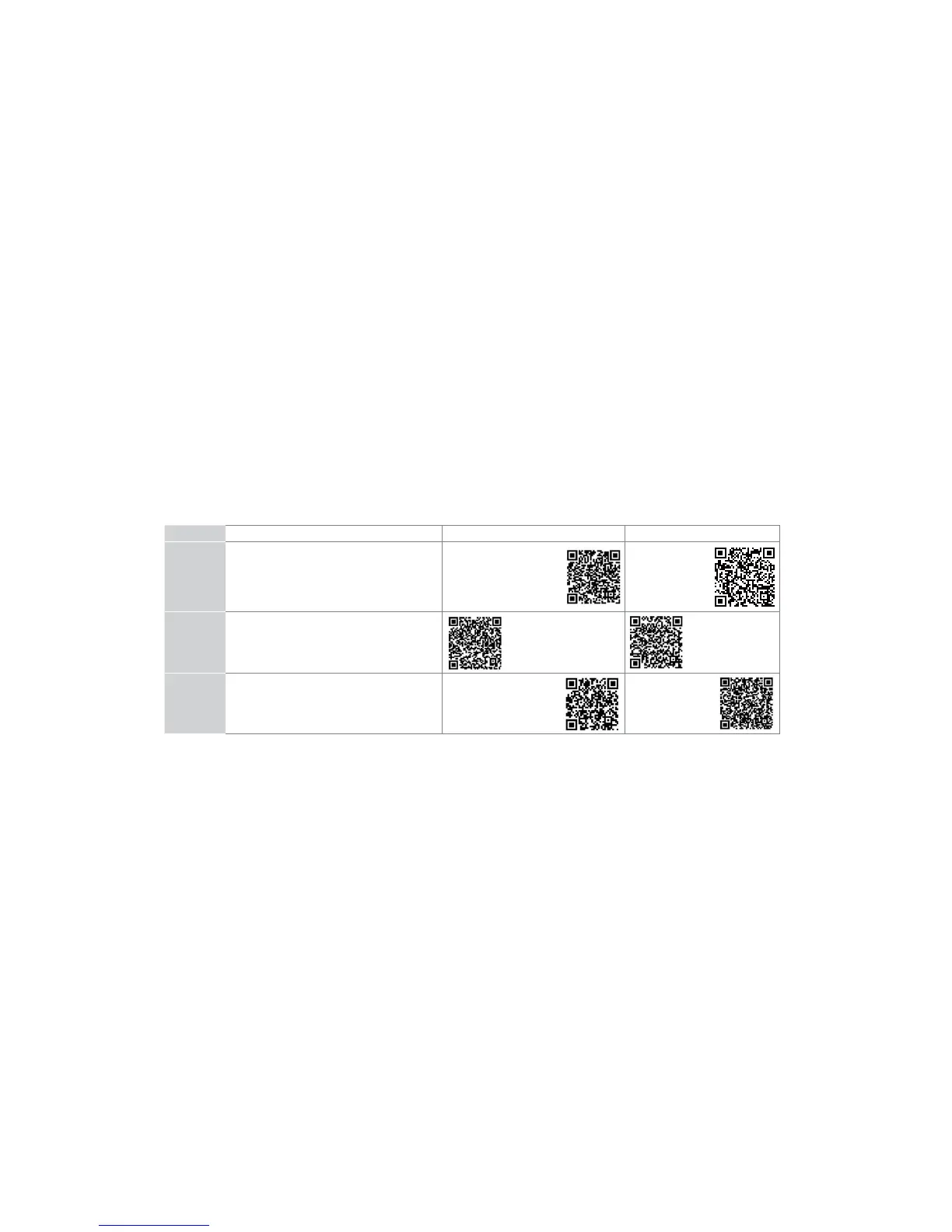
Because we value your business, we want to keep you in the know of 'all things Hisense'. Using your mobile phone, scan the Registration page QR code
to register your TV. Depending on the make and model of your phone, you may need to download a QR code scanning app.
Country
Customer Care Center Hisense Support Page REGISTER YOUR TV
U.S.A
Phone: 1-888-935-8880
Hours of Operation:
Monday - Friday: 9 AM to 9 PM EST
Saturday - Sunday: 9 AM to 6 PM EST
Service Email: Service@hisense-usa.com
http://www.hisense-usa.com/
support/
http://www.hisense-
usa.com/support/
register
CANADA
Phone: 1-855-344-7367
Hours of Operation:
Monday - Friday: 8 AM to 8 PM EST
Service Email: canadasupport@hisense.com
http://www.hisense-canada.
com/support/
http://www.hisense-
canada.com/support/
productReg.asp
MEXICO
Phone: 01-800-008 8880
Hours of Operation: Monday - Friday 9:00-18:00
Service Email: servicio@hisense.com.mx
http://www.hisense.com.mx/
support/
*Scan to download user manual
http://www.hisense.
com.mx/support/
productReg.asp
Disclaimer: This Quick Start Guide is intended as a general guideline to help you set up your Hisense Roku TV.
Images throughout this document are for illustrative purposes only and may differ from the actual product.


 To Next Page
 Loading...