STANDBY
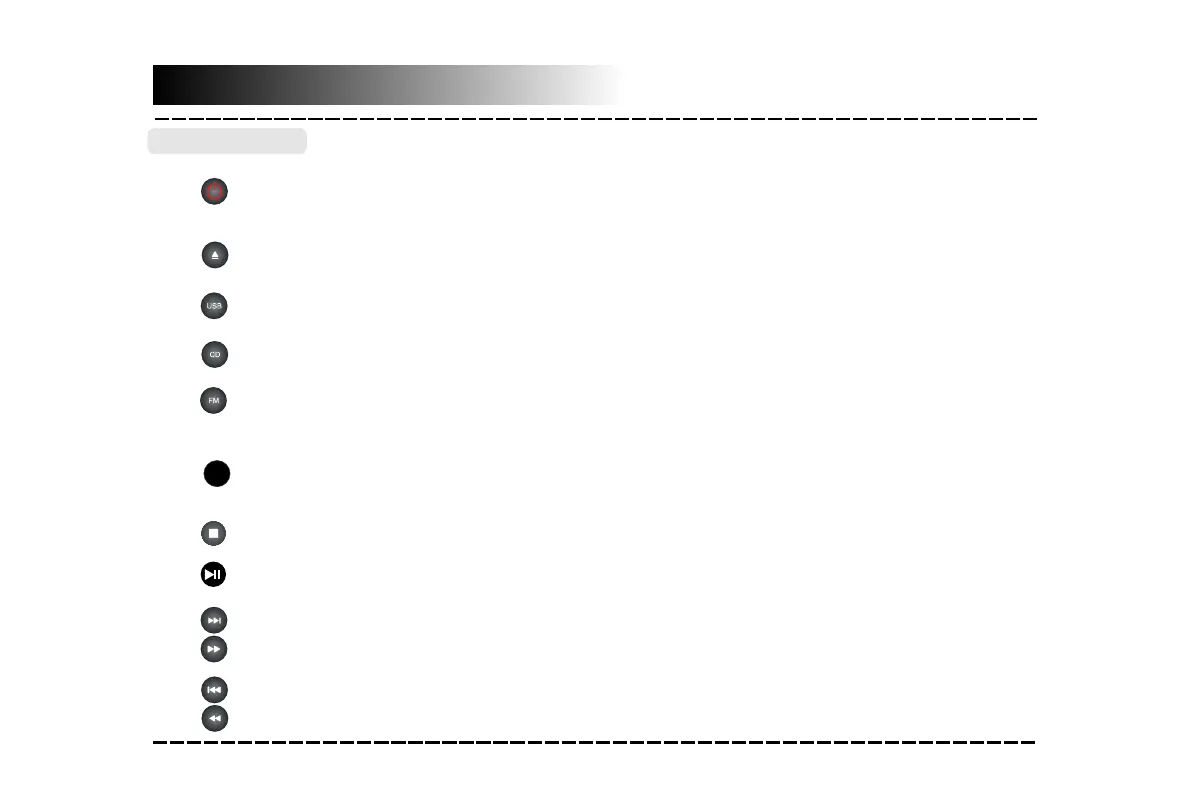
●Press to switch on the unit. Press it again to put the unit in standby mode.
●Press to temporarily pause a playback. Press it again to resume the playback.
●Hold down this button for 3 seconds to disconnect bluetooth.
●Press to stop a playback .
Basic Playback
-8-
CD Operation
●Press to enter to CD mode.
●Press to enter to FM tuner mode.
STOP
●Press to skip to the next track.
●Press to return to the previous track.
●Press to enter to USB mode.
●Hold down for fast forward playback .
●Hold down for fast rewind playback .
●Press repeatedly to switch among CD,LINE IN,BLUETOOTH,USB and TUNER mode.
OPEN/CLOSE
●Press to open or close the disc tray.
SOURCE


 To Next Page