13
button for 3 seconds, the light is on,
meanwhile the display panel show“- -”.
Important!Do not store any food in the
fridge during this time.
●When the refrigerator is in standby
mode and unlocked, press the
button for 3 seconds, the light is
off, the refrigerator will turn on and the
display will shows normal.
Note:The display control only can be
setted in the unlocked state
Using your appliance
Your appliance has the accessories as the“Description of the appliance” showed in
general, with this part instruction you can have the right way to use them. We
recommend that you read through them carefully before using the appliance
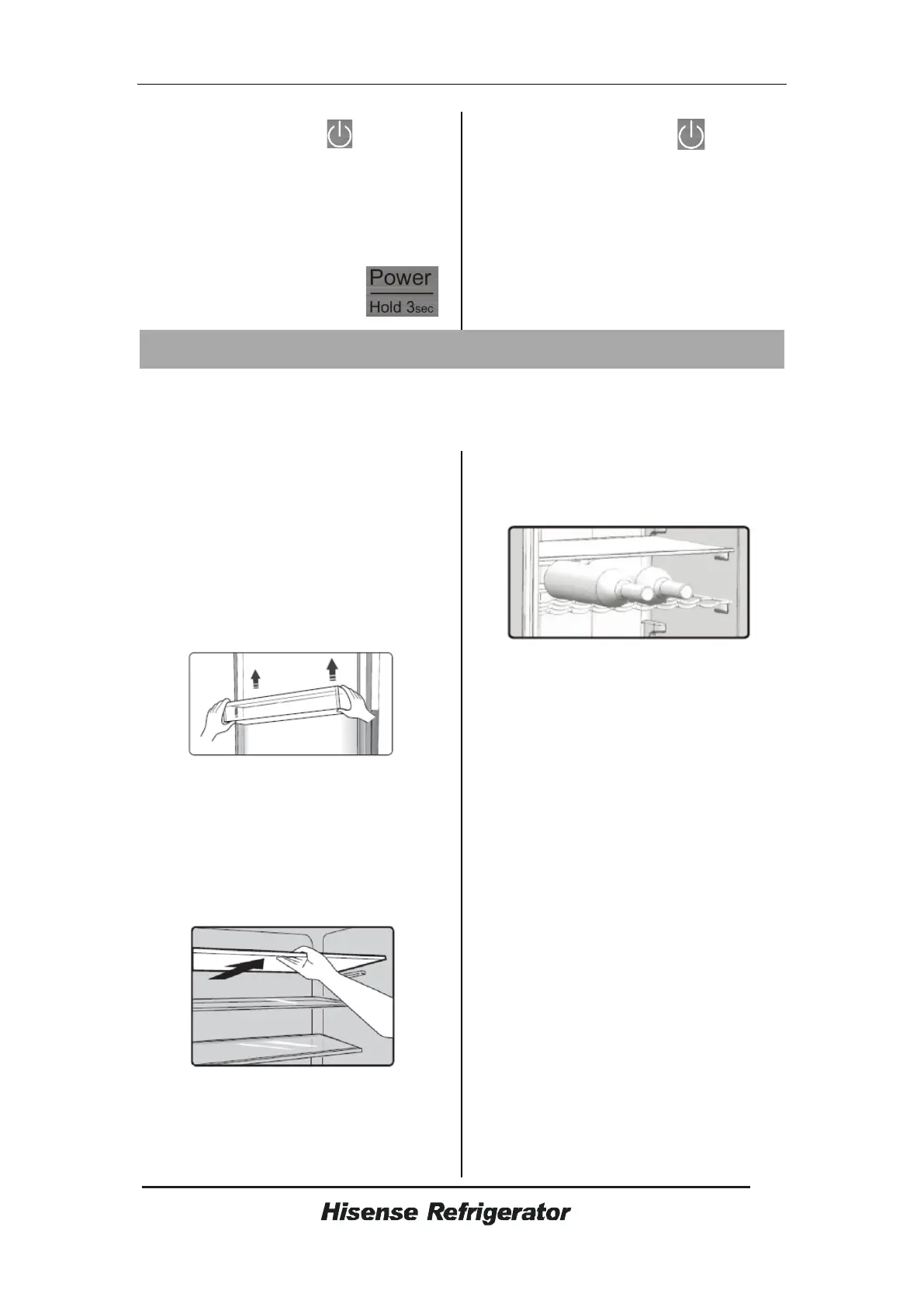
Door rack
●It is suitable for the storage of eggs,
canned liquid,
bottled drinks and packed
food, etc. Do not place too m
any heavy
things in the racks.
●If you want to take down the racks to
c
lean them,please take food out of the
racks first.
Note: There are egg trays in the upper
shelf and bottle holder in the lower shelf.
S
helf in Refrigerator chamber
●There are shelves in refrigerator chamber,
and they can be taken out to be cleaned.
Flexible wine rack
● It is for storing bottled wine or
drinks,and it can be taken out to
clean.
0°C cool plus
●
The temperature there is about 2~4°C
lower than that in the refrigerator chamber.
●It is used to store fish,meat and other
erodible food.
●Note:The actual temperature of 0°C
cool plus may lower than zero,so it is
normal that liquid in this drawer was frozen.
Crisper cover
●It is for controlling the temperature of the
crisper and avoiding the vegetable losing
moisture.
Crisper box
●It is suitable for the storage of fruit and
vegetable.
Bottle holder
●The bottle holder can be used to fix the
bottle. You can place it on the middle or
lower door rack and slide to left or right as
you prefer.



 To Next Page