unauthorized access. When these services are not in
use, turn them off.
Install or upgrade device security software and
regularly scan for viruses.
Be sure to obtain third-party applications from a
legitimate source. Downloaded third-party applications
should be scanned for viruses.
Install security software or patches released by
Hisense or third-party application providers.
Some applications require and transmit location
information. As a result, a third-party may be able to
share your location information.
Your device may provide detection and diagnostic
information to third-party application providers. Third
party vendors use this information to improve their
products and services.
Getting Started
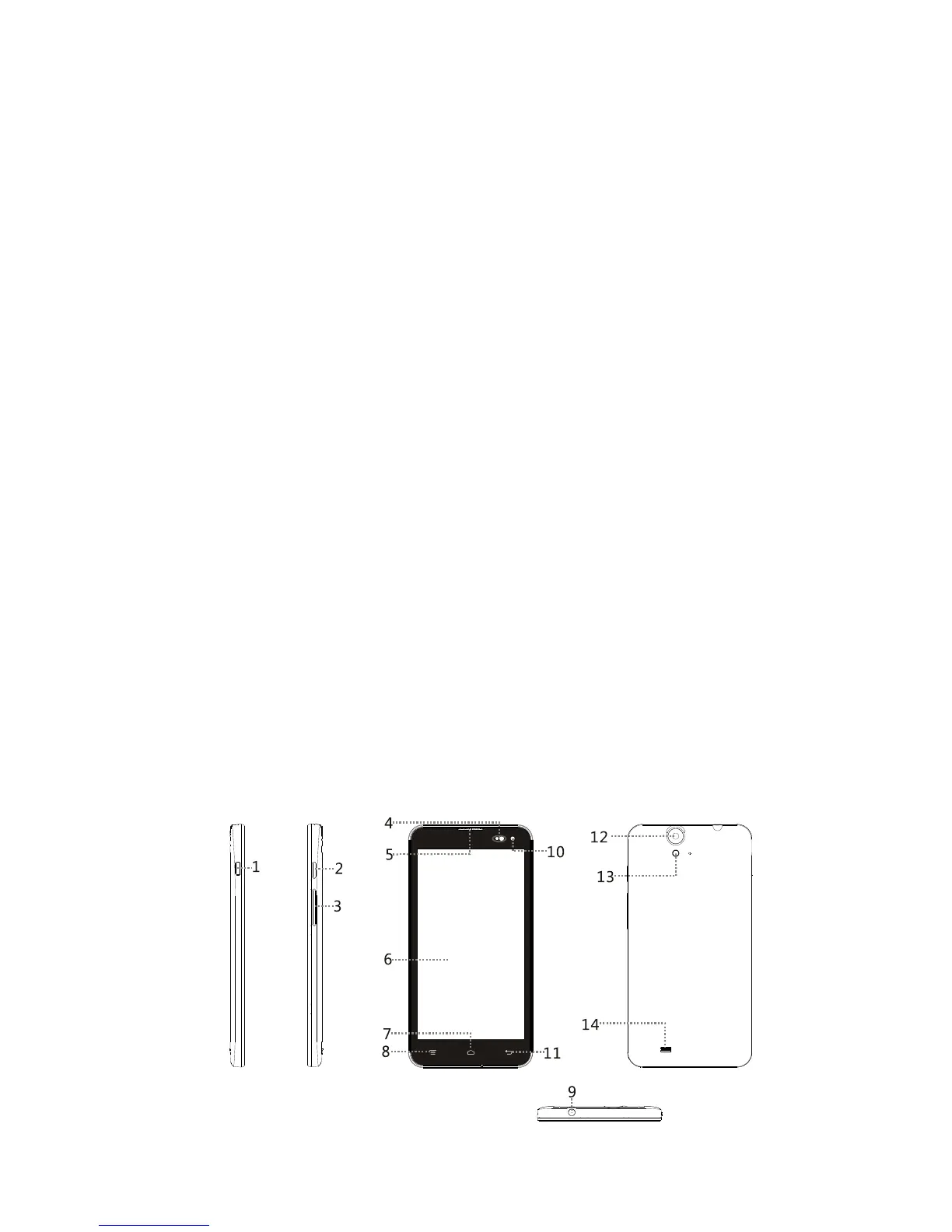
All the pictures in this guide are for your reference only.
Your phone’s actual display features may be different to
those described here, depending on its software version.
Key Functions at Your Finger tips
3



 To Next Page