- 14 -
3LFWXUH
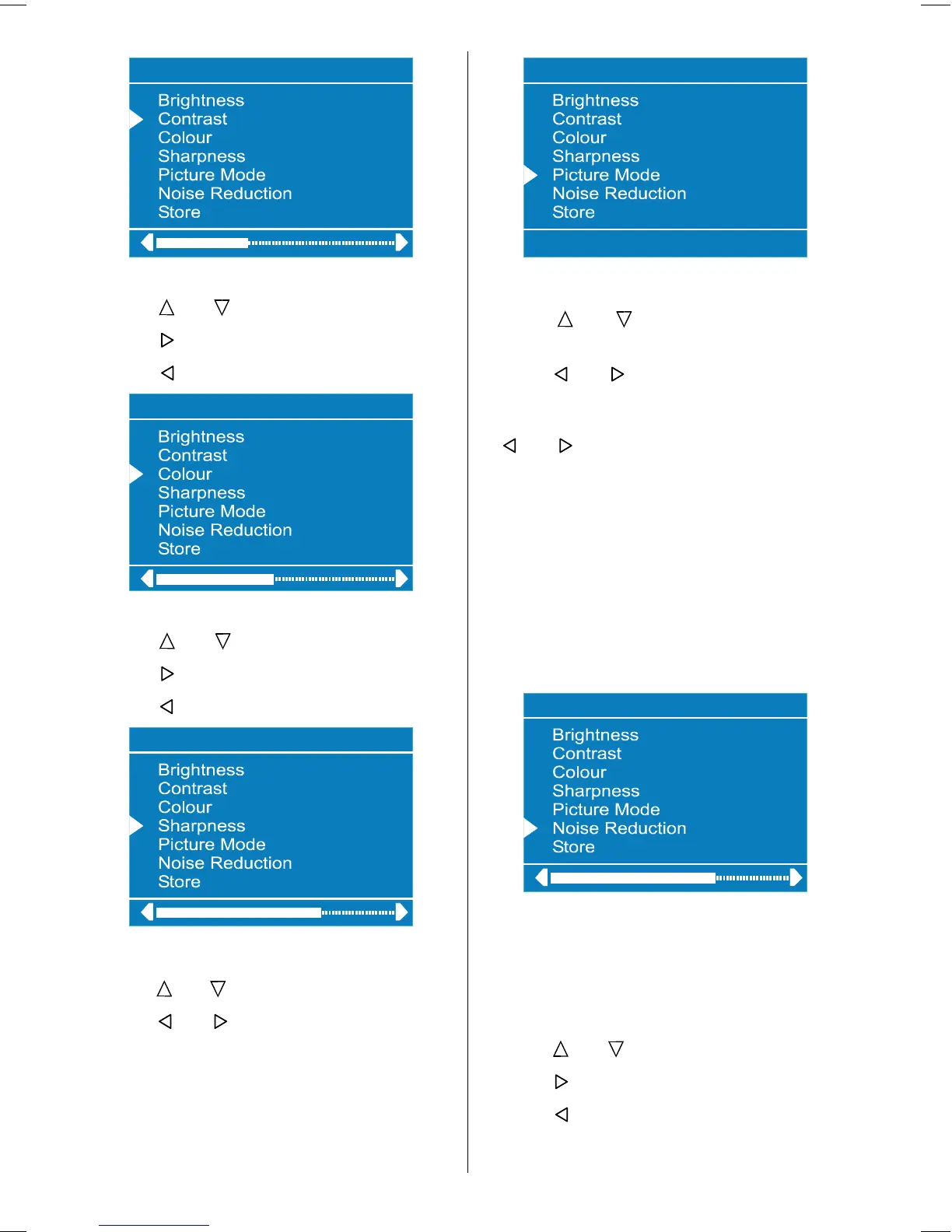
Setting Colour
Using
or button select Colour.
Press
button to increase colour level.
Press
button to decrease colour level.
3LFWXUH
Setting Sharpness
Using
or button select Sharpness.
Press
button to increase peaking level.
Press
button to decrease peaking level.
3LFWXUH
Setting Picture Mode:
Using or button select Picture Mode.
Press
or button to set Picture Mode.
Picture Mode can be set to Auto, 4:3, 16:9,
Cinema, Subtitle, Zoom or Panorama.
3LFWXUH
Setting Noise Reduction
Using
or button select Noise Re-
duction.
Press or button to select Noise Re-
duction level Off or Minimum or Medium
or Maximum then select store and press
or button to save your setting.
Note 1:
At low signal level, the changings on the Noise Reduction
function are not effective when there is menu on the
screen. If the menu is removed, the effect of this func-
tion is seen. At normal broadcasting, Noise Reduction
changings are effective at once.
Note 2:
At moving pictures, while Noise Reduction is at maxi-
mum level, some picture distortions may occur. If Noise
Reduction is set to medium or minimum, the picture will
improve.
3LFWXUH
Setting Hue
(During Playback NTSC system, this will ap-
pear in AV mode only when NTSC video
source is applied. Otherwise, HUE option is
invisible in Picture menu.):
Using or button select Hue.
Press
button to increase hue level.
Press
button to decrease hue level.
Center value is indicated with one arrow.
ENG-2200-1547UK-22 INCH TFT IB.p65 03.03.2004, 17:5914



 To Next Page