EasyManua.ls Logo

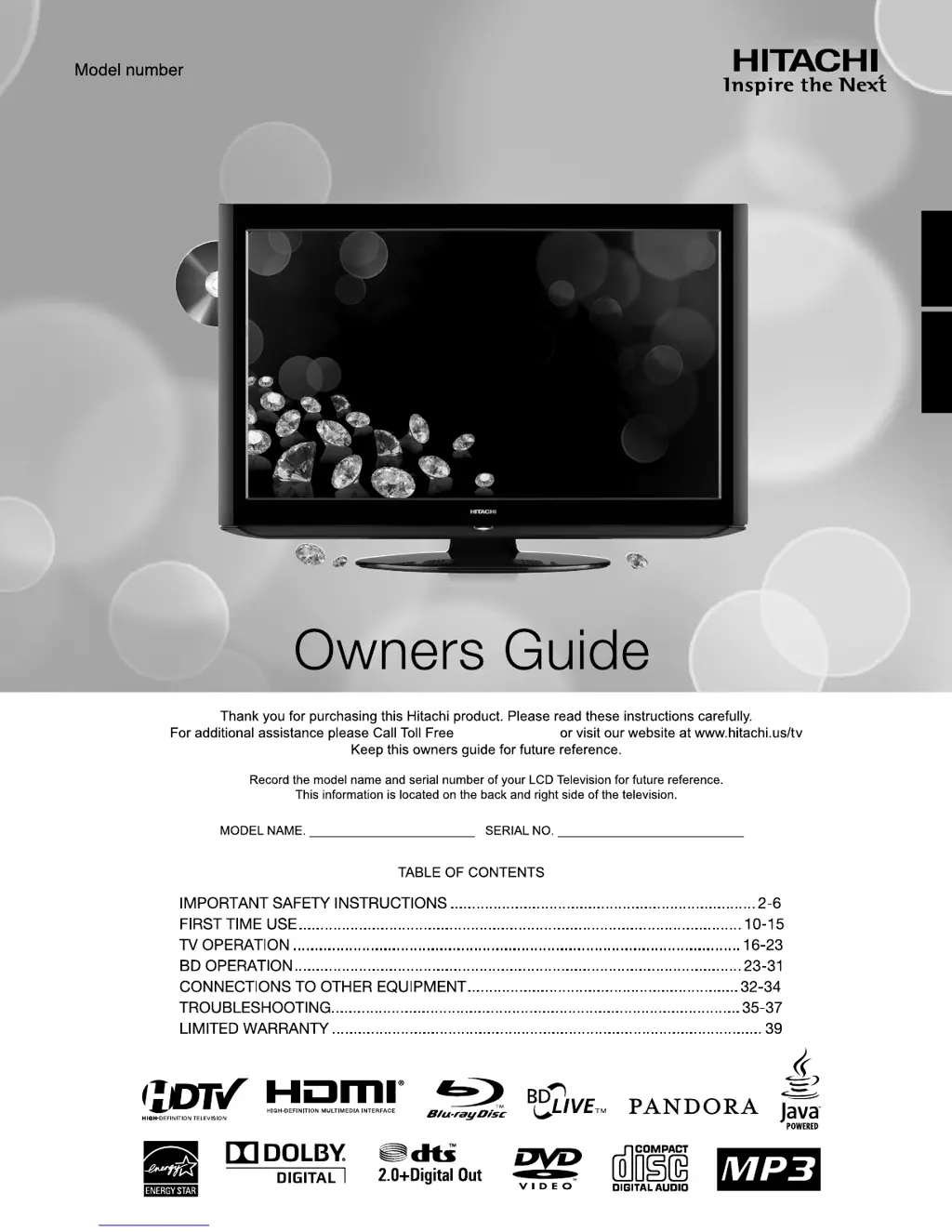
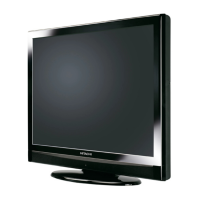
Hitachi L32BD304 - User Manual

Hitachi L32BD304
39 pages
Print Icon
To Next Page IconTo Next Page
Loading...
ESPAÑOL ENGLISH
L32BD304
LCD HDTV with Built-in BD Player
1-800-289-0981
®
00_54L0621A.indb 100_54L0621A.indb 1 10.4.27 3:14:29 PM10.4.27 3:14:29 PM

Questions and Answers

  • R
    Ryan PowellAug 17, 2025
    Why is my Hitachi L32BD304 LCD TV showing poor picture or no picture?
    • J
      jessicaramosAug 17, 2025
      If your Hitachi LCD TV has a poor picture or no picture, it could be due to several reasons. First, the station or Cable TV might be experiencing problems, so try tuning to another station. Check the antenna or Cable TV connections and reorient the antenna. Interference could also be the cause, so check for any sources of interference. Finally, verify the picture control adjustments.
  • J
    Jennifer KingAug 20, 2025
    Why is there poor sound or no sound on my Hitachi L32BD304 LCD TV?
    • M
      Michelle ReedAug 20, 2025
      If you're experiencing poor or no sound on your Hitachi LCD TV, the broadcast station or Cable TV provider could be having issues, so try tuning to another station. Also, check the volume adjustments and ensure the mute mode is off. Another potential cause is interference, so check for any sources of interference.
  • W
    Wendy HessAug 22, 2025
    What to do if my Hitachi L32BD304 is not operating?
    • J
      John BarnesAug 23, 2025
      If your Hitachi LCD TV is not operating, ensure the power cord is properly plugged in. If it is, try unplugging the unit and then plugging it back in to reset it.
  • M
    margaretmasseyAug 26, 2025
    Why is my Hitachi LCD TV reception poor on some channels?
    • J
      Jordan DodsonAug 26, 2025
      Poor reception on some channels on your Hitachi LCD TV can occur if the station or Cable TV is experiencing problems; try tuning to another station. If the station signal is weak, reorient the antenna to receive a stronger signal. Also, check for any potential sources of interference.
  • M
    Matthew JonesAug 28, 2025
    What to do if there is no Cable TV reception on my Hitachi L32BD304?
    • L
      Larry MorrisAug 28, 2025
      If you're not getting any Cable TV reception on your Hitachi LCD TV, first check all Cable TV connections to ensure they are secure. Next, set the Source option to the "Cable" mode. If the issue persists, the station or Cable TV system might be experiencing problems; try tuning to another station.
  • A
    Andrea CombsAug 31, 2025
    Why is there poor color or no color on my Hitachi L32BD304 LCD TV?
    • R
      Robin McmillanAug 31, 2025
      If your Hitachi LCD TV displays poor color or no color, it could be due to issues with the station or Cable TV, so try tuning to another station. Also, make sure channels are properly set into memory and check the picture control adjustments. Verify the antenna or Cable TV connections and reorient the antenna. Finally, check for any sources of possible interference.
  • J
    John WallaceSep 3, 2025
    Why does my Hitachi LCD TV picture wobble or drift?
    • N
      Nicole WoodSep 3, 2025
      If the picture on your Hitachi LCD TV wobbles or drifts, it might be due to issues with the station or Cable TV, so try tuning to another station. Ensure that the channels are set into memory. Also, check the antenna orientation. If you are using cable, the Cable TV company might be scrambling the signal.
  • M
    Maria SkinnerSep 5, 2025
    Why does my Hitachi LCD TV shut off?
    • T
      terrimontoyaSep 5, 2025
      Your Hitachi LCD TV might be shutting off because there is no broadcast on the tuned station, the Sleep Timer is set, or the power was interrupted.
  • S
    Scott CainSep 8, 2025
    How to fix horizontal or diagonal bars on my Hitachi L32BD304 LCD TV screen?
    • B
      butlersheilaSep 8, 2025
      If you see horizontal or diagonal bars on your Hitachi LCD TV screen, check the antenna connections and try reorienting the antenna. Also, check for any sources of possible interference that might be causing the issue.
  • L
    Laura ReidSep 12, 2025
    How to get reception above channel 13 on my Hitachi L32BD304?
    • J
      Jessica BarnesSep 12, 2025
      If you're not getting reception above channel 13 on your Hitachi LCD TV, make sure the Source option is in the appropriate mode. If you're using an antenna, check the UHF antenna connections.

Summary

IMPORTANT SAFETY INSTRUCTIONS

CAUTION: RISK OF ELECTRIC SHOCK

Safety warnings about opening the unit and avoiding electric shock.

WARNING: FIRE OR SHOCK HAZARD

Warnings against exposing the appliance to rain or moisture and keeping flames away.

Features

BUILT-IN BLU-RAY PLAYER AND MEDIA OPTIONS

Highlights integrated Blu-ray playback, computer connection, and media file support.

Location of controls

TV UNIT BUTTONS AND PORTS OVERVIEW

Overview of the physical buttons and ports on the TV unit.

Remote control

REMOTE OPERATION AND FUNCTIONS

Explanation of how to operate the remote control and its functions.

Starting setup

INITIAL TV AND CHANNEL SETUP PROCESS

Steps for the initial setup menu to configure TV settings and scan channels.

TV operation

ADJUSTING VOLUME, CHANNEL, AND INPUTS

How to adjust volume, select channels, and choose input sources.

Convenience functions

PICTURE AND SOUND SETTING CUSTOMIZATION

Customization options for picture and sound quality.

Memorizing channels

AUTOMATIC CHANNEL SCANNING AND MANAGEMENT

How to automatically scan, add, and skip available TV channels.

Setting the Parental Control

PASSWORD REGISTRATION AND CONTENT RESTRICTIONS

Steps to set up, change, and manage parental control passwords and content blocking.

Using the Blu-ray Disc player

PLAYBACK MODES AND DISC HANDLING

Basic steps for playing Blu-ray discs and using special playback features.

MP3;WMA;JPEG and Audio CD playback

PLAYING AUDIO AND IMAGE FILES FROM MEDIA

Steps to play audio and image files from discs or USB drives.

Connections to other equipment

CONNECTING EXTERNAL AUDIO;VIDEO DEVICES

Diagrams and instructions for connecting VCRs, DVD players, and other equipment.

CONNECTING DIGITAL AND PC SOURCES

How to connect HDMI, DVI devices, AV amplifiers, and PCs.

Problems and troubleshooting

TROUBLESHOOTING COMMON ISSUES AND SOLUTIONS

A checklist of common problems and their potential solutions.

Specifications

TECHNICAL SPECIFICATIONS OVERVIEW

Detailed technical specifications of the TV and its components.

LIMITED WARRANTY

WARRANTY TERMS AND CONDITIONS

Details of the product's limited warranty coverage and exclusions.

Hitachi L32BD304 Specifications

General IconGeneral
Screen Size32 inches
Resolution1366 x 768 pixels
Display TypeLCD
HDMI Ports2
USB Ports1
Aspect Ratio16:9
Power Consumption (Standby)0.5 W
TunerDigital and Analog

Related product manuals