EasyManua.ls Logo

Hitachi 26LD5550U - User Manual

Hitachi 26LD5550U
34 pages
Print Icon
To Next Page IconTo Next Page
Loading...
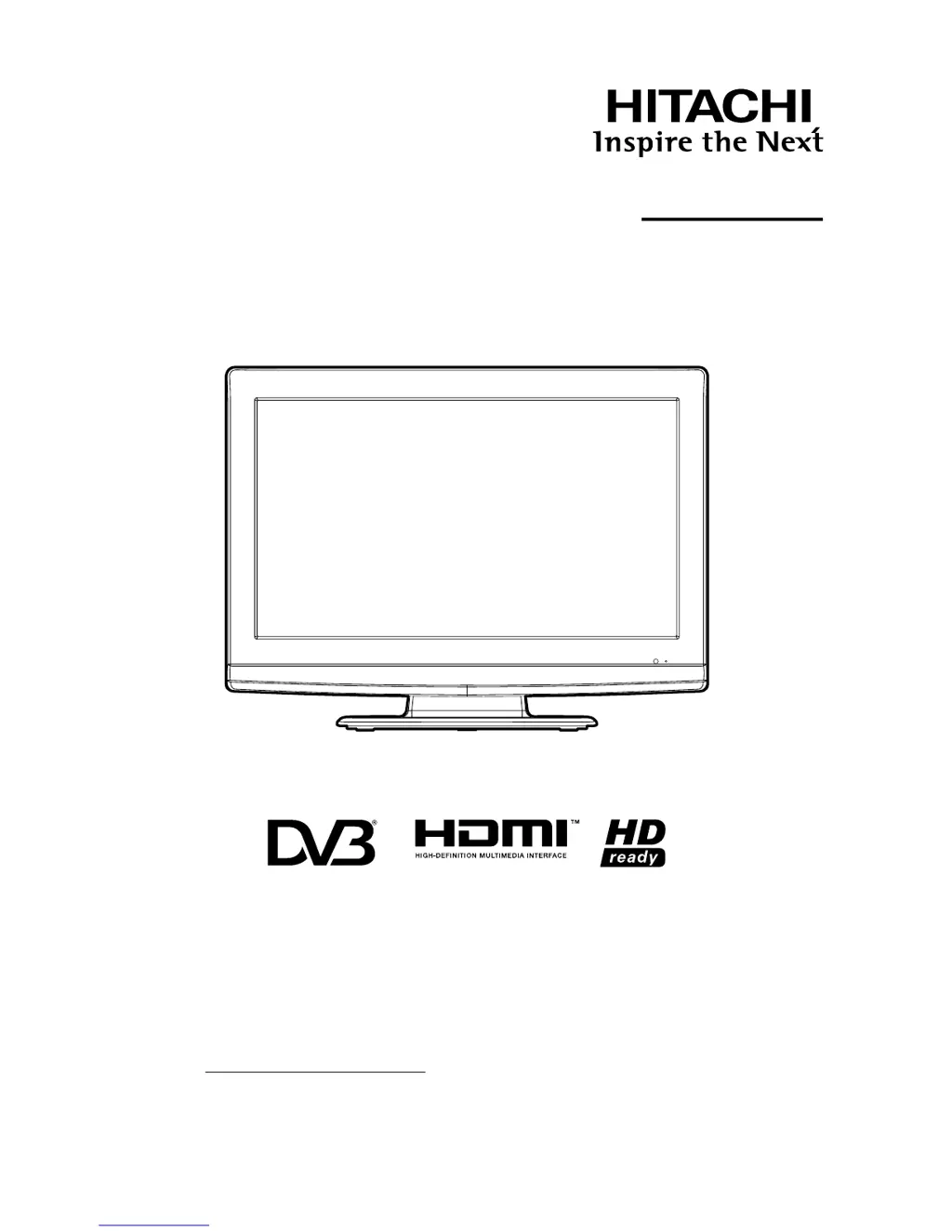
Colour LCD Television
READ THE INSTRUCTIONS INSIDE CAREFULLY.
KEEP THIS USER’S MANUAL FOR FUTURE REFERENCE
For future reference, record the serial number of your television.
SERIAL NO.
This serial number is located on the rear of the television.
Ver. 1
Model Name
26LD5550U
USER’S MANUAL

Questions and Answers

  • J
    John CookJul 30, 2025
    What to do if my Hitachi LCD TV has no picture and no sound?
    • W
      willisdavidJul 31, 2025
      If your Hitachi LCD TV shows no picture and no sound, first ensure the TV is switched on and properly connected to the mains power outlet. Then, select the appropriate input mode. If the problem persists, unplug the unit for one minute and then plug it back in.
  • S
    Sheri MartinezAug 5, 2025
    Why does my Hitachi 26LD5550U have no reception?
    • R
      Richard WhiteAug 6, 2025
      If your Hitachi LCD TV has no reception, ensure you have tuned in the TV stations by pressing '1' on the remote control. Also, check the aerial connection to the TV. Finally, verify that the TV is powered ON and not in standby mode.
  • M
    Matthew SmithAug 11, 2025
    Why does my Hitachi LCD TV switch off with missing aerial input signal?
    • M
      Molly ElliottAug 11, 2025
      This is normal behavior for your Hitachi LCD TV. The TV will automatically switch to standby mode 15 minutes after the aerial signal disappears.
  • W
    Willie NelsonAug 18, 2025
    What to do if Hitachi 26LD5550U LCD TV image is blocky?
    • B
      Bryce HarrisAug 18, 2025
      If you are experiencing a blocky image or the image stops intermittently on your Hitachi LCD TV, check all aerial connections. You may also want to move the aerial away from areas of possible interference or try using an aerial booster.
  • D
    Don AlexanderAug 23, 2025
    What to do if “Database empty” message appears on Hitachi 26LD5550U LCD TV?
    • D
      davisdanielAug 23, 2025
      If the message “Database empty” appears on the screen of your Hitachi LCD TV, check all aerial connections and try auto tuning again.

Summary

Important Safety Information

General Safety Precautions

Essential safety guidelines for using the television, covering electrical hazards and physical safety.

Handling, Cleaning, and Environment

Instructions on moving the unit, cleaning, and energy-saving tips for safe operation.

Initial Setup and Basic Operations

Controls, Remote, and Aerial Connection

Location of controls, remote operation, and aerial connection setup.

Auto Setup and Channel Management

Automatic tuning, language selection, and channel management procedures.

Basic Operations and Teletext

Channel selection, volume, mute, sleep timer, and Teletext usage.

Picture Settings and Convenience Functions

Adjusting picture settings, format, and accessing convenience functions.

System Settings and Scans

Configuring language, scans, carriers, display, time, and password.

Advanced Features and Connectivity

Common Interface, Channel Info, and EPG

Accessing common interface, channel lists, banner, EPG, and timer functions.

PC, HDMI, DVI, and AV Connections

Connecting external devices like PCs, HDMI, DVI, and other AV equipment.

Troubleshooting, Specifications, and Warranty

Troubleshooting and Specifications

Resolving common issues with the TV and reviewing its technical specifications.

Warranty Information

Information regarding the product warranty, terms, and conditions for service.

Hitachi 26LD5550U Specifications

General IconGeneral
Screen Size26 inches
Resolution1366 x 768
Display TypeLCD
USB Ports1
HD Format720p
Aspect Ratio16:9
Response Time8 ms
Viewing Angle178°
Input PortsComponent, Composite
Sound Output2 x 10W

Related product manuals