EasyManua.ls Logo

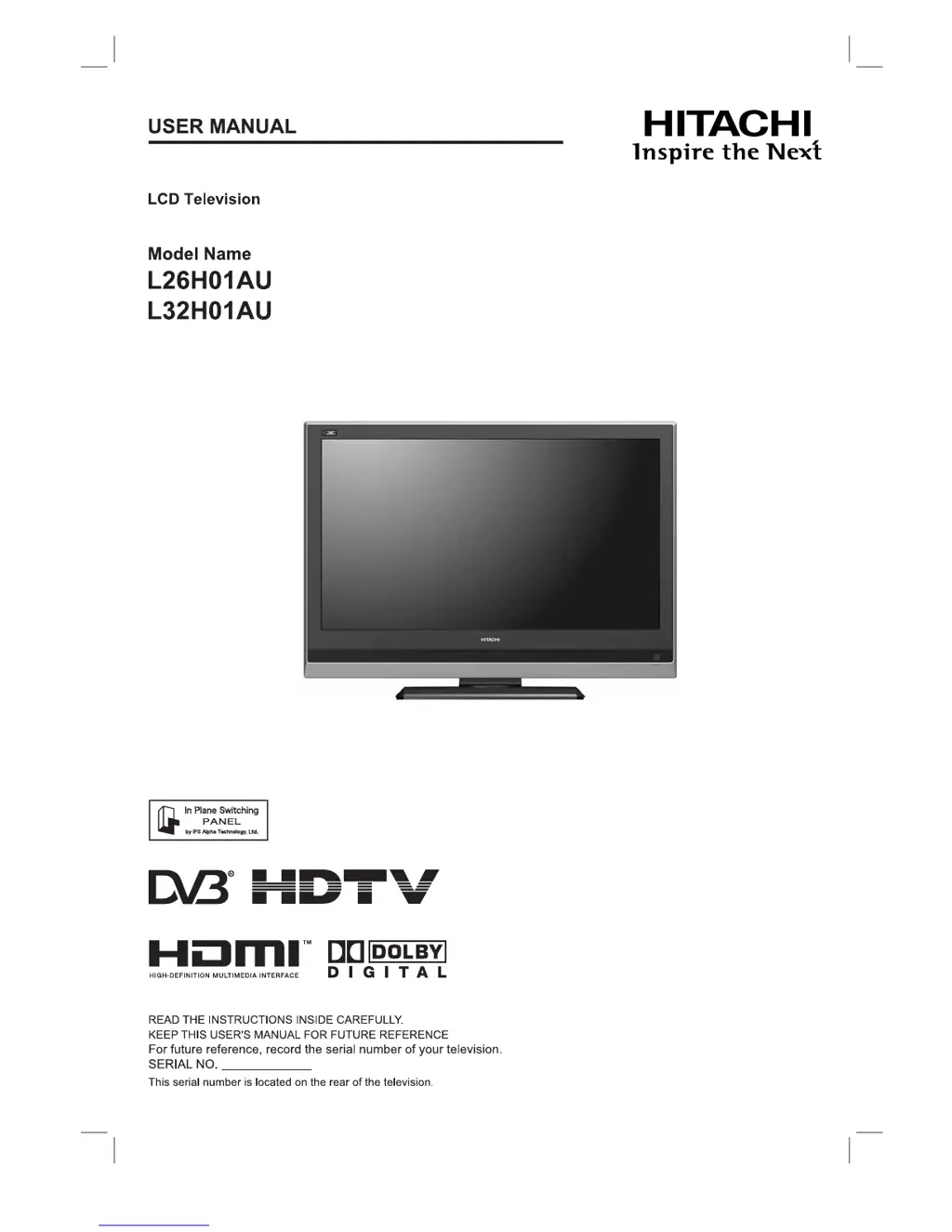
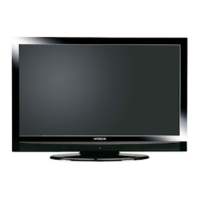
Hitachi L26H01AU - User Manual

Hitachi L26H01AU
54 pages
Print Icon
To Next Page IconTo Next Page
Loading...

Table of Contents

Questions and Answers

  • E
    Emily RochaJul 29, 2025
    What to do if my Hitachi LCD TV has a weak signal?
    • J
      Jerry McdonaldJul 29, 2025
      If your Hitachi LCD TV displays a weak signal, first ensure the aerial lead is properly connected, undamaged, and correctly aligned. If the issue persists, verify with your dealer whether you are located outside of the signal area.
  • S
    Steven ParkerAug 12, 2025
    How to fix 'No Sync Signal' on Hitachi LCD TV?
    • S
      Sherry EdwardsAug 12, 2025
      If your Hitachi LCD TV shows 'No Sync. Signal', verify that the cable is correctly and firmly connected. Also, check that the external equipment is powered on, the input selection matches the connection terminal, and the PC is not in Power Save mode.

Summary

Safety Precautions

Warnings and Cautions

Details critical safety warnings regarding fire, electric shock, and injury.

Precautions for Use and Maintenance

Covers installation, handling, cleaning, and environmental precautions.

Quick Start Guide

Preparation

Main Unit Installation Safety

Covers safety precautions for installing the main unit, including anti-tumble measures.

Connection

Basic Operation

TV Setup Operation

Main Menu and Setup Options

Lists available setup menus and their corresponding page numbers.

Channel Setup and Selection

Details on setting up channels via auto/manual tuning and selecting channels.

Picture Settings

How to adjust picture mode, contrast, brightness, color, and other visual settings.

Audio Settings

Explains how to adjust audio mode, treble, bass, balance, and speakers.

Digital Terrestrial Television (DTT) Operation

Channel Installation and Management

Guide to installing, scanning, and restoring DTT channels.

DTT Channel Selection Methods

Ways to select channels in DTT mode (stepping, number, list, EPG).

DTT Specific Settings

Subtitle, Parental Guidance, Audio Language, and Digital Audio Output settings.

Function

Troubleshooting

Screen Messages and Solutions

Lists common screen messages and their corresponding solutions.

Symptom and Check List

A guide to diagnosing and resolving common TV problems.

Product Specifications

Hitachi L26H01AU Specifications

General IconGeneral
Screen Size26 inches
Display TypeLCD
Aspect Ratio16:9
HDMI Ports1
Contrast Ratio800:1
Brightness450 cd/m²
Response Time8 ms
Sound Output10W x 2
Display Resolution1366 x 768 pixels
Viewing Angle176°
Input PortsHDMI, VGA, Component, Composite, S-Video

Related product manuals