EasyManua.ls Logo

Hitachi LE39S406 - User Manual

Hitachi LE39S406
29 pages
Print Icon
To Next Page IconTo Next Page
Loading...
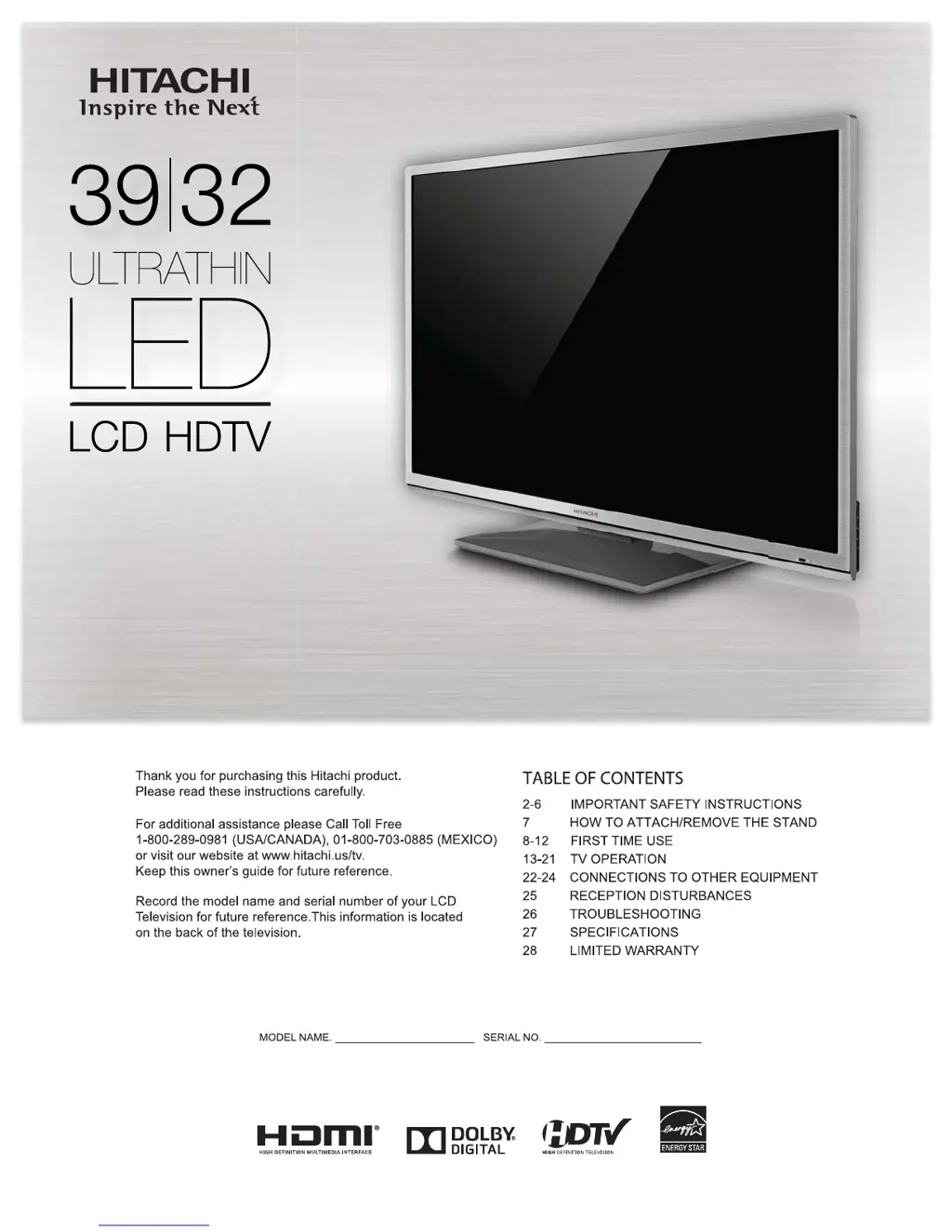
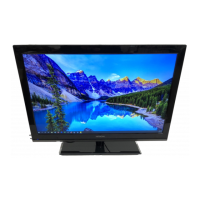
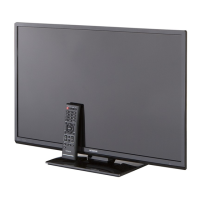
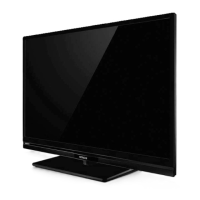
Simulated image.
Image may differ from actual product.
Owner’s Guide
Models:
LE39S406/LE39H316
39” Class (38.57” Diagonal)
LE32S406/LE32H316
32” Class (31.51” Diagonal)

Questions and Answers

  • R
    Robert KnightAug 20, 2025
    Why won't my Hitachi LE39S406 remote work?
    • P
      Patricia GuzmanAug 20, 2025
      If your Hitachi LCD TV remote isn't working, there are several potential causes: * The batteries may be weak, dead, or inserted incorrectly. Try replacing them. * The remote might be out of range. Move closer to the TV, staying within 15 feet. * The remote may not be aimed correctly. Ensure it's pointed at the sensor on the TV. * There might be obstructions blocking the signal between the remote and the TV. Clear any obstacles. * Finally, make sure the TV's power cord is securely plugged in.
  • Y
    Yvonne BrownAug 22, 2025
    What to do if my Hitachi LE39S406 LCD TV won't turn on?
    • S
      Samantha DeanAug 22, 2025
      If your Hitachi LCD TV isn't turning on, check the following: * Ensure the power cord is properly plugged into the outlet. * Try a different AC outlet to rule out a faulty outlet. * Check the fuse or circuit breaker to see if it has tripped. * As a last resort, unplug the TV for an hour, then plug it back in.
  • J
    Jessica RamirezAug 25, 2025
    Why does my Hitachi LE39S406 LCD TV keep turning off?
    • N
      Nathaniel WrightAug 25, 2025
      If your Hitachi LCD TV keeps turning off, the issue might be due to the Sleep Timer being set. To resolve this, disable the Sleep Timer in the menu settings. Alternatively, there may be a power interruption. In this case, check the power supply.
  • G
    George BartlettAug 26, 2025
    How to fix poor picture quality on Hitachi LE39S406 LCD TV?
    • M
      Mary WilliamsAug 26, 2025
      If you're experiencing poor picture quality on your Hitachi LCD TV, here are a few things to check: * The station or Cable TV provider may be experiencing problems, so try tuning to another station. * Ensure that channels are properly set into memory. * Check the antenna or Cable TV connections and adjust the antenna. * Look for any sources of possible interference. * Review the picture control adjustments.
  • Z
    Zachary WeaverAug 28, 2025
    Why is the sound on my Hitachi LE39S406 bad or not working?
    • I
      imcneilAug 28, 2025
      If you are experiencing poor or no sound on your Hitachi LCD TV, consider the following: * The station or Cable TV provider may be experiencing problems; try tuning to another station. * Check the sound adjustments, such as the volume and mute settings. * Check for any potential sources of interference.
  • H
    haynestiffanyAug 30, 2025
    How to improve Hitachi LE39S406 reception on some channels?
    • C
      Cameron StevensAug 30, 2025
      To improve poor reception on some channels with your Hitachi LCD TV: * First, the broadcasting station or your Cable TV provider might be experiencing issues, so try tuning to another station to verify. * Make sure that the channels are correctly set into the TV's memory. * If a station is weak, adjust the antenna to better receive the signal. * Also, check for any potential sources of interference that could be affecting reception.
  • S
    samantha69Sep 1, 2025
    How to improve color on Hitachi LCD TV?
    • M
      mary19Sep 1, 2025
      If you're experiencing poor or no color on your Hitachi LCD TV, try the following: * Tune to another station to rule out station or Cable TV problems. * Ensure channels are correctly set into memory. * Check the picture control adjustments. * Verify and adjust the antenna or Cable TV connections. * Check for sources of possible interference.
  • J
    Jason TaylorSep 3, 2025
    What causes horizontal or diagonal bars on Hitachi LE39S406 LCD TV screen?
    • S
      Stephanie WilsonSep 3, 2025
      If you're seeing horizontal or diagonal bars on your Hitachi LCD TV screen: * Check the antenna connections, and adjust or redirect the antenna. * Check for sources of possible interference.
  • J
    Jennifer MurraySep 5, 2025
    What to do if Hitachi LE39S406 LCD TV picture wobbles or drifts?
    • G
      Gregory OrtegaSep 5, 2025
      If the picture on your Hitachi LCD TV wobbles or drifts, it could be due to: * The station or Cable TV provider experiencing problems, so try tuning to another station. * Channels not being properly set into memory, so ensure they are. * The Cable TV company scrambling the signal, in which case you should adjust the antenna.
  • J
    jchungSep 7, 2025
    Why is my Hitachi LE39S406 LCD TV not receiving CATV channels?
    • J
      jo57Sep 7, 2025
      If your Hitachi LCD TV isn't receiving CATV channels: * Check all Cable TV connections to ensure they are secure. * Set the Air/Cable menu option to the Cable mode. * It could be due to station or Cable TV system problems, try another station.

Summary

Important Safety Instructions

Child Safety Notice

Wall Mounting Safety

Guidelines for safely mounting the flat panel display.

Safety Precautions

Notes on Wall Mounting

Advice on securing the TV and screw insertion lengths for wall mounting.

How to Attach and Remove the Stand

How to Remove the Stand

Steps to detach the TV stand for transport or wall mounting.

Features

Location of Controls

Remote Control

Antenna Connections

Cable TV Connections

Starting Setup

TV Operation

Convenience Functions

Memorizing Channels

Parental Control

Time Shift

Connections to Other Equipment

Connecting to an Audio System

Using an amplifier with external speakers for improved audio.

AV Amplifier with Digital Surround

Connecting an AV amplifier for Dolby Digital surround sound.

Reception Disturbances

Troubleshooting

Common TV Operational Issues

Covers issues like no power, poor sound/picture, reception, remote, and captions.

Specifications

Limited Warranty

Hitachi LE39S406 Specifications

General IconGeneral
BrandHitachi
ModelLE39S406
CategoryLCD TV
LanguageEnglish

Related product manuals