EasyManua.ls Logo

Hitachi LE29H306 - User Manual

Hitachi LE29H306
56 pages
Print Icon
To Next Page IconTo Next Page
Loading...
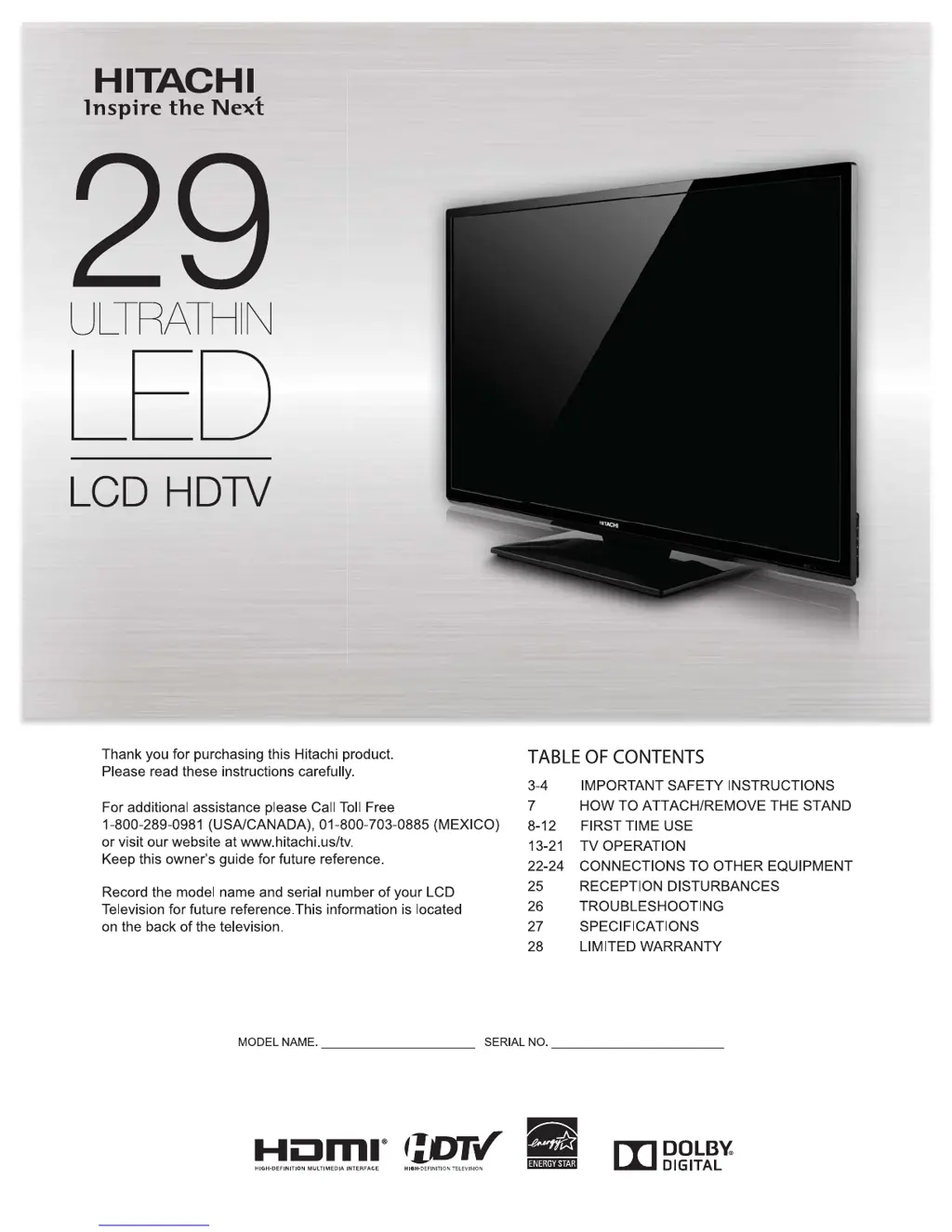
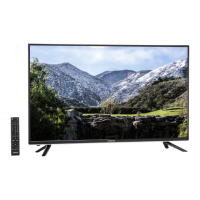
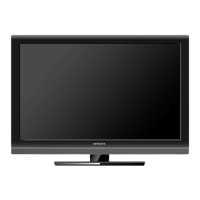
Simulated image.
Image may differ from actual product.
Owner’s Guide
Models LE29H306/LE29H316
29” Class (28.50” Diagonal)

Questions and Answers

  • J
    Jason BarnettAug 18, 2025
    Why my Hitachi LCD TV does not operate?
    • E
      Emily TorresAug 18, 2025
      If your Hitachi LCD TV isn't operating, ensure the power cord is securely plugged in and try a different AC outlet. Also, check the fuse or circuit breaker. As a last resort, unplug the unit for an hour, then plug it back in.
  • M
    Michael McdanielAug 21, 2025
    Why does my Hitachi LE29H306 have poor picture or no picture?
    • A
      Andrea RodriguezAug 21, 2025
      If your Hitachi LCD TV has a poor picture or no picture, try tuning to another station, as the station or cable TV provider may be experiencing problems. Also, ensure the channels are correctly set into memory. Check the antenna or cable TV connections and adjust the antenna if necessary. Finally, check for any sources of possible interference and verify the picture control adjustments.
  • J
    Joe JohnsonAug 23, 2025
    What to do if my Hitachi LCD TV has no remote operation?
    • B
      Bryan CastilloAug 23, 2025
      If your Hitachi LCD TV remote isn't working, first replace the batteries, as they may be weak, dead, or inserted incorrectly. Then, move closer to the TV (within 15 feet). Ensure the remote is aimed at the sensor and that there are no obstructions between the remote and the TV. Finally, make sure the power cord is plugged in.
  • J
    jasonandersonAug 26, 2025
    Why does my Hitachi LCD TV have poor sound or no sound?
    • E
      elizabeth89Aug 26, 2025
      If your Hitachi LCD TV has poor or no sound, try tuning to another station, as the station or cable TV provider may be experiencing problems. Also, check the sound adjustments (volume or mute) and check for sources of possible interference.
  • G
    glewisAug 27, 2025
    What to do if my Hitachi LE29H306 LCD TV shuts off by itself?
    • I
      ifrankAug 28, 2025
      If your Hitachi LCD TV shuts off unexpectedly, check if the Sleep Timer is set and turn it off. Also, verify the power connections to ensure there are no interruptions.
  • J
    Juan SanchezAug 30, 2025
    Why does my Hitachi LE29H306 LCD TV have poor reception on some channels?
    • D
      davisricardoAug 30, 2025
      If your Hitachi LCD TV has poor reception on some channels, try tuning to another station, as the station or cable TV provider may be experiencing problems. Make sure the channels are set into memory. Adjust the antenna to receive the desired station if the station is weak. Check for sources of possible interference.
  • C
    Chase SchultzSep 1, 2025
    Why does my Hitachi LE29H306 have poor color or no color?
    • J
      jennifer33Sep 1, 2025
      If your Hitachi LCD TV displays poor or no color, try tuning to another station, as the station or cable TV provider may be experiencing problems. Ensure the channels are set into memory. Check the picture control adjustments, antenna or cable TV connections, and adjust the antenna. Also, check for sources of possible interference.
  • A
    Amanda BowenSep 3, 2025
    What to do if the closed caption is not activated on my Hitachi LE29H306?
    • J
      Jeffrey SuarezSep 3, 2025
      If closed captioning is not working on your Hitachi LCD TV, try another channel, as the TV station may be experiencing problems or the program tuned is not closed captioned. Check the Cable TV connection or VHF/UHF antenna, reposition or rotate the antenna. Set Closed Caption Decoder in the menu.
  • J
    jeremyrodriguezSep 6, 2025
    Why does picture wobble or drift on my Hitachi LE29H306?
    • M
      Mary CarrSep 6, 2025
      If the picture on your Hitachi LCD TV wobbles or drifts, try tuning to another station, as the station or cable TV provider may be experiencing problems. Also, make sure the channels are set into memory. If the cable TV company is scrambling the signal, adjust the antenna.
  • L
    Lisa WilliamsSep 8, 2025
    What to do if my Hitachi LCD TV has horizontal or diagonal bars on screen?
    • P
      Patrick NicholsSep 8, 2025
      If you see horizontal or diagonal bars on your Hitachi LCD TV screen, check the antenna connections and adjust or re-direct the antenna. Also, check for sources of possible interference.

Summary

IMPORTANT SAFETY INSTRUCTIONS

CHILD SAFETY NOTICE

SAFETY PRECAUTIONS

How to attach the stand

How to remove the stand

Instructions for detaching the TV stand from the unit.

Remote control

Starting setup

Checking the digital signal strength

Setting the Parental Control

Instructions for setting up parental controls and passwords to restrict content.

To set the Parental Control

Closed Caption

Connections to other equipment

Reception disturbances

Troubleshooting

Specifications

LIMITED WARRANTY

Hitachi LE29H306 Specifications

General IconGeneral
BrandHitachi
ModelLE29H306
CategoryLCD TV
LanguageEnglish

Related product manuals