- 18 -
At the bottom of the menu there is a pro-
gramme sort functions section. Each func-
tion is activated by coloured button (seen
above). Name allows changing the pro-
gramme name. By Delete you can delete
programmes that you do not require. Insert
section is for inserting programmes into an-
other programme spaces. By selecting
Autostore section, Autostore menu will be
available.
Name:
To change the name of a programme, se-
lect the programme and then press the RED
(Name) button. The first letter begins to blink
on the selected name. To change that letter
or button can be used, and to select
the other letters,
or button can be
used. If the cursor is at the last letter of the
Programme Name, pressing button
moves the cursor at the beginning. On the
contrary, if the cursor is at the beginning of
the Programme Name, pressing
button
moves the cursor at the end.
After changing the name press the RED
(Store) button. After activating the name
process the Insert, Delete and
Autostore processes will be inactive and
"Cancel" option will be valid. If you do want to
store the new name, press the BLUE
(Cancel) button.
&DQFHO
6WRUH
Insert:
When the Green (Insert)button is pressed,
"Name", "Autostore" and "Delete" functions
are erased, the selected programme (A) is
displayed with an arrow. From now on, the
automatic selection is cancelled. With navi-
gation buttons, the decided programme
space (B) can be selected and by pressing
the green button again, the selected
programme will be inserted.
Press Blue button to activate "Cancel" func-
tion of "Insert" process.
Delete:
To start the "Delete" process, press the yel-
low "Delete" button, (Name, Insert and
Autostore functions are inactive). Press-
ing yellow button again erases the selected
programme from the programme list, and
the programmes below shift one up. Press-
ing Blue button cancels the activated De-
lete process.
Autostore:
To enter Autostore menu, press the blue
button. To learn the features of this function
see "Autostore" below.
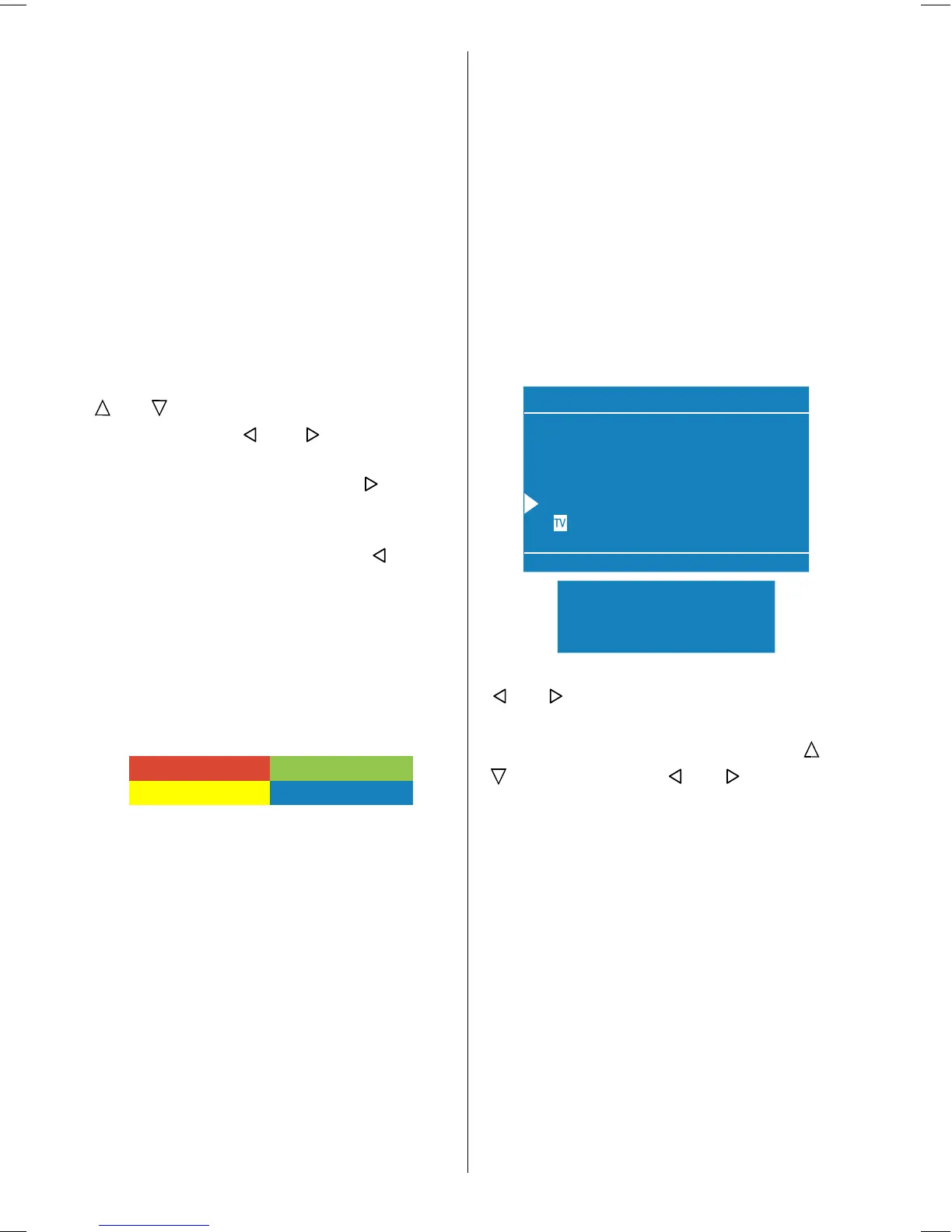
Autostore, searches and stores all channels
automatically on your TV, according to the
transmission of programme systems in
your area.
:DUQLQJ
&RXQWU\
&RQWLQXH
&DQFHO
$OO3UHVWRUHG3URJUDPPHV
:LOO%H(UDVHG
$36,V5XQQLQJ
3OHDVH:DLW
First of all choose the Country by using
or button.
To cancel Autostore before starting, press
TV button. To select Continue use
or
button and press or button.
After Autostore is finalized, a programme list
will appear on the screen. In the programme
list you will see the programme numbers
and names assigned to the programmes.
If you do not accept the locations and/or the
programme names of programmes, you
can change them in Programme menu.
Source Menu
You can switch your TV to AV modes by
pressing directly AV button or by selecting
in source menu from the main menu.
While in AV mode, you can also switch your
TV to TV or other AV modes by selecting in
source menu from the main menu.
ENG-2200-1547UK-22 INCH TFT IB.p65 03.03.2004, 17:5918


 To Next Page
 Loading...








