English - 8 -
For any help concerning set up and use of your TV please call the Customer Helpline: 0845 604 0105
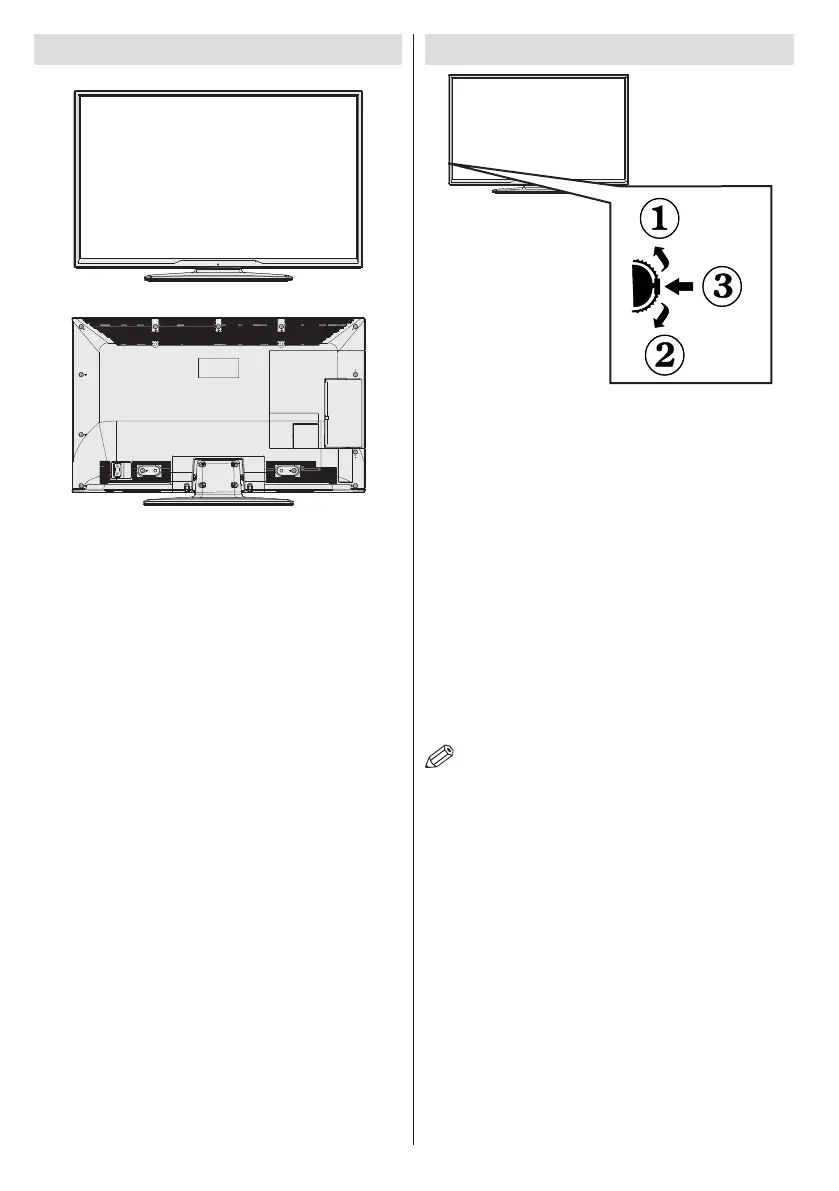
Viewing the TV TV Control button & Operation
1.Up direction
2. Down direction
3. Programme/Volume / AV / Standby-On selection switch
The Control switch allows you to control the Volume/
Programme/ Source and Standby-On functions of the TV.
To change volume: Increase the volume by pushing the button
up. Decrease the volume by pushing the button down.
To change channel: Press the middle of the button, the
channel information banner will appear on screen. Scroll
through the stored channels by pushing the button up or
down
To change source: Press the middle of the button twice, the
source list will appear on screen. Scroll through the available
sources by pushing the button up or down.
To turn the TV off: Press the middle of the button down and
hold it down for a few seconds, the TV will turn into standby
mode.
NOTE: You can move the switch, upward or downward
to change the volume. If you want to change the channel,
press the middle of the switch once (Position 3) and then
move upward or downward. If you press the middle of the
switch once more, the source OSD will be displayed. To
select desired source, move the switch upward or downward
and release. If you press the middle of the switch and hold
for a few seconds, the TV will switch to standby mode. The
Main menu OSD cannot be displayed via the control buttons
on the TV.



 To Next Page