EasyManua.ls Logo

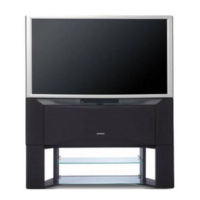
Hitachi 46F500 - Connecting External Audio Sources

Hitachi 46F500
64 pages
Print Icon
To Next Page IconTo Next Page
To Previous Page IconTo Previous Page
Loading...
13
CONNECTING EXTERNAL AUDIO SOURCES
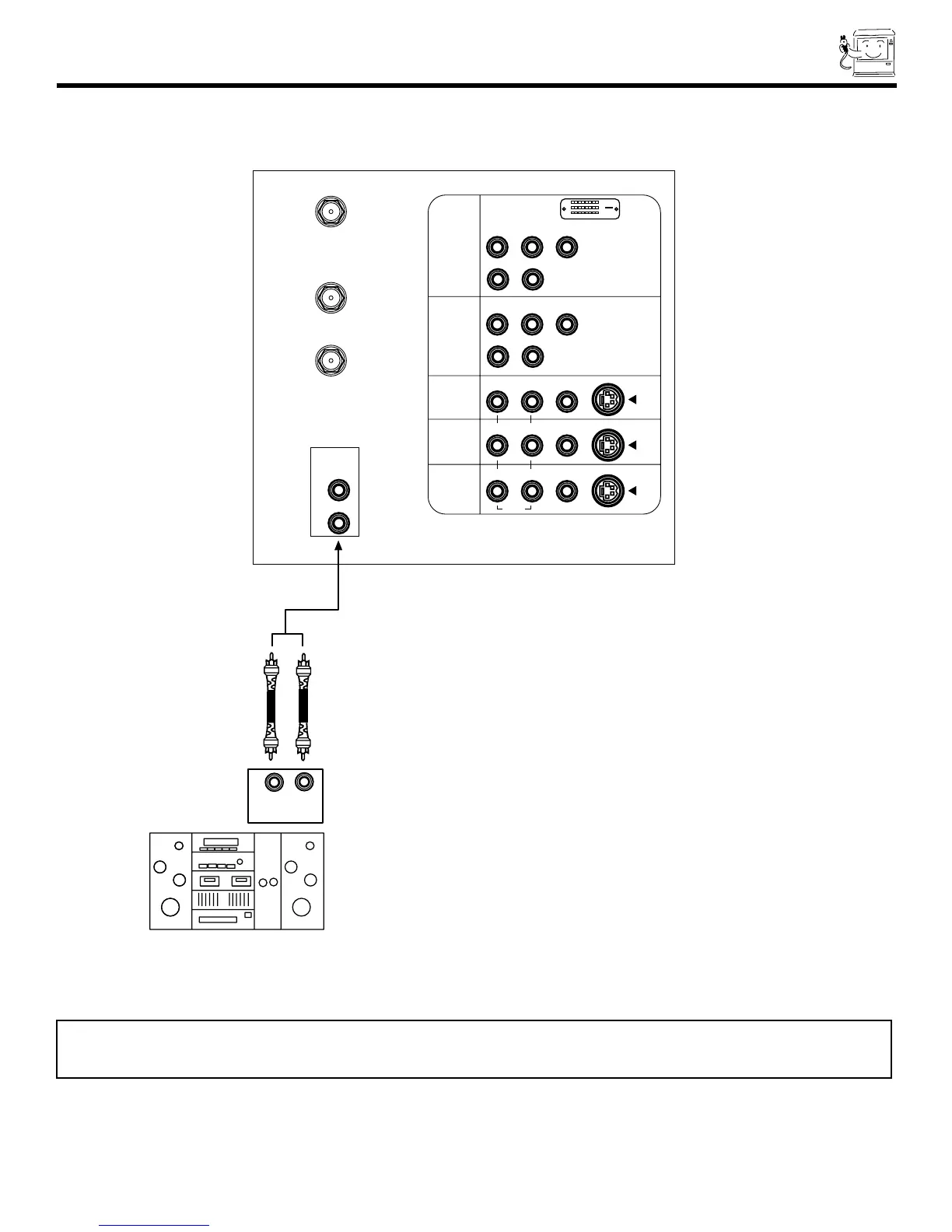
To control the audio level of an external audio amplifier with the remote control, connect the system as shown below.
NOTE: 1. To prevent damage to the speaker and distorted sound, set the volume control of the audio amplifier lower and adjust
the sound using the remote control of the TV set.
2. See page 41 for AUDIO Advanced Settings.
REAR PANEL OF TELEVISION

P
B
P
R
P
B
P
R
Stereo System Amplifier
LR
INPUT
ANT A
TO
CONVERTER
ANT B
L
Y
R
(MONO)/L
AUDIO
TO HI-FI
R
S-VIDEO
S-VIDEO
S-VIDEO
Y/VIDEO
R
(MONO)/L
R
(MONO)/L VIDEO
R
(MONO)/L VIDEO
R
L VIDEO
INPUT 1
INPUT 2
INPUT 3
INPUT 4
MONITOR
OUT
AUDIO
AUDIO
AUDIO
DVI-HDTV

Related product manuals