SETUP
50
The time must be adjusted before you can use the “Set Event Timer” or “TV Time Out” features.
Use CURSOR or to set the time and date.
Press CURSOR or to change position.
Press EXIT to quit menu.
Set The Clock
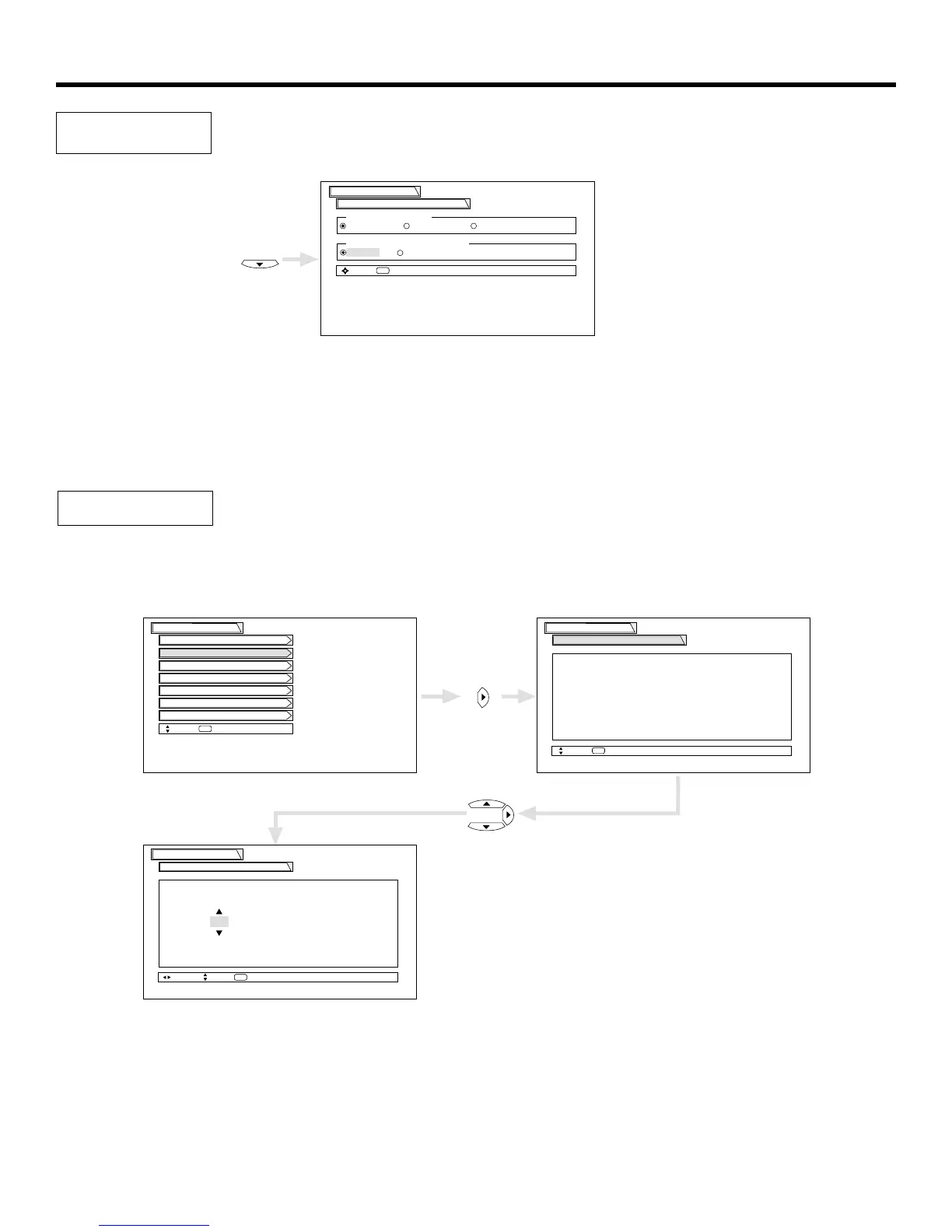
This function allows you to choose from two menu backgrounds.
Use CURSOR , to highlight SET THE MENU BACKGROUND (shaded or solid), and press the SELECT button to select setting.
Press EXIT to quit menu or CURSOR to return to previous menu.
Select SOLID for a black background (no picture can be seen behind menu screen), or select SHADED for a light background.
Set The
Menu Background


 To Next Page