SETUP
49
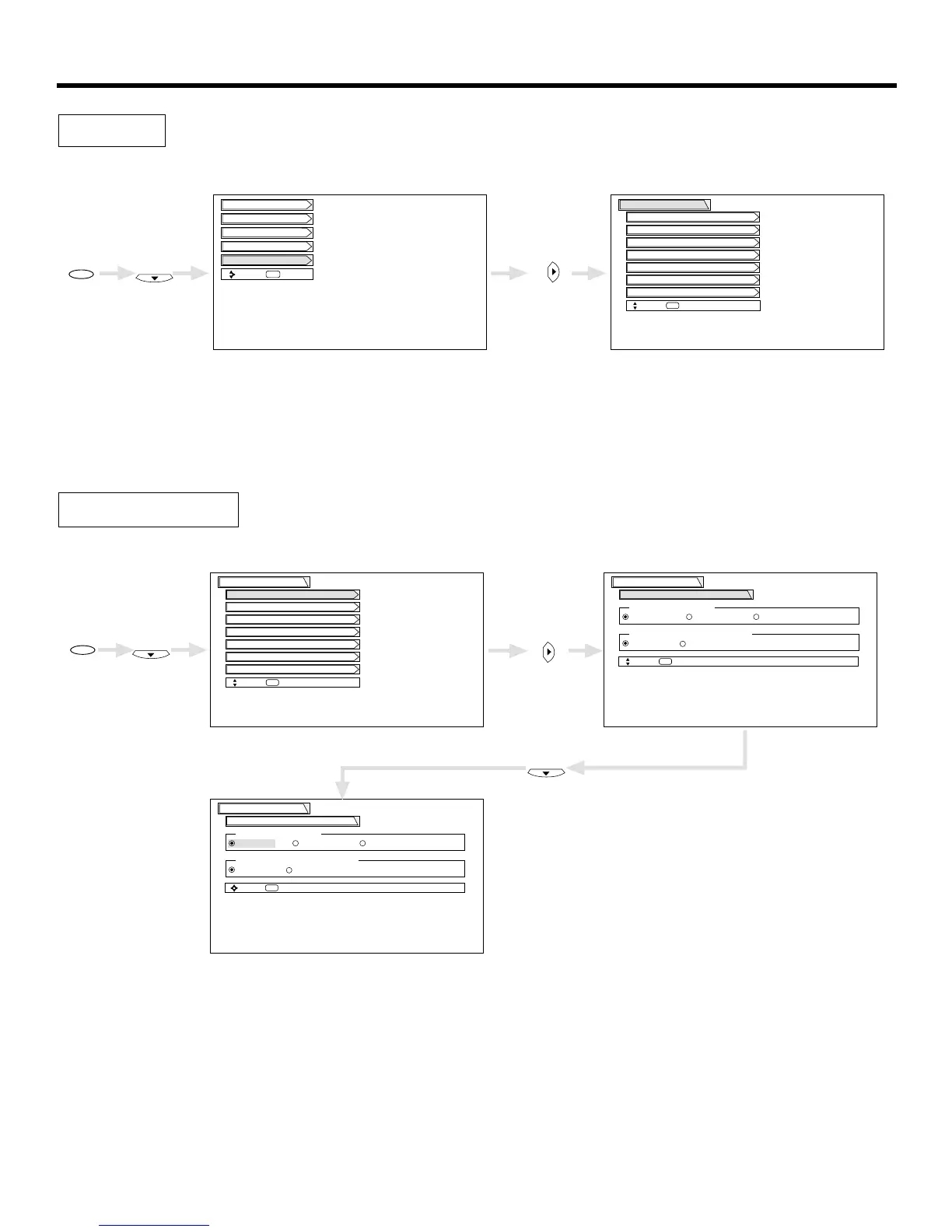
Select SETUP when setting your TV up for the first time. Use the CURSOR or on the remote to highlight the
function desired.
This feature will allow you to select any one of three different languages for all on-screen displays.
Use CURSOR , to highlight the language of your choice.
Press SELECT to select the highlighted language.
Press EXIT to quit menu or select MENU PREFERENCE to return to previous menu.
Menu Preference


 To Next Page