24
HOW TO USE THE REMOTE TO CONTROL YOUR TV
VIRTUAL HD button
Press this button to toggle between 1080i and 540p.
INFO button
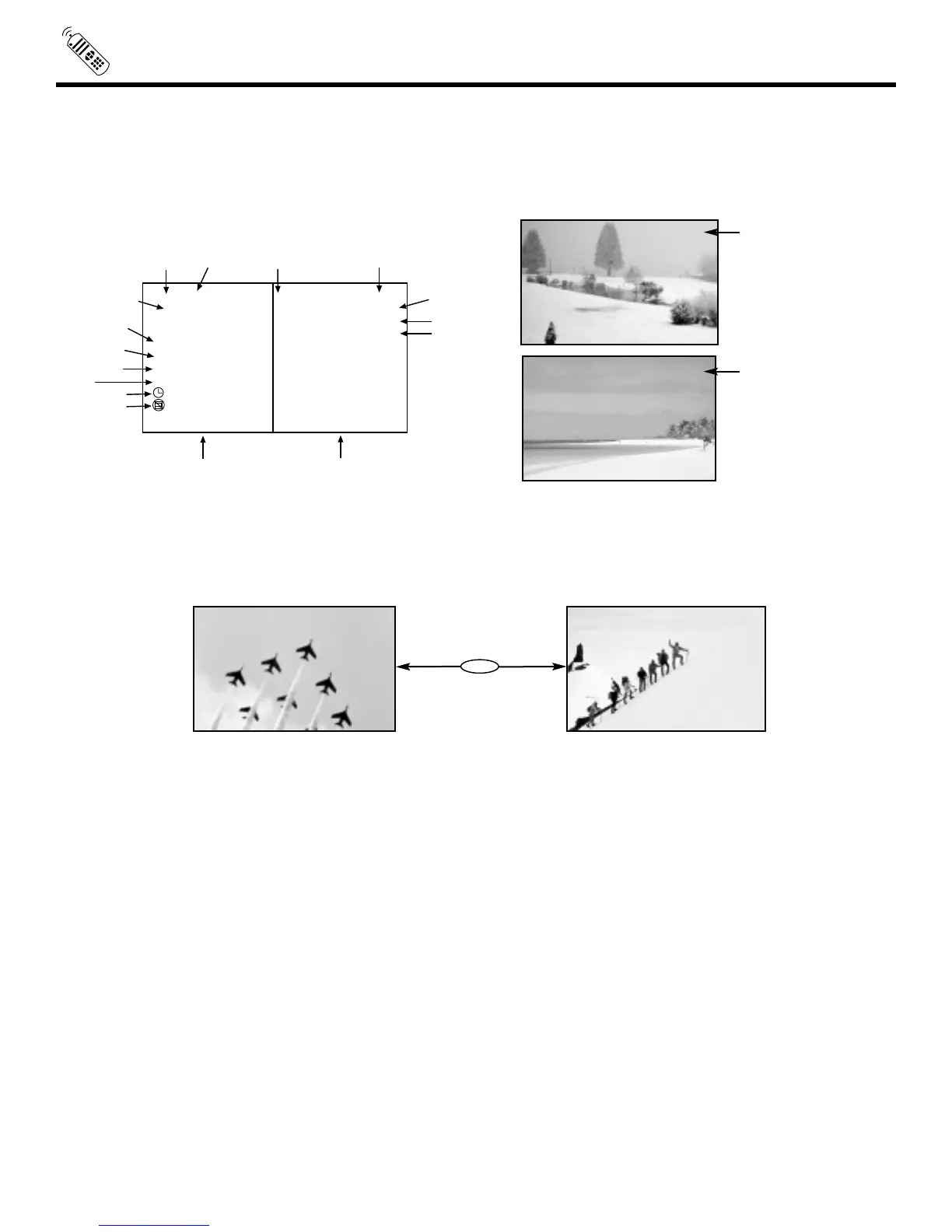
Press this button when you want to check the channel being received, the picture source, if the channel has stereo (ST) or second
audio program (SAP), the time and CHANNEL ID.
EXIT button
When in MENU mode, this button will exit all On-Screen Displays.
LAST CHANNEL (LAST CH) button
Use this button to select between the last two channels viewed. (Good for watching two sporting events, etc.)
PIP CH button
Use the PIP CH button to select between main picture and sub-picture tuning. The channel number which is highlighted indicates
what channel is being controlled.
MENU button
The MENU button will start the On-Screen Display.
Ant A 10
Ant A 39


 To Next Page
 Loading...