61
3. Click , and then save the le to the root
folder of a standard USB ash drive.
4. When the download nishes, take the USB ash drive to
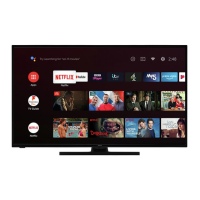
the TV and plug it into the USB port. When you do, the TV
validates the les on the ash drive and displays a 12-digit
code.
5. Write down the code and the web address, and take this
informaon back to your Internet-connected computer.
6. On the page, enter the code your TV dis-
played, and then click .
7. On the code page, write down the 6-digit code that
appears, and then take it back to your TV.
8. Using the TV remote control, select to move to the
next screen, and then use the on-screen keyboard to enter
the 6-digit code. When nished, select OK. The system
update begins. Do not remove the USB ash drive unl the
TV restarts.
When the update nishes, the TV restarts. You can check the new ver-
sion number by navigang to .
12- and 6-digit codes
USB ash drive


 To Next Page