- 11 -
Button Functions
General Operate
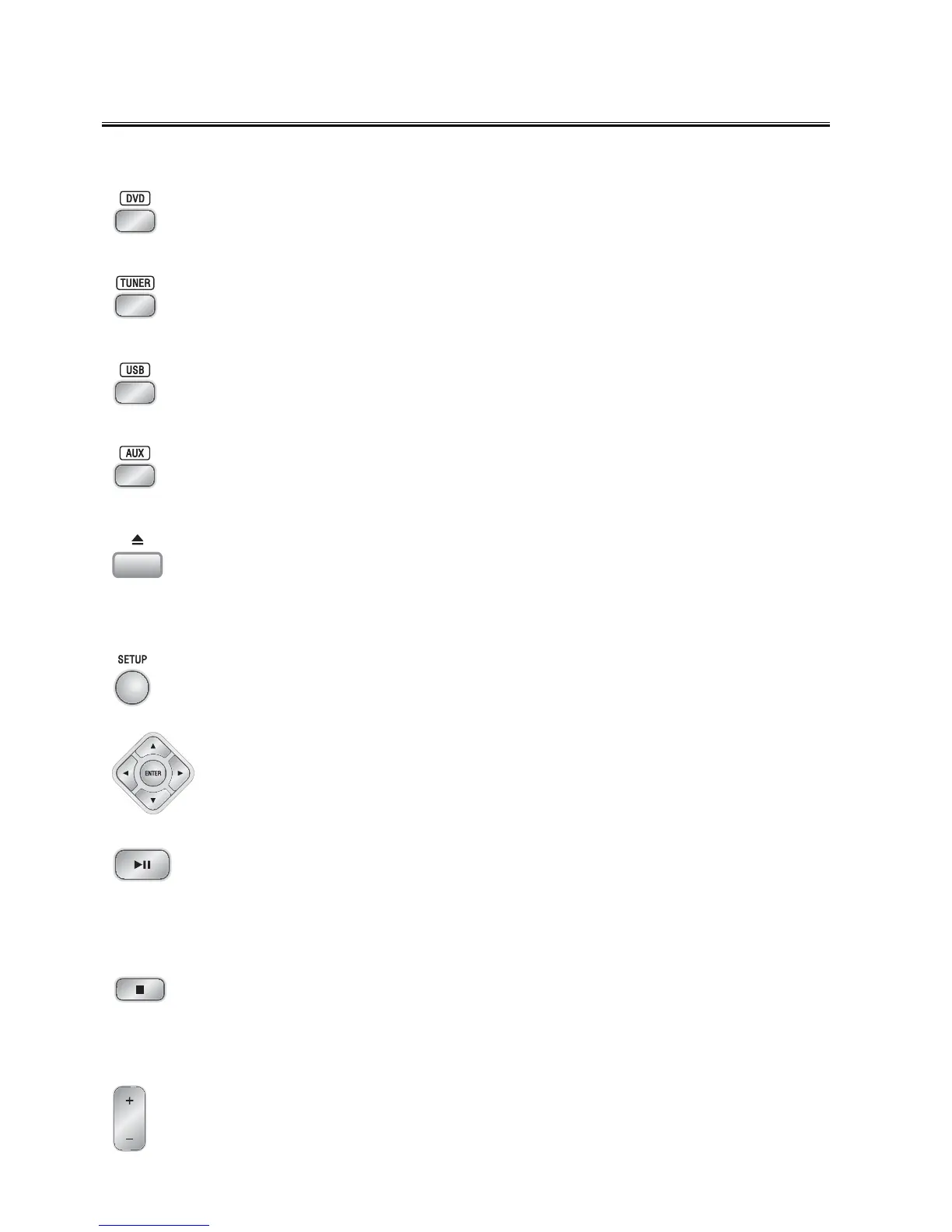
DVD Button
In power on mode, press the
DVD button to select DVD function.
(You can also press the key “
FUNCTION” on the panel of unit to reach this function.)
TUNER Button
Press the
TUNER button to select TUNER function.
(You can also press the key “
FUNCTION” on the panel of unit.)
USB Button
Press the
USB button to select USB function.
(You can also press the key “
FUNCTION” on the panel of unit.)
AUX Button
Press the
AUX button to select AUX function, when you need to use auxiliary equipment.
(You can also press the key “
FUNCTION” on the panel of unit.)
Open/Close Button (on the panel of unit)
Press the open/close button (
K) on the unit to open the disc tray then place the disc on the
disc tray (with the printed side up). Press this button again to close the disc tray, the unit will
read the disc. The disc type will be displayed on the TV screen and the disc will be played
automatically.
Setup Button
Press the
SETUP button to enter or exit the setup menu.
STWSTW
STWSTW
STW
XX
XX
X
Buttons
Press the
STW X buttons to move the cursor to the desired selection.
Press the
ENTER button to confirm the selection.
Play/Pause Button
In DVD stop mode, press the
BF button to start playing the disc.
When playing disc, press the
BF button to temporarily pause the playing, press the button
again to continue the playback.
(You can also press the key “
BF” on the panel of unit.)
Stop Button
Press the
L button to stop playing, then press the BF button, the unit will resume to play at
the point it stop.
(You can also press the key “
L” on the panel of unit.)
Volume Up/Down Buttons
Press the volume + button to increase the volume. Press the volume - button to decrease
the volume.
(You can also turn the control knob “
- VOLUME +” on the panel of unit.)


 To Next Page