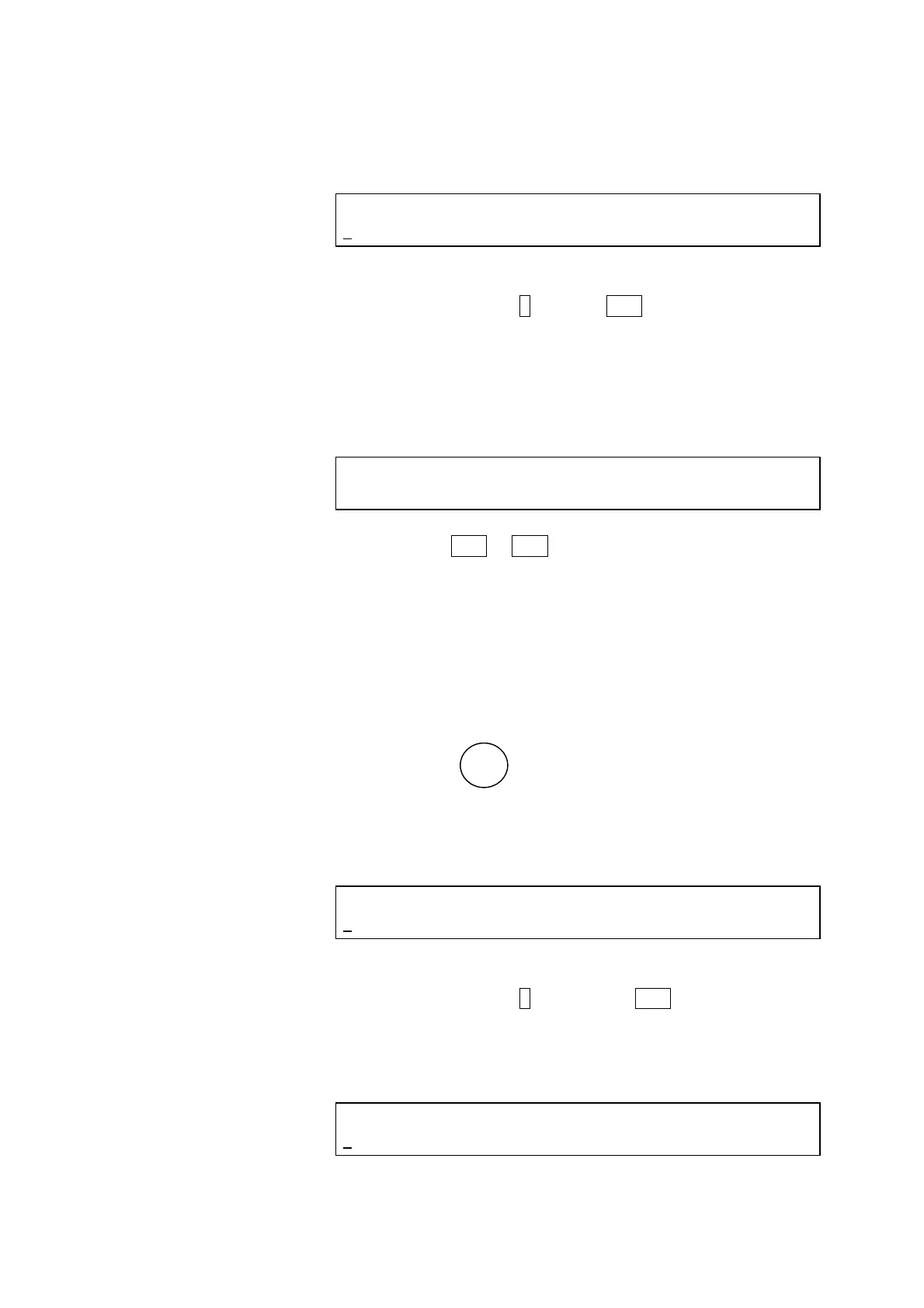
(4) The following display will be presented.
<Logbook selecting screen>
LOGBOOK(REPORT=1, RESET=2)
1
Select Report.
Press numeric key 1 and then ENT key.
(5) On the logbook report screen, the total ON period of the Hg
lamp, the number of switching-on times and the date of the
last lamp change will be indicated.
<Logbook report screen>
Hg LAMP SWITCHING LAST CHANGED DATE
12h 56 times 9/ 1/2010
Press the ENT or ESC key.
(6) Logbook display is now completed and the 1
st
monitor
screen returns.
3.3.4 Hg lamp logbook data resetting
Total on period of the Hg lamp, the number of switching-on times
and the date of the last lamp change are reset.
(1) Press the
GLP
key.
(2) The following display will be presented.
<GLP initial screen>
GLP (LOGBOOK=1, KEY LOCK=2,
1
WL CHECK=3, Xe CHECK=4)
Select LOGBOOK.
Press numeric key 1 and then the ENT key.
(3) The following display will be presented.
<Lamp selecting screen>
LAMP SELECT (Xe=1, Hg=2)
2
3 - 21




 To Next Page