EasyManua.ls Logo

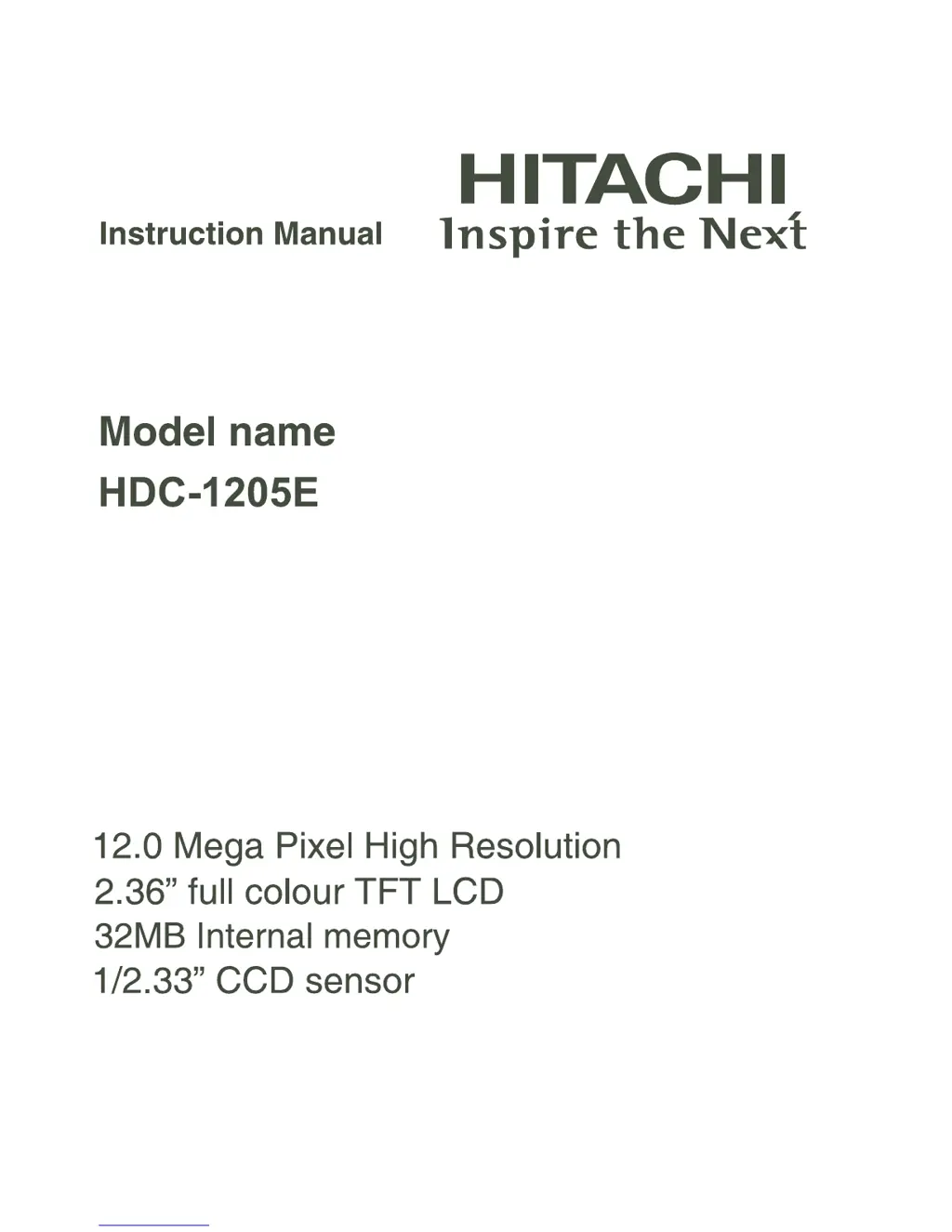
Hitachi HDC-1205E - User Manual

Hitachi HDC-1205E
48 pages
Print Icon
To Next Page IconTo Next Page
Loading...

Questions and Answers

  • T
    tcortezAug 12, 2025
    What to do if my Hitachi Digital Camera doesn't take a picture when I press the shutter button?
    • J
      Justin JonesAug 12, 2025
      If your Hitachi Digital Camera isn't taking pictures even when you press the shutter button, ensure you press the button all the way down. Also, check if your memory card is full; if so, insert a new card or delete files. Finally, verify that the memory card isn't write-protected and remove the write-protection if it is.
  • C
    Carlos DavisAug 16, 2025
    Why won't my Hitachi HDC-1205E turn on?
    • A
      Anthony RuizAug 16, 2025
      If your Hitachi Digital Camera won't turn on, the battery may not be inserted correctly. Make sure to insert the battery correctly. Alternatively, the battery might be exhausted, in which case you should recharge it.
  • M
    Matthew YatesAug 20, 2025
    Why can't I download images from my Hitachi Digital Camera?
    • N
      nancy79Aug 20, 2025
      If your Hitachi Digital Camera cannot download images, ensure your computer's hard disk has sufficient free space for Windows to run. Also, confirm that the drive for loading image files has at least the same capacity as the memory card in the camera. Also, make sure that the battery is charged.
  • C
    Cynthia TorresAug 23, 2025
    What to do if the buttons on my Hitachi HDC-1205E are not working?
    • T
      timothymossAug 23, 2025
      If your Hitachi Digital Camera buttons don't seem to work, it might be because the battery is low. Try recharging the battery.
  • M
    Mr. Chris Rodgers MDAug 27, 2025
    Why does the battery run out quickly on my Hitachi HDC-1205E?
    • R
      robertdeanAug 27, 2025
      If your Hitachi Digital Camera battery drains quickly, it might not be fully charged or hasn't been used for a while after charging. Fully charge the battery and discharge it completely for at least one cycle to maximize its performance and lifespan.
  • T
    Timothy JenningsAug 31, 2025
    How to fix autofocus on Hitachi HDC-1205E?
    • W
      William FlynnAug 31, 2025
      If your Hitachi Digital Camera's autofocus isn't working, the lens might be dirty. Clean it with a soft, dry cloth or lens paper. Also, make sure that the subject is within the effective focus range.
  • D
    Darryl ValenzuelaSep 4, 2025
    What to do if images do not appear on the LCD monitor of Hitachi Digital Camera?
    • K
      Kenneth WalkerSep 4, 2025
      If images aren't showing up on your Hitachi Digital Camera's LCD monitor, the LCD monitor might be too dark. Adjust the brightness of the LCD monitor in the menu.
  • A
    Antonio MartinSep 8, 2025
    What to do if the contents on the memory card cannot be played back on Hitachi HDC-1205E Digital Camera?
    • L
      leslieproctorSep 8, 2025
      If the contents on the memory card cannot be played back on your Hitachi Digital Camera, insert a memory card that was formatted on this camera.

Summary

SAFETY INSTRUCTIONS

Warnings

Critical safety precautions to prevent fire, electric shock, and injury.

Cautions

Important warnings regarding handling, environment, and potential damage.

Notes on Battery Usage

GETTING TO KNOW YOUR CAMERA

LCD Monitor Display

GETTING STARTED

Preparation

Steps for attaching the strap, inserting battery/card, and closing cover.

Charging the Battery

Instructions on how to charge the camera's battery using the AC adapter.

Initial Settings

Guides through setting the camera's date, time, language, and formatting memory.

CAPTURE MODE

Capturing Images

How to compose, zoom, focus, and take still photographs.

Setting the Scene Mode

Explains various scene modes and their descriptions for optimal shooting.

VIDEO MODE

Recording Video Clips

How to record video clips at different resolutions and settings.

Playing Back Video Clips

Instructions for playing recorded video clips on the camera.

PLAYBACK MODE

Playing Back Still Images

How to view still images, navigate, zoom, and magnify.

MENU OPTIONS

TRANSFERRING FILES TO YOUR COMPUTER

Downloading Your Files

Step-by-step guide to connect the camera and copy files to a computer.

USING THE CAMERA AS A PC CAMERA

SPECIFICATIONS

Troubleshooting

Common Problems and Solutions

Lists symptoms, causes, and corrective actions for camera issues.

HDC-1205 E Warranty Information

Hitachi HDC-1205E Specifications

General IconGeneral
CategoryDigital Camera
Camera typeCompact
Display TypeLCD
Microphone Operation ModeMono
Battery TypeLithium-ion
ModelHitachi HDC-1205E
Exposure ModesAutomatic
White BalanceAutomatic
Connector TypeUSB

Related product manuals