EasyManua.ls Logo

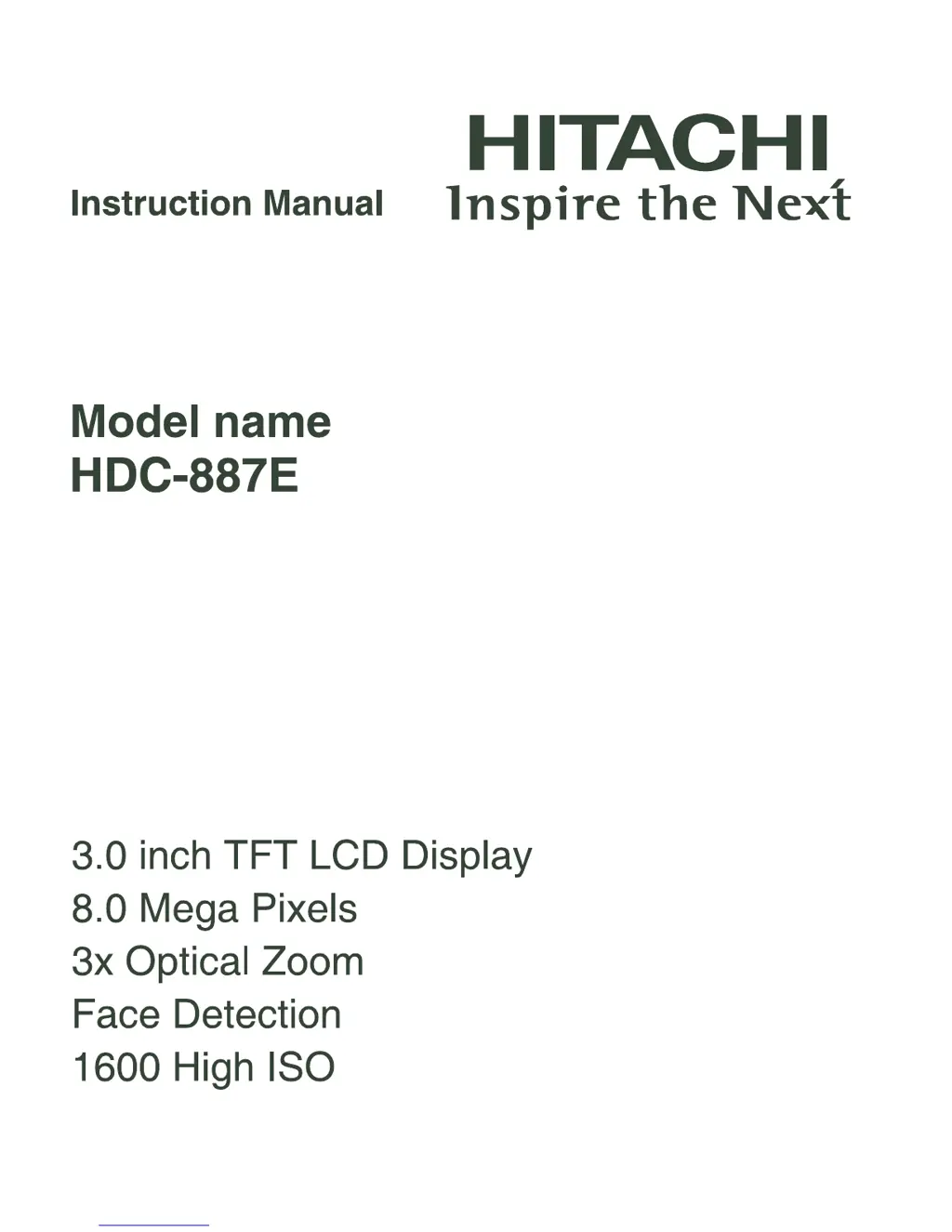
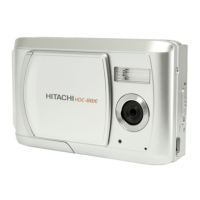
Hitachi HDC-887E - User Manual

Hitachi HDC-887E
48 pages
Print Icon
To Next Page IconTo Next Page
Loading...

Questions and Answers

  • W
    Whitney OwensAug 14, 2025
    Why does my Hitachi HDC-887E Digital Camera battery run out quickly?
    • L
      Laura PerezAug 14, 2025
      If the battery on your Hitachi Digital Camera drains quickly, it might not be fully charged, or it hasn't been used for a while after charging. To maximize its performance, fully charge the battery and then let it discharge completely for at least one cycle before using it again.
  • J
    Janet JonesAug 17, 2025
    What to do if my Hitachi HDC-887E does not take a picture?
    • V
      Victoria FosterAug 17, 2025
      If your Hitachi Digital Camera doesn't take a picture, make sure you press the shutter button all the way down. Also, check if your memory card is full; if so, insert a new card or delete unwanted files. Finally, ensure that the memory card is not write-protected by removing the write-protection.
  • H
    holly89Aug 21, 2025
    How to fix a Hitachi HDC-887E that won't turn on?
    • J
      james96Aug 21, 2025
      If your Hitachi Digital Camera won't turn on, first ensure that the battery is correctly inserted. If it is, the battery may be exhausted, in which case you should recharge it.
  • L
    Laurie BallAug 25, 2025
    What to do if my Hitachi HDC-887E cannot download images?
    • J
      Jennifer KingAug 25, 2025
      If you cannot download images from your Hitachi Digital Camera, check if your computer's hard disk has enough free space, especially for running Windows. Also, ensure the drive you're loading the images to has at least as much capacity as the memory card in your camera. Also, check if the camera has power by recharging the battery.
  • S
    Sarah AndersonAug 27, 2025
    Why does my Hitachi HDC-887E Digital Camera not focus even on auto focus?
    • A
      Andrea JuarezAug 27, 2025
      If your Hitachi Digital Camera doesn't focus in auto focus mode, the lens might be dirty. Try wiping it clean with a soft, dry cloth or lens paper. Also, make sure the subject is within the effective focus range.
  • J
    Jack BushAug 31, 2025
    What to do if Hitachi HDC-887E Digital Camera buttons don't work?
    • M
      Mallory JacobsAug 31, 2025
      If the buttons on your Hitachi Digital Camera aren't working, the battery may be running low. Try recharging the battery.
  • E
    eavilaSep 3, 2025
    How to fix images not appearing on Hitachi HDC-887E Digital Camera LCD monitor?
    • J
      Jessica GarnerSep 3, 2025
      If images are not appearing on your Hitachi Digital Camera's LCD monitor, the monitor might be too dark. Adjust the brightness of the LCD monitor in the menu.
  • J
    Joy HamiltonSep 6, 2025
    What to do if Hitachi Digital Camera files cannot be deleted?
    • S
      shahjacobSep 6, 2025
      If you can't delete files on your Hitachi Digital Camera, the file may be protected; if so, cancel the protection. Also, the memory card might be write-protected; remove the write-protection in this case.
  • L
    Laura HudsonSep 10, 2025
    Why Hitachi HDC-887E Digital Camera memory card contents cannot be played back?
    • U
      unelsonSep 12, 2025
      If the contents on the memory card of your Hitachi Digital Camera cannot be played back, it may be because the memory card was not formatted by this camera. Insert a memory card that was formatted on this camera.

Summary

Safety and Handling Precautions

General Warnings

Critical warnings about potential hazards, fire, electric shock, and physical damage.

Usage Cautions

Important cautions for preventing damage, ensuring proper use, and avoiding hazards.

Getting to Know Your Camera Components

Front View Identification

Identification of buttons, lens, and indicators on the front panel of the camera.

Rear View Identification

Identification of buttons, monitor, and terminals on the rear panel of the camera.

Getting Started with Camera Operation

Camera Capture Modes

Capturing Still Images

Basic steps and button operations for taking photographs with the camera.

Smile Detection Shooting

Using the smile detection function to automatically capture photos of smiling faces.

Face Detection Focusing

Utilizing face detection technology to automatically focus on human faces in the scene.

Video Recording and Playback

Recording Video Clips

Instructions for capturing video clips at various resolutions and frame rates.

Image Playback Functions

Viewing Still Images

Steps for playing back and navigating through still images on the camera's LCD.

Menu System Navigation

Capture Menu Options

Configuration options for capturing still images: Scene Mode, Size, Quality, Sharpness.

Transferring Files to Your Computer

Using the Camera as a PC Camera

Technical Specifications

Troubleshooting Common Camera Issues

Problem Resolution Guide

Solutions for common camera problems like power issues, image capture failures, and connectivity errors.

Connecting to a Printer via PictBridge

Hitachi HDC-887E Specifications

General IconGeneral
ModelHDC-887E
CategoryDigital Camera
Optical Zoom3x
Digital Zoom4x
LCD Screen Size2.7 inches
Storage MediaSD/SDHC card
Battery TypeAA batteries
Effective Pixels8.0 Megapixels

Related product manuals