EasyManua.ls Logo

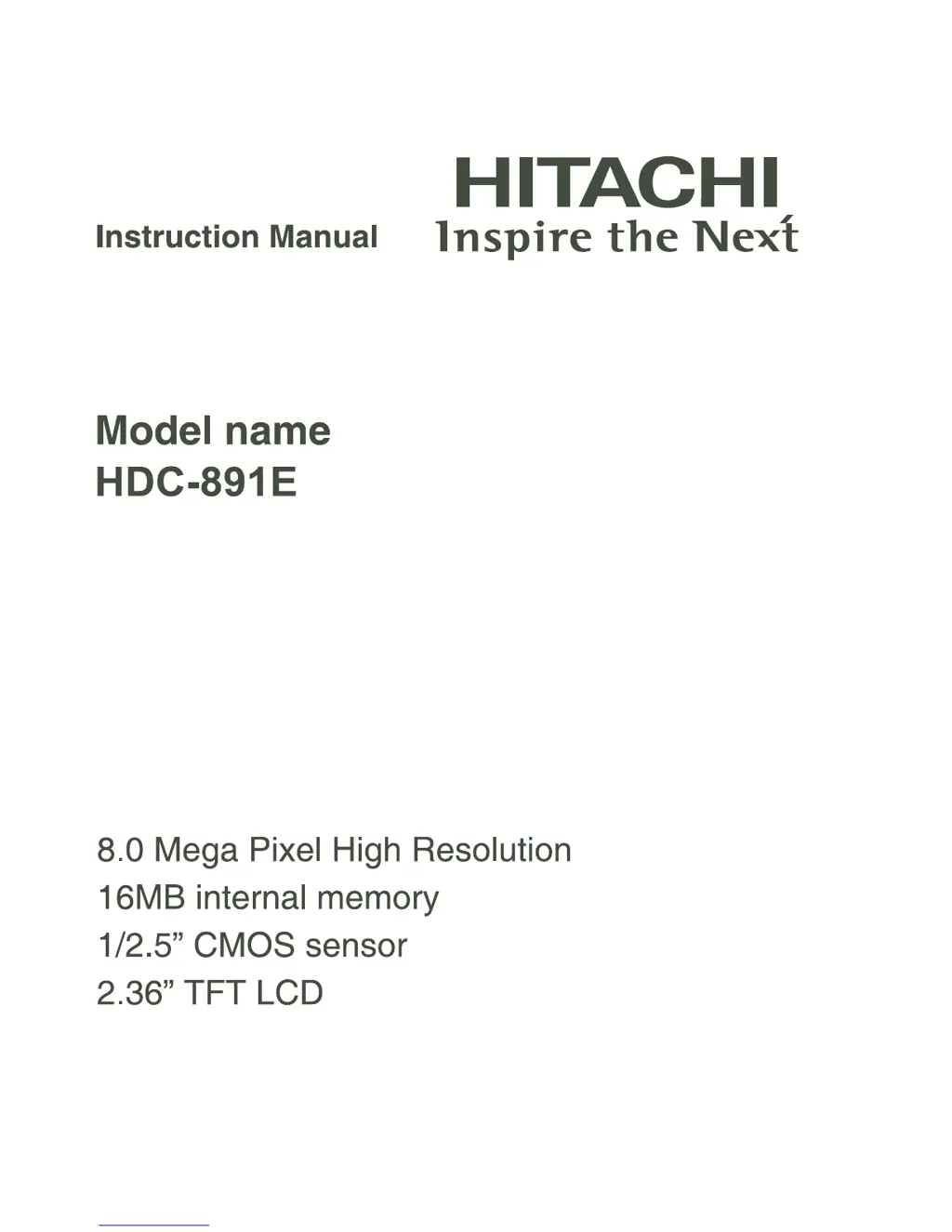
Hitachi HDC-891E - User Manual

Hitachi HDC-891E
43 pages
Print Icon
To Next Page IconTo Next Page
Loading...

Questions and Answers

  • C
    Charles JonesJul 30, 2025
    Why won't my Hitachi HDC-891E Digital Camera turn on?
    • K
      Katherine HuffJul 31, 2025
      If your Hitachi Digital Camera isn't powering on, it could be due to several reasons: * The batteries might not be loaded correctly; ensure they are properly inserted. * The batteries may be exhausted; try replacing them with a fresh set. * Make sure you are using Alkaline or Ni-MH rechargeable batteries.
  • T
    Taylor JimenezAug 5, 2025
    What to do if my Hitachi HDC-891E does not shoot when I press the shutter button?
    • B
      Brian SmithAug 5, 2025
      If your Hitachi Digital Camera isn't taking pictures when you press the shutter button, consider these possibilities: 1. Make sure to press the shutter button all the way down. 2. Check if your internal memory or memory card is full. If so, insert a new memory card or delete unnecessary files. 3. Wait for the flash to charge fully until the status LED turns green. 4. Ensure that your memory card is not write-protected; remove the write-protection if it is.
  • A
    andrea74Aug 12, 2025
    What to do if my Hitachi Digital Camera cannot delete files?
    • L
      lclineAug 12, 2025
      If you're having trouble deleting files on your Hitachi Digital Camera, it might be because the file is protected. In this case, cancel the protection. Alternatively, the memory card might be write-protected, so remove the write-protection.
  • J
    Joseph GreenAug 17, 2025
    Why does the start-up screen blink on my Hitachi HDC-891E?
    • J
      julie06Aug 17, 2025
      If the start-up screen blinks after powering up your Hitachi Digital Camera, it might mean the rechargeable batteries have reached the end of their effective life. Try replacing them with a new set of rechargeable batteries.
  • E
    Elizabeth HensleyAug 23, 2025
    Why is my Hitachi HDC-891E Digital Camera not focusing?
    • M
      morrisdavidAug 25, 2025
      If your Hitachi Digital Camera is having trouble focusing, the lens might be dirty; wipe it clean with a soft, dry cloth or lens paper. Also, make sure the distance to the subject is within the effective focus range.

Summary

FCC STATEMENT

FCC Compliance and Notes

Details on Part 15 compliance, testing, limits, and user measures for interference.

SAFETY INSTRUCTIONS

Warnings

Critical safety warnings regarding foreign objects, damage, disassembly, water, surfaces, batteries, and usage.

SAFETY INSTRUCTIONS

Cautions

Cautions on battery polarity, flash usage, LCD impact, handling, environment, heat, and connections.

Notes on Battery Usage

Battery Handling and Disposal

Guidelines for battery use, charging, storage, disposal, and avoiding incorrect types.

GETTING TO KNOW YOUR CAMERA

GETTING STARTED

Preparation and Basic Setup

Instructions for attaching strap, opening battery cover, loading batteries, and inserting memory cards.

CAPTURE MODE

Capturing Images and Zoom

Basic steps for composing, capturing images, and using the digital zoom feature.

VIDEO MODE

PLAYBACK MODE

MENU OPTIONS

TRANSFERRING FILES TO YOUR COMPUTER

System Requirements and Downloading Files

Lists system requirements and guides for transferring files from camera to computer.

USING THE CAMERA AS A PC CAMERA

SPECIFICATIONS

Troubleshooting Camera Issues

Connecting to a PictBridge Compliant Printer

Hitachi HDC-891E Specifications

General IconGeneral
BrandHitachi
ModelHDC-891E
CategoryDigital Camera
LanguageEnglish

Related product manuals