EasyManua.ls Logo

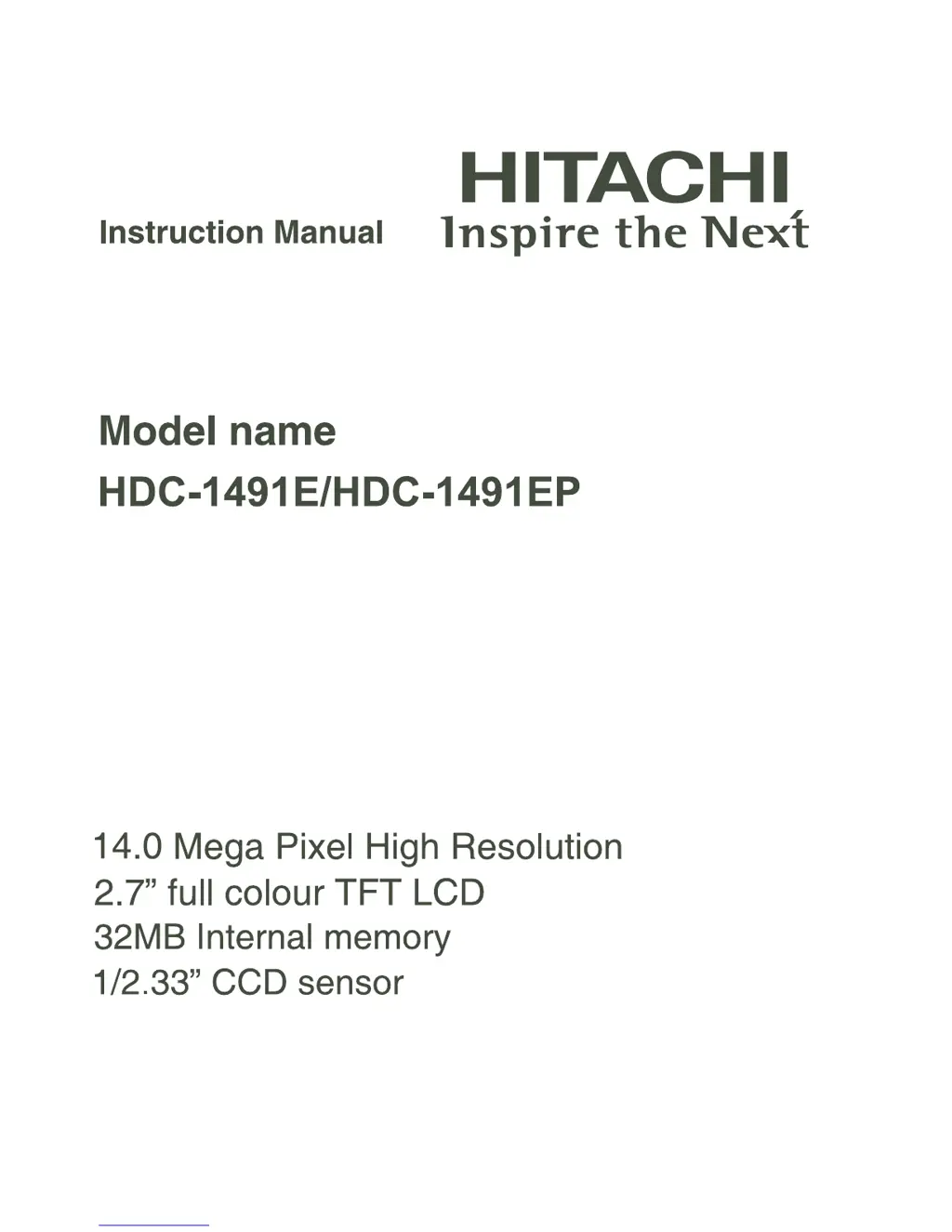
Hitachi HDC-1491E - User Manual

Hitachi HDC-1491E
48 pages
Print Icon
To Next Page IconTo Next Page
Loading...

Questions and Answers

  • J
    Jacob BautistaAug 12, 2025
    What to do if my Hitachi HDC-1491E Digital Camera won't take a picture?
    • J
      Justin RivasAug 12, 2025
      If your Hitachi Digital Camera won't take a picture even when you press the shutter button, make sure you press the button all the way down. Also, check if your memory card is full; if so, insert a new card or delete unwanted files. Finally, ensure that the memory card is not write-protected by removing the write-protection.
  • G
    gcarterAug 16, 2025
    Why can't I download images from my Hitachi HDC-1491E?
    • C
      Crystal HooverAug 16, 2025
      If you cannot download images from your Hitachi Digital Camera, first ensure that your computer's hard disk has sufficient free space for running Windows and enough capacity for the image files. Also, ensure that the camera has a power supply by replacing the batteries with a new set.
  • M
    Mr. Timothy BrownAug 19, 2025
    How to fix a Hitachi Digital Camera that won't turn on?
    • J
      Jerome BellAug 19, 2025
      If your Hitachi Digital Camera won't turn on, the batteries may not be inserted correctly; ensure they are properly loaded. Alternatively, the batteries might be exhausted, so try replacing them with a new set.
  • K
    kari07Aug 23, 2025
    Why isn't my Hitachi HDC-1491E Digital Camera focusing in auto focus mode?
    • J
      Jamie ThomasAug 23, 2025
      If your Hitachi Digital Camera is not focusing even when set to auto focus, try wiping the lens clean with a soft, dry cloth or lens paper. Additionally, ensure that the subject is within the effective focus range of the camera.
  • M
    Michael HendersonAug 27, 2025
    What to do if I can't delete files on my Hitachi HDC-1491E Digital Camera?
    • M
      Mark BrockAug 27, 2025
      If you are unable to delete files from your Hitachi Digital Camera, it could be because the file is protected; cancel the protection. Alternatively, the memory card might be write-protected, so remove the write-protection.
  • M
    Melvin SmithAug 31, 2025
    Why don't images appear on my Hitachi HDC-1491E Digital Camera LCD monitor?
    • L
      Lisa WarrenAug 31, 2025
      If images do not appear on the LCD monitor of your Hitachi Digital Camera, the LCD monitor may be too dark. Adjust the brightness of the LCD monitor in the menu.
  • T
    Trevor GarciaSep 3, 2025
    Why can't I play back contents on my Hitachi Digital Camera?
    • J
      Jade JenningsSep 3, 2025
      If the contents on the memory card cannot be played back on your Hitachi Digital Camera, it may be due to the memory card not being formatted by this camera. Insert a memory card that was formatted on this camera.
  • C
    Christine JohnsonSep 7, 2025
    Why does my Hitachi Digital Camera feel warm?
    • V
      virginiareevesSep 7, 2025
      A Hitachi Digital Camera or its batteries may feel warm due to long periods of continuous use of the camera or the flash.

Summary

GETTING TO KNOW YOUR CAMERA

Front and Rear Views

Identifies buttons and components on the front and rear of the camera.

GETTING STARTED

Preparation

Steps for preparing the camera for first use, including attaching strap and inserting components.

CAPTURE MODE

Capturing Images

Instructions on how to take still photographs using the camera.

PLAYBACK MODE

Playing Back Still Images

Guide to reviewing still images captured by the camera.

VIDEO MODE

Recording Video Clips

Steps for recording video clips with the camera.

Playing Back Video Clips

Instructions for viewing recorded video clips on the camera.

Erasing Images

Erasing in Photography Mode

Quick delete function for the last captured image during capture.

TRANSFERRING FILES TO YOUR COMPUTER

Downloading Your Files

Steps for connecting the camera to a computer to transfer images and videos.

SAFETY INSTRUCTIONS

Warnings

Critical safety guidelines and potential hazards related to camera usage.

Cautions

Handling and Usage Precautions

Important precautions for safe operation and to prevent damage.

Notes on Battery Usage

Battery Handling and Safety

Guidelines for proper battery usage, charging, and disposal.

LCD Monitor Display

Capture Mode Icons and Settings

Explanation of icons and settings displayed in capture mode on the LCD.

Initial Settings

Setting the Date and Time

Guide to setting the camera's date and time upon first use.

Choosing the Language

Language Selection

How to select the display language for menus and messages.

Formatting the Memory Card or Internal Memory

Memory Formatting Process

Utility to format memory cards or internal memory, erasing all data.

Setting the Scene Mode

Selecting Scene Modes

Guide to choosing scene modes for optimal shooting conditions.

MENU OPTIONS

Capture Menu Settings

Explains basic settings for capturing still images.

Video Menu

Video Recording Settings

Explains basic settings for recording video clips.

Playback Menu

Playback Options

Settings for reviewing images and videos on the camera.

Setup Menu

Camera Environment Settings

Customizing camera operating environment and preferences.

SPECIFICATIONS

Technical Specifications

Detailed technical data and features of the camera.

APPENDIX

Possible Number of Shots

Approximate number of shots based on memory capacity and image quality.

Possible Recording Time

Approximate recording time for video clips based on memory capacity.

Troubleshooting

Problem Solving Guide

Common issues and their solutions for camera operation.

HDC-1491 E;HDC-1491 EP Warranty

Warranty Information and Support

Details about product warranty, service, and contact information.

Hitachi HDC-1491E Specifications

General IconGeneral
Camera typeDigital Camera
ModelHDC-1491E
CategoryDigital Camera
Image sensorCCD
Lens mountFixed
Digital Zoom4x
Video outputComposite
Storage MediaSD Card

Related product manuals